

Create Accurate Bare-Earth Terrain Models in Minutes, No GIS Expertise Required
What Is a Digital Terrain Model?
A DTM shows what the landscape would look like if you removed every building, tree, vehicle, and structure. Only the natural ground surface remains, revealing valleys, ridges, slopes, and the true shape of the terrain.
Unlike a Digital Surface Model (DSM) which includes everything visible from above, a DTM uses only ground-classified LiDAR returns to create a bare-earth elevation grid. This makes it essential for any analysis where above-ground objects would interfere.
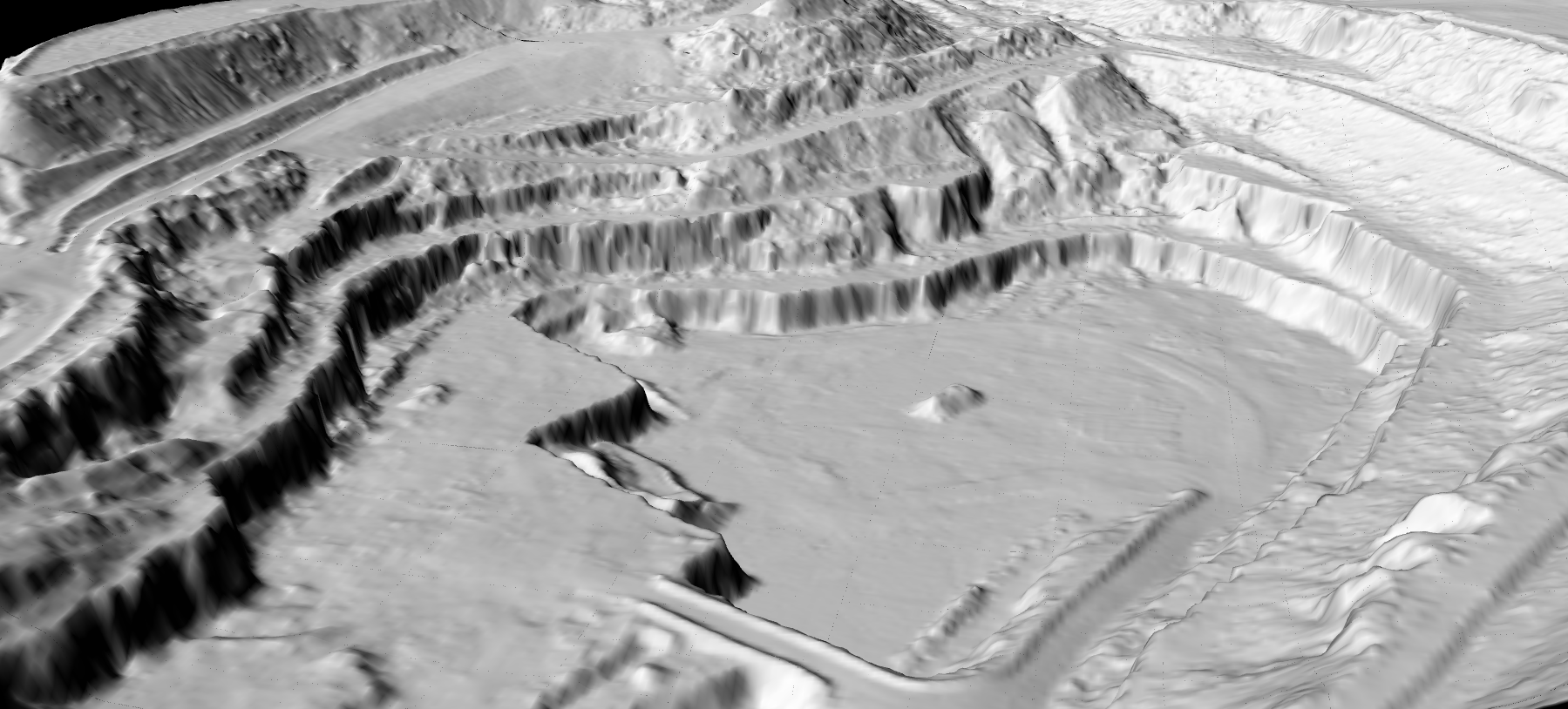
DTM vs DSM vs DEM
These three terms are frequently confused. Here is how they differ.
| Feature | DTM | DSM | DEM |
|---|---|---|---|
| Shows bare ground | Yes | No | Varies |
| Includes buildings | No | Yes | Varies |
| Includes vegetation | No | Yes | Varies |
| Used for flood modeling | Yes | Rarely | Yes |
| Used for contours | Yes | No | Yes |
| Used for building height | No | Yes | No |
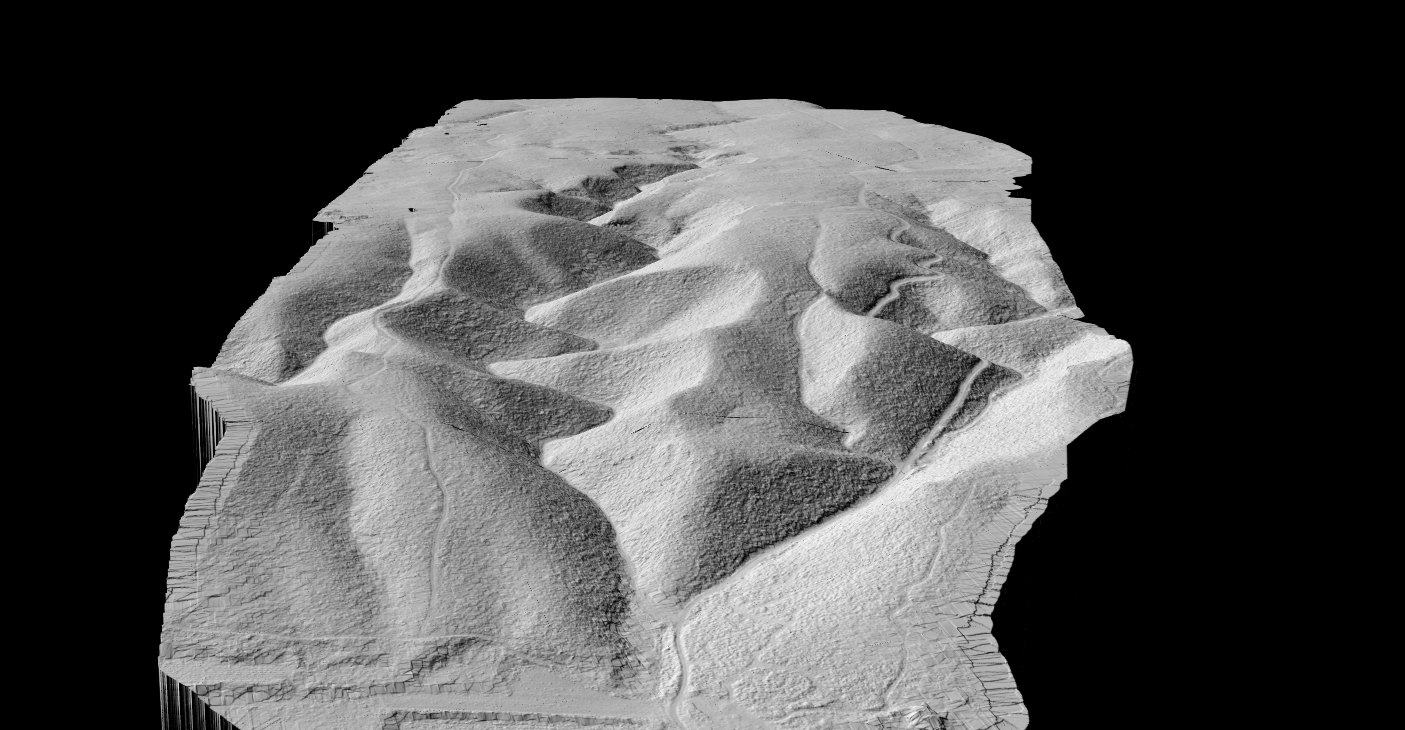
DTM hillshade visualization revealing terrain features in mountainous landscape
How DTMs Are Created from LiDAR
LiDAR provides the most accurate method for DTM creation. Laser pulses penetrate vegetation canopy, reaching the ground underneath trees where photogrammetry cannot.
01
Acquisition
Airborne or drone LiDAR captures millions of elevation points across the survey area.
02
Classification
Algorithms identify ground points versus vegetation, buildings, and noise.
03
Interpolation
Ground-classified points converted to a continuous raster surface.
04
Export
DTM saved as GeoTIFF with hillshade, contours, and slope maps.
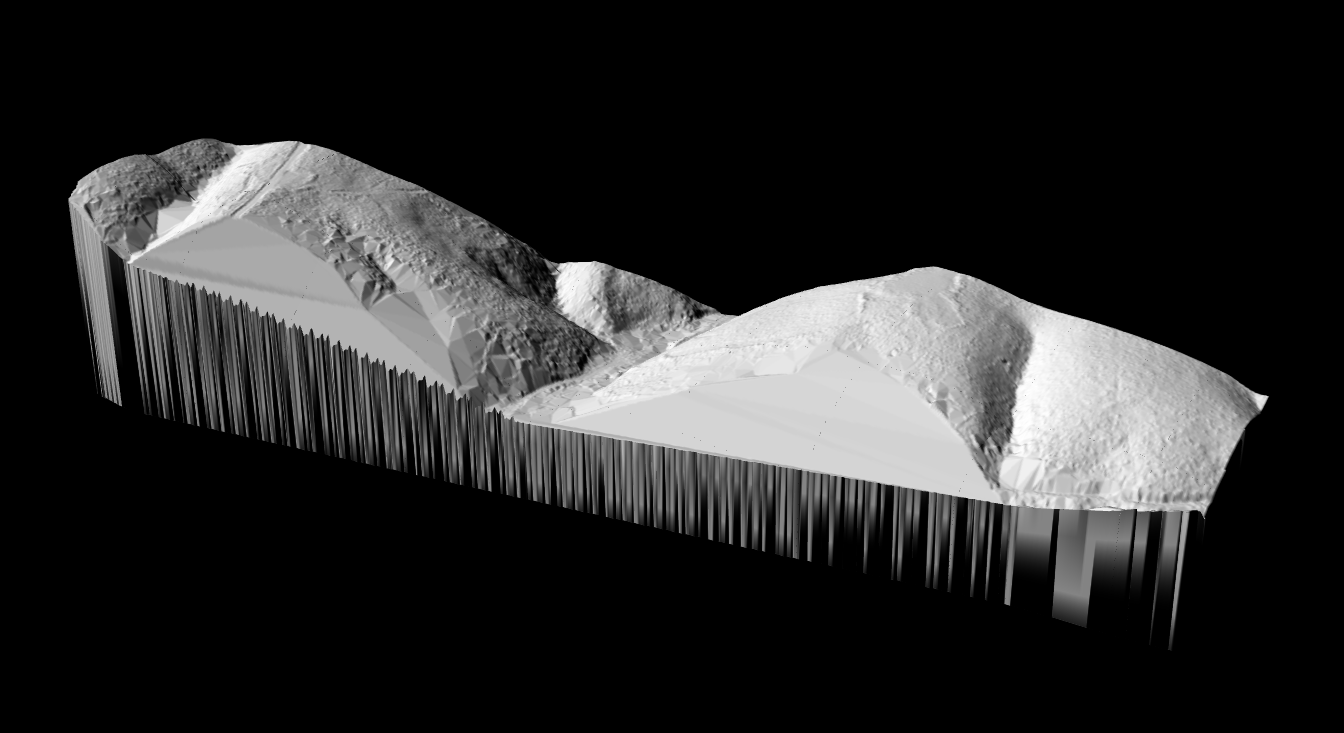
TIN (Triangulated Irregular Network) model used for DTM interpolation from ground points
DTM Creation Methods: LiDAR vs Photogrammetry vs Radar
Three primary technologies can generate terrain elevation data: LiDAR, photogrammetry, and radar (SAR). Each method has distinct advantages depending on your project requirements, budget, and environmental conditions.
| Factor | LiDAR | Photogrammetry | SAR (Radar) |
|---|---|---|---|
| Vegetation penetration | Excellent | None | Limited |
| Vertical accuracy | 3–15 cm | 10–50 cm | 1–5 m |
| Works in cloud cover | Limited | No | Yes |
| Works at night | Yes | No | Yes |
| Equipment cost | High | Low–Medium | Very High (satellite) |
| Processing complexity | Medium | Medium | High |
| Best for DTM creation | Vegetated terrain | Bare/open terrain | Large-scale regional |
When to Use Each Method
Choose LiDAR when:
- Vegetation covers the survey area (forests, dense brush, agricultural crops)
- High vertical accuracy is required (engineering, flood modeling)
- You need to map terrain under tree canopy
- Multiple derivative products are needed (DTM, DSM, contours, hillshade)
Choose Photogrammetry when:
- Terrain is mostly bare or has sparse vegetation
- Budget constraints prevent LiDAR acquisition
- Orthoimagery is also required alongside elevation data
- Moderate accuracy (10–30 cm) is acceptable
Choose Radar/SAR when:
- Surveying very large areas (regional or national scale)
- Persistent cloud cover prevents optical methods
- Coarse resolution (1–5 meter) is acceptable
- Using freely available satellite data (SRTM, Copernicus DEM)
For a detailed comparison, see our guide on LiDAR vs Photogrammetry.
DTM Applications by Industry
Digital Terrain Models serve as foundational datasets across multiple industries. Each sector relies on accurate bare-earth elevation data for different purposes, from predicting flood behavior to planning agricultural drainage systems.
Hydrology and Flood Modeling
Hydrologists and flood risk analysts rely on DTMs as the primary input for water flow simulations. Because a DTM removes buildings and vegetation, it reveals the true ground surface where water will accumulate and flow during storm events.
Key applications in this sector include:
- Watershed delineation: Identifying drainage basins and catchment boundaries based on terrain slope and flow direction
- Stream extraction: Automatically deriving stream networks from accumulated flow patterns across the terrain
- Flood extent mapping: Simulating water surface elevations to determine which areas will flood at different water levels
- Stormwater management: Designing retention ponds, channels, and drainage infrastructure based on accurate terrain grades
Learn more about how LiDAR-derived terrain data improves flood predictions in our DTM for Flood Modeling guide.
Civil Engineering and Construction
Civil engineers use DTMs for site planning, earthwork calculations, and infrastructure design. Accurate ground elevations are essential for determining cut-and-fill volumes, designing road profiles, and planning foundation depths.
Common engineering applications include:
- Cut/fill calculations: Comparing existing terrain to proposed grades to estimate material volumes for excavation or fill
- Road and highway design: Creating vertical alignments that minimize earthwork while meeting grade requirements
- Site grading: Planning how to reshape terrain for building pads, parking areas, and drainage slopes
- Foundation planning: Understanding subsurface conditions and existing grades for structural foundations
Engineers typically export DTM-derived contour lines to CAD software for integration with design drawings.
Agriculture and Precision Farming
Farmers and agricultural consultants use DTMs to understand field topography at centimeter precision. This micro-topography data drives decisions about drainage, irrigation, and field management.
Agricultural DTM applications include:
- Drainage planning: Identifying low spots where water pools and designing tile drainage systems to remove excess moisture
- Irrigation design: Planning sprinkler or drip systems that account for elevation changes across fields
- Variable rate application: Adjusting seed, fertilizer, or pesticide rates based on topographic position and soil moisture patterns
- Erosion assessment: Identifying areas where slope and drainage patterns create erosion risk
See our guide on LiDAR for agricultural drainage for detailed workflows.
Mining and Quarrying
Mining operations require frequent terrain surveys to track excavation progress, calculate stockpile volumes, and plan haul road routes. DTMs provide the baseline elevation data for these calculations.
Mining and quarry applications include:
- Volume calculations: Comparing DTMs from different dates to quantify extracted material or stockpile changes
- Pit planning: Designing benches, ramps, and final pit geometry based on accurate terrain data
- Haul road design: Planning road grades that balance efficiency with safety requirements for heavy equipment
- Reclamation planning: Designing final landforms for site closure and rehabilitation
Explore terrain analysis workflows in our LiDAR for mining guide.
Archaeology and Cultural Heritage
Archaeologists use LiDAR-derived DTMs to reveal subtle terrain features hidden beneath vegetation. Because DTMs remove the tree canopy, they expose ancient earthworks, burial mounds, and settlement patterns that are invisible on the ground or in aerial photographs.
Archaeological DTM applications include:
- Feature detection: Identifying subtle mounds, depressions, and linear features that indicate past human activity
- Landscape analysis: Understanding how ancient settlements related to terrain, water sources, and travel routes
- Survey planning: Prioritizing excavation locations based on remotely detected anomalies
- Documentation: Creating permanent records of terrain features that may be lost to development or erosion
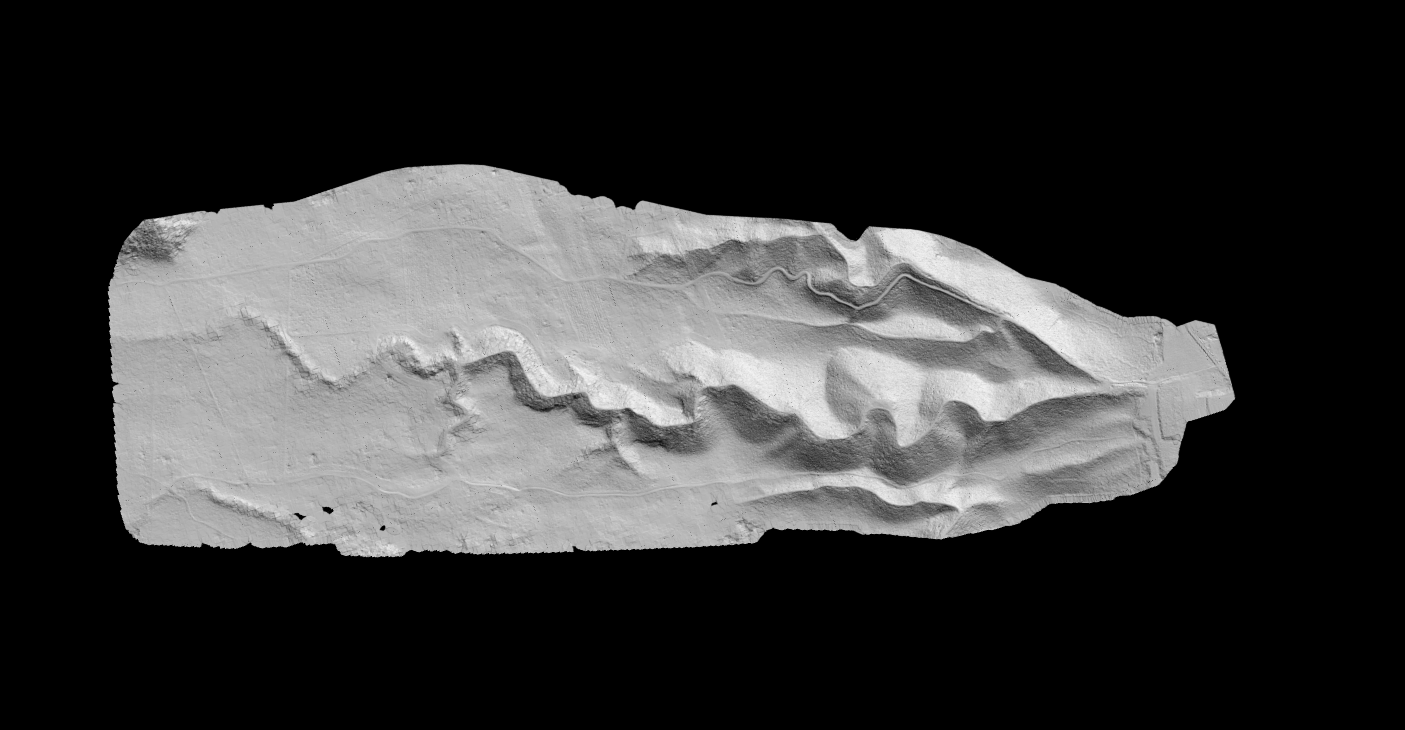
DTM hillshade visualizations are particularly effective for revealing faint archaeological features through shadow patterns.
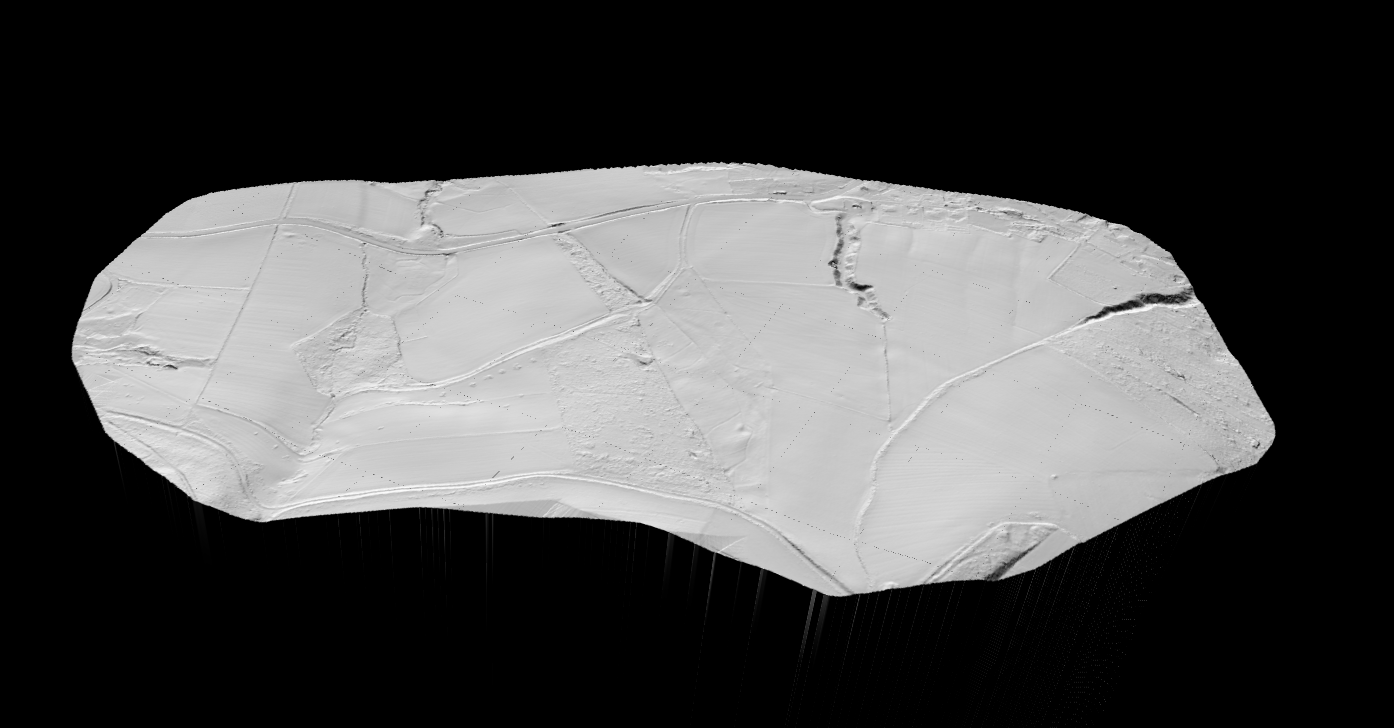
Agricultural DTM revealing field drainage patterns for precision farming applications
Resolution and Accuracy
| Application | Resolution |
|---|---|
| Regional flood modeling | 5–10m |
| Site engineering | 0.5–1m |
| Detailed construction | 0.1–0.25m |
| Archaeological survey | 0.25–0.5m |
Vertical accuracy depends on source data: airborne LiDAR achieves 5–15 cm RMSE, drone LiDAR with GCPs reaches 3–10 cm, and photogrammetry in open terrain yields 10–50 cm.
Classification Accuracy Matters
DTM quality depends entirely on accurate ground classification. Common challenges include:
- Dense vegetation: limited ground returns under thick canopy
- Complex terrain: steep slopes can confuse classification algorithms
- Low structures: cars, fences, and walls may be misclassified as ground
- Water surfaces: LiDAR struggles with specular water reflections
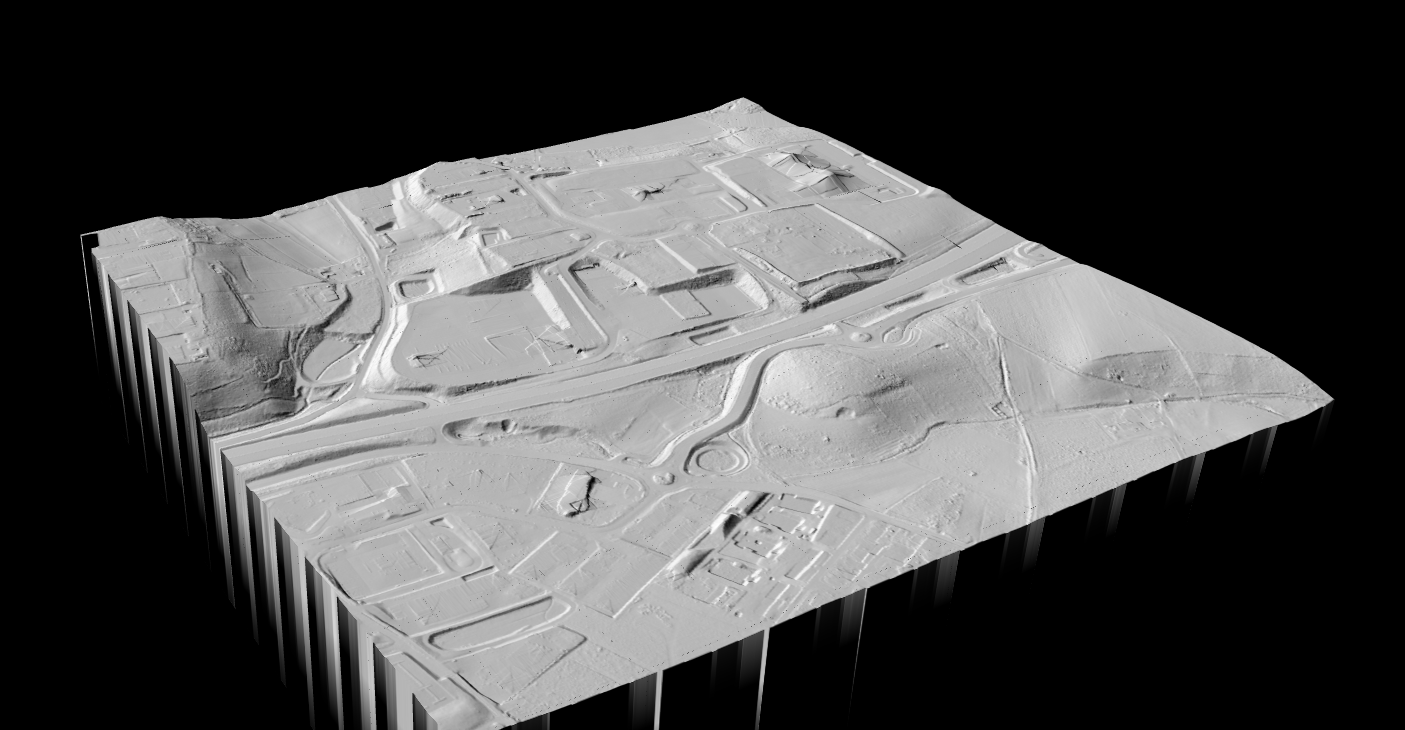
Lidarvisor’s automatic classification handles these challenges, correctly identifying ground points in diverse terrain conditions.
Creating DTMs with Lidarvisor
Lidarvisor automates the entire DTM workflow:
- Upload your LAS or LAZ point cloud
- Automatic classification identifies ground, vegetation, and buildings
- DTM generation creates bare-earth terrain from ground points
- Derivative products: hillshade, contours, and slope maps generated automatically
- Download as GeoTIFF, DXF contours, or classified point cloud
No GIS expertise required. Upload your data and receive survey-ready terrain products in minutes.
Free DTM Data Sources
Before creating your own DTM, check if free public data meets your needs.
USGS 3DEP (United States)
The most comprehensive elevation coverage for the US. Quality Level 2 provides 1-meter resolution with 10cm vertical accuracy. Access through The National Map.
EU Copernicus DEM (Global)
30-meter and 90-meter global coverage from TanDEM-X radar data. Suitable for regional analysis and watershed studies. Available through the Copernicus Space Data Ecosystem.
SRTM (Global)
30-meter data for most of the world. Note: SRTM is technically a DSM, not a DTM, as it includes vegetation and building heights.
National Programs
- UK Environment Agency: 1m DTM covering England
- Australia Elvis: Various resolution DEMs
- OpenTopography: Curated LiDAR datasets worldwide
Related Articles
Frequently Asked Questions
DTM specifically means bare-earth terrain with all objects removed. DEM is a generic term for any elevation grid. In practice, the terms are often used interchangeably, especially in the United States where DEM typically refers to bare-earth data.
Use DTM when you need the actual ground surface for hydrology, engineering, or any application where buildings and trees would interfere with analysis. Use DSM when above-ground features matter, such as urban planning, telecommunications, or forestry canopy analysis.
Yes, but with limitations. Photogrammetry produces a DSM first, then filtering algorithms attempt to remove vegetation. Results are less accurate under tree canopy since cameras cannot see through vegetation like LiDAR can.
DTMs are typically stored as GeoTIFF, georeferenced raster images where each pixel contains a ground elevation value. Other formats include ASCII grid, ESRI Grid, and LAS/LAZ classified point clouds. Lidarvisor exports DTMs as GeoTIFF compatible with all major GIS software.
LiDAR DTMs typically achieve 5–15 cm vertical accuracy depending on sensor quality, flight parameters, and ground conditions. Drone LiDAR with ground control points can achieve 3–10 cm accuracy. Classification quality affects final DTM accuracy as poorly classified data produces less accurate terrain models.
Resolution requirements depend on your application:
- Regional flood modeling: 5–10 meter resolution is typically sufficient for watershed-scale analysis
- Site engineering: 0.5–1 meter resolution for grading plans and preliminary design
- Construction surveys: 0.1–0.25 meter resolution for detailed earthwork and foundation work
- Archaeological surveys: 0.25–0.5 meter to detect subtle terrain features
- Agricultural drainage: 0.5–2 meter depending on field size and drainage system complexity
Higher resolution requires more ground points, which typically means more expensive data acquisition or lower altitude drone flights.
Processing time depends on dataset size, terrain complexity, and software used:
- Small sites (under 100 hectares): Lidarvisor processes these in minutes with automatic classification and DTM generation
- Medium projects (100–1000 hectares): Expect 30 minutes to a few hours depending on point density
- Large projects (1000+ hectares): May require hours to days, especially if manual QC is needed
The bottleneck is usually ground classification rather than surface interpolation. Automated classification tools like Lidarvisor significantly reduce processing time compared to manual methods.
Satellite-derived elevation models are available, but most are technically DSMs rather than true DTMs:
- SRTM: 30-meter global coverage, but includes vegetation and building heights (DSM)
- Copernicus DEM: 30-meter and 90-meter options, also a DSM
- ASTER GDEM: 30-meter global coverage with significant noise in vegetated areas
- ICESat-2: High-accuracy elevation profiles but not continuous coverage
To create a true bare-earth DTM from satellite data, you need to apply filtering algorithms to remove vegetation and buildings. Results are generally less accurate than LiDAR-derived DTMs, especially in forested areas. For high-accuracy DTMs, LiDAR remains the preferred method.
DTMs exported as GeoTIFF files can be opened in virtually any GIS software:
- Free options: QGIS, Google Earth Pro, GDAL command line tools
- Commercial GIS: ArcGIS Pro, Global Mapper, ENVI
- CAD software: AutoCAD Civil 3D, Bentley MicroStation (import as surface)
- Specialized tools: HEC-RAS for flood modeling, GRASS GIS for terrain analysis
Most users combine DTMs with hillshade visualization for easier interpretation. Lidarvisor automatically generates hillshade alongside DTM output.
DTM accuracy is typically validated using independent ground control points (GCPs):
- Collect checkpoints: Survey additional ground points not used in DTM creation using RTK GNSS or total station
- Extract DTM values: Sample the DTM elevation at each checkpoint location
- Calculate differences: Subtract DTM elevation from surveyed elevation at each point
- Compute statistics: Calculate RMSE (Root Mean Square Error), mean error, and standard deviation
For LiDAR-derived DTMs, expect RMSE values between 5–15 cm in open terrain. Accuracy may be lower in areas with dense vegetation where fewer ground returns were captured.