
MINING TERRAIN ANALYSIS
LiDAR for Mining
Mine sites change constantly. LiDAR helps operators monitor terrain, review slopes, measure stockpile conditions, and generate updated site context faster than traditional survey-only cycles can deliver.
No credit card required • 50 hectares included
Stockpile Context
Track changing site geometry and terrain around stockpile areas
Slope Review
Inspect terrain behavior, benches, embankments, and pit surroundings
Updated Site Models
Generate terrain outputs that reflect how fast the mine actually changes
Fast Processing
Move from raw scan to terrain deliverables without desktop bottlenecks
Why Mining Needs LiDAR
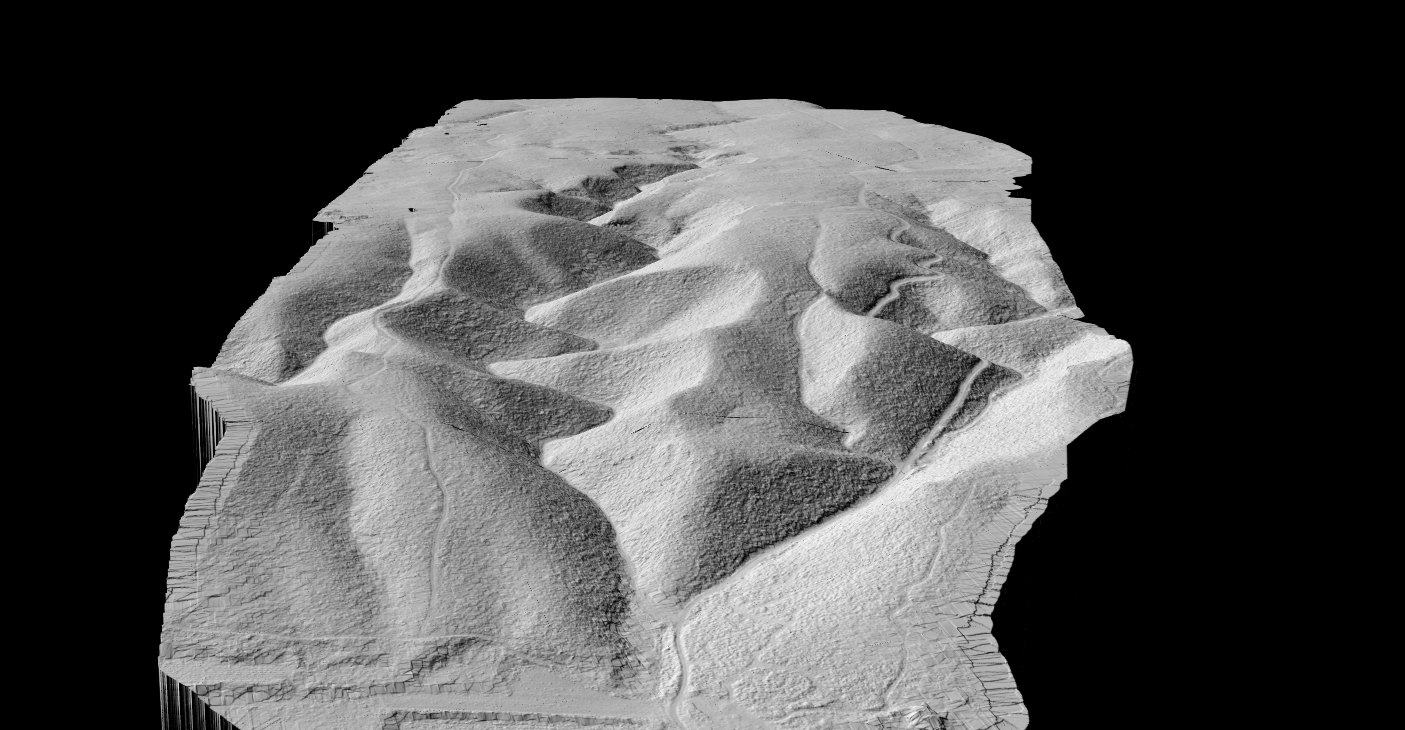
Mining terrain is never static. Pits deepen, stockpiles shift, haul roads change alignment, and drainage conditions evolve quickly.
That makes stale terrain data expensive. LiDAR helps teams review what the site looks like now, not what it looked like weeks ago.
That speed matters for planning, operations, reporting, and follow-up geospatial work.
LiDAR Advantages for Mining
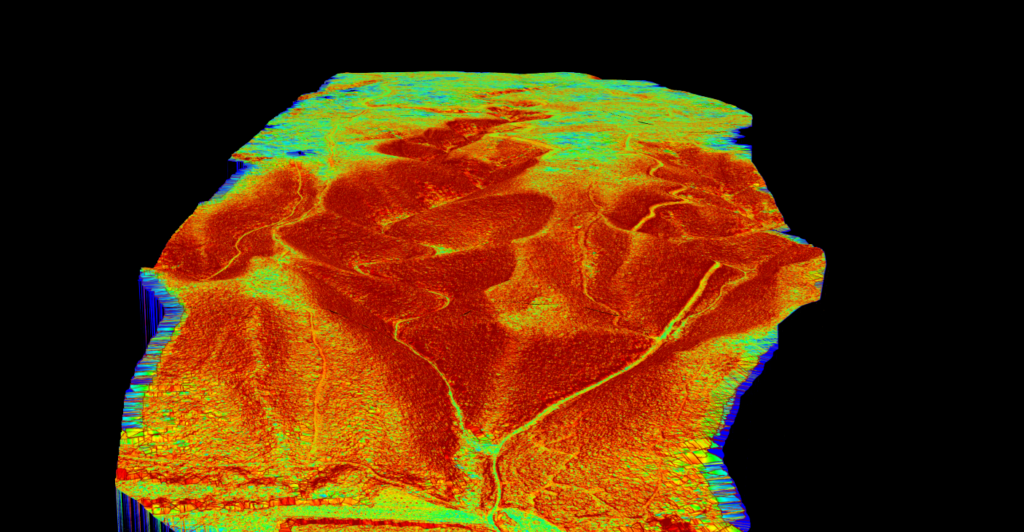
Mining teams need terrain evidence they can act on quickly, not just a large point cloud waiting for manual cleanup.
Lidarvisor helps convert site scans into usable terrain outputs and measurable context that support review, planning, and operational decisions.
- Faster turnaround on updated terrain data for dynamic sites
- Better terrain visibility across pits, benches, haul routes, and stockpile zones
- Easier generation of DTM, slope, and contour deliverables for follow-up work
- Less time lost moving data through multiple desktop tools before anyone can use it
APPLICATIONS
Key Mining Applications
LiDAR is most valuable where changing terrain affects production, planning, or site safety interpretation
Stockpile Review
Track changing stockpile terrain and support volume-oriented site review.
Pit Terrain
Inspect benches, pit walls, and evolving site geometry with updated surface context.
Haul Roads
Review terrain and slope conditions along routes that affect access and operations.
Site Change Tracking
Keep updated terrain records as operations reshape the site over time.
Terrain Analysis Outputs
Mining teams usually need more than a point cloud viewer. They need terrain outputs that can feed reporting, planning, and technical review workflows.
Lidarvisor helps convert scans into practical mining terrain deliverables that are easier to review and reuse downstream.
- DTM for site-wide bare-earth terrain understanding
- Slope outputs for terrain interpretation and operational context
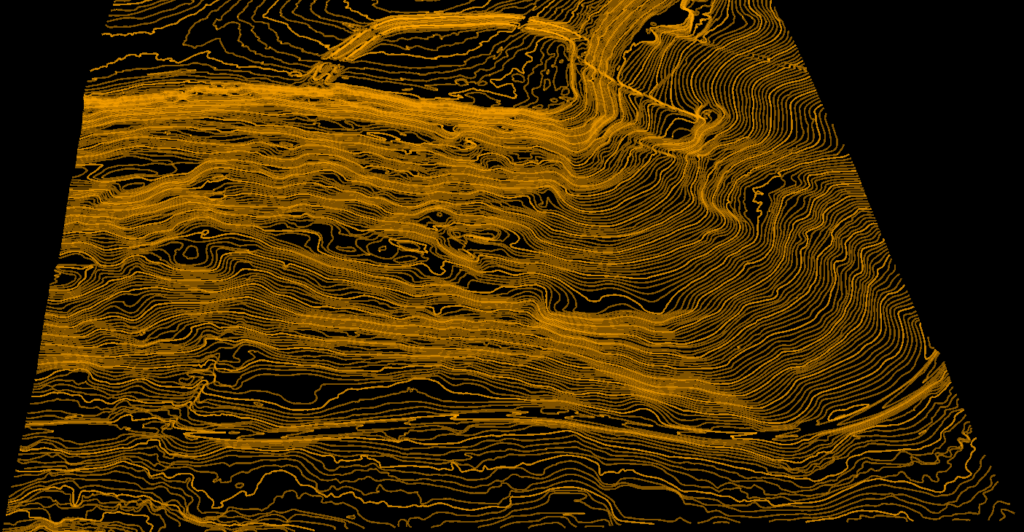
- DXF contour deliverables for mapping and engineering review
- Classified point cloud context where broader site review needs the raw geometry too
Frequently Asked Questions
Why is LiDAR useful for mining?
Because mine terrain changes quickly. LiDAR helps teams update their understanding of pits, stockpiles, haul roads, and surrounding terrain faster than slower measurement cycles allow.
Can LiDAR support stockpile analysis?
Yes. One common use is reviewing stockpile geometry and supporting volume-related workflows with updated terrain data.
What outputs matter most for mining sites?
DTM, slope products, contours, and classified point cloud context are all useful depending on whether the focus is planning, operations, reporting, or technical review.
Can LiDAR help with pit and haul-road review?
Yes. Updated terrain and slope context can help teams inspect pit geometry, road conditions, and evolving operational areas more effectively.
Can I process mining LiDAR in the browser?
Yes, for standard LAS or LAZ workflows. Lidarvisor is designed to let you upload point cloud data, generate terrain outputs, and avoid depending on a fully manual local processing chain for routine tasks.
Related Articles
Mining Adjacent
• LiDAR for Construction
• Terrain Mapping with LiDAR
Terrain Outputs
• Create Accurate Terrain Models
• Point Cloud Vectorization
More Guides
• LiDAR Surveying
• Digital Terrain Model Guide
For volume reporting on site, see stockpile inventory software.
Create a free account and start processing mining LiDAR
Start with 5 GB of storage and process up to 50 hectares for free. Upload mining LiDAR and turn it into terrain, slope, and contour outputs in one browser-based workflow. No credit card required • 5 GB included on free signup
Create free account50 hectares free. No credit card. No software to install.