
CONSTRUCTION WORKFLOWS
LiDAR for Construction
Construction projects depend on terrain accuracy long before the first machine moves.
No credit card required • 50 hectares included
Use LiDAR to model the site, quantify earthworks, review grades, and generate terrain deliverables for planning, execution, and follow-up surveys in one browser-based workflow.
Site Terrain
Build an accurate terrain view before planning access, grading, and earthworks
Earthwork Context
Turn point clouds into terrain outputs that support cut, fill, and site review
Engineering Deliverables
Export DTM, slope, and contour outputs for downstream mapping and drafting
Fast Processing
Move from raw scan to usable terrain data without desktop-tool overhead
Why Construction Needs LiDAR
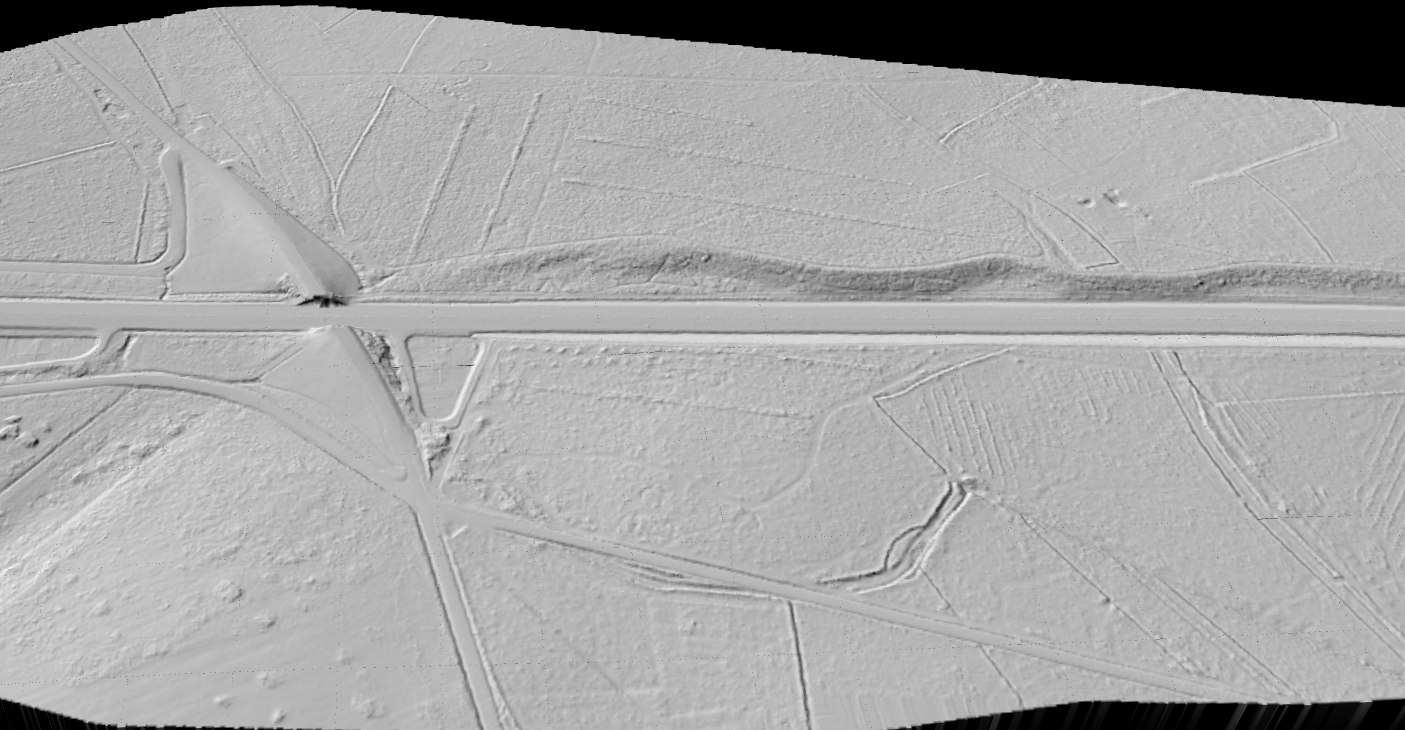
Construction teams make expensive decisions from terrain assumptions every day. Existing grades, embankments, drainage paths, stockpiles, and access conditions all affect design and execution. LiDAR helps replace rough terrain understanding with measurable site geometry.
That matters at every stage: early planning, pre-construction review, active earthworks, and as-built documentation after the site changes.
Key LiDAR Outputs for Construction
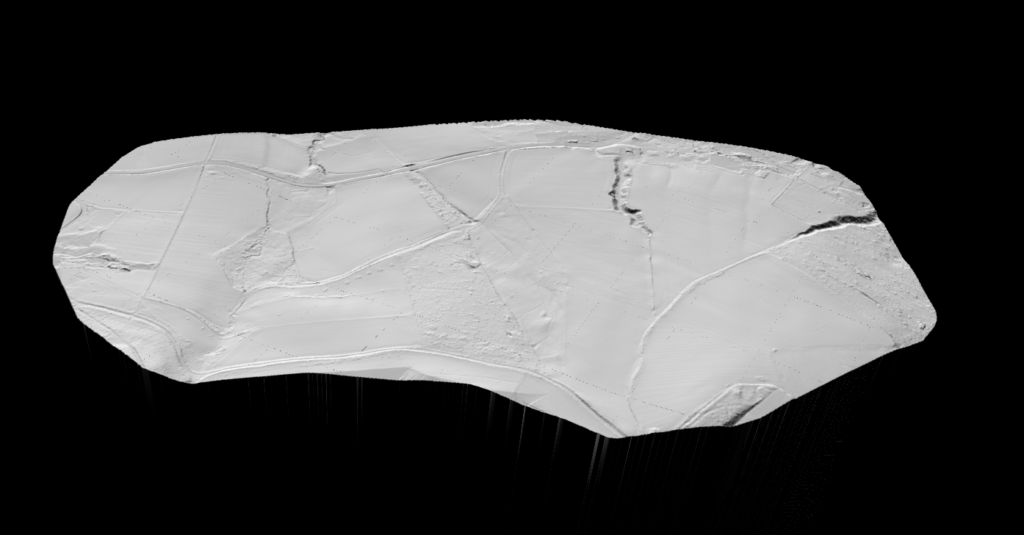
Raw point clouds are useful, but construction teams usually need terrain-focused outputs they can review, compare, and pass into engineering workflows.
Lidarvisor helps turn site scans into practical deliverables instead of leaving the data stuck in a point cloud viewer or desktop-processing queue.
- DTM for bare-earth site understanding and grade interpretation
- Slope outputs for drainage, access, and terrain stability review
- DXF contour deliverables for drafting and engineering coordination
- Classified point cloud context for broader site and surface review
APPLICATIONS
Construction Applications
LiDAR helps most where terrain, grade change, and repeat site measurement affect schedule or cost
Site Planning
Review existing terrain, access conditions, and site constraints before work begins.
Earthworks Review
Support cut/fill understanding and terrain-focused progress checks on active projects.
Drainage Analysis
Use terrain and slope outputs to inspect runoff paths and grading consequences.
As-Built Context
Create measurable terrain records after the site changes for review and coordination.
Manual Terrain Workflow vs Lidarvisor
The point is not just faster processing. It is getting usable construction terrain outputs without stitching together a fragile manual workflow every time.
Manual Workflow
- Clean, classify, model, and export through multiple tools and repeated handoffs
- Harder to keep terrain outputs consistent across repeated site checks
- More time spent preparing the data before anyone can use it
- Slower response when the field team or PM needs a new terrain view quickly
Lidarvisor
- Upload site LiDAR, classify it automatically, and generate terrain outputs in one workflow
- Better fit for quick planning, repeated checks, and terrain-focused review
- Easier to move from raw scan to DTM, slope, and contour deliverables
- Less time wasted turning the data into something the project team can actually use
Frequently Asked Questions
How does LiDAR help with construction planning?
LiDAR gives you measurable terrain data before work starts. That helps teams review site shape, grades, drainage paths, and earthwork conditions with better context than rough topographic assumptions alone.
Can LiDAR support earthwork review?
Yes. Construction teams use terrain outputs and site scans to understand changing ground conditions, compare progress, and support cut/fill-oriented decisions depending on the workflow.
What outputs matter most for construction?
Common outputs include DTM, slope products, classified point clouds, and DXF contour deliverables. The exact mix depends on whether the priority is planning, grading, drainage, or post-work review.
Is LiDAR only useful on large construction projects?
No. It is useful anywhere terrain accuracy affects planning or cost. Smaller sites can still benefit when grading, access, drainage, or repeated measurement matter.
Can I process construction LiDAR in the browser?
Yes, for standard LAS or LAZ workflows. Lidarvisor is designed to let you upload point cloud data, classify it automatically, and export terrain-focused deliverables without depending on a full local processing chain for routine work.
Related Articles
Construction Adjacent
• Bridge & Road Inspection
• Solar Farm Site Assessment
Terrain + Survey
• Create Accurate Terrain Models
• LiDAR Surveying
Next Step
• Point Cloud Vectorization
• Terrain Mapping with LiDAR
Create a free account and start processing construction LiDAR
Start with 5 GB of storage and process up to 50 hectares for free. Upload site LiDAR and turn it into terrain, slope, and contour outputs in one browser-based workflow. No credit card required • 5 GB included on free signup
Create free account50 hectares free. No credit card. No software to install.