

Beginner’s Guide to LiDAR Data Processing
Why Point Cloud Processing Has Been Difficult
A point cloud is the raw foundation of LiDAR: millions of 3D points representing terrain, vegetation, and structures. Traditionally, processing requires desktop software costing thousands of dollars and weeks of training to use. Manual classification alone can take hours per project.
This is why many surveyors and GIS professionals either outsource LiDAR processing or avoid working with point clouds entirely. But understanding the basics unlocks faster, easier workflows.
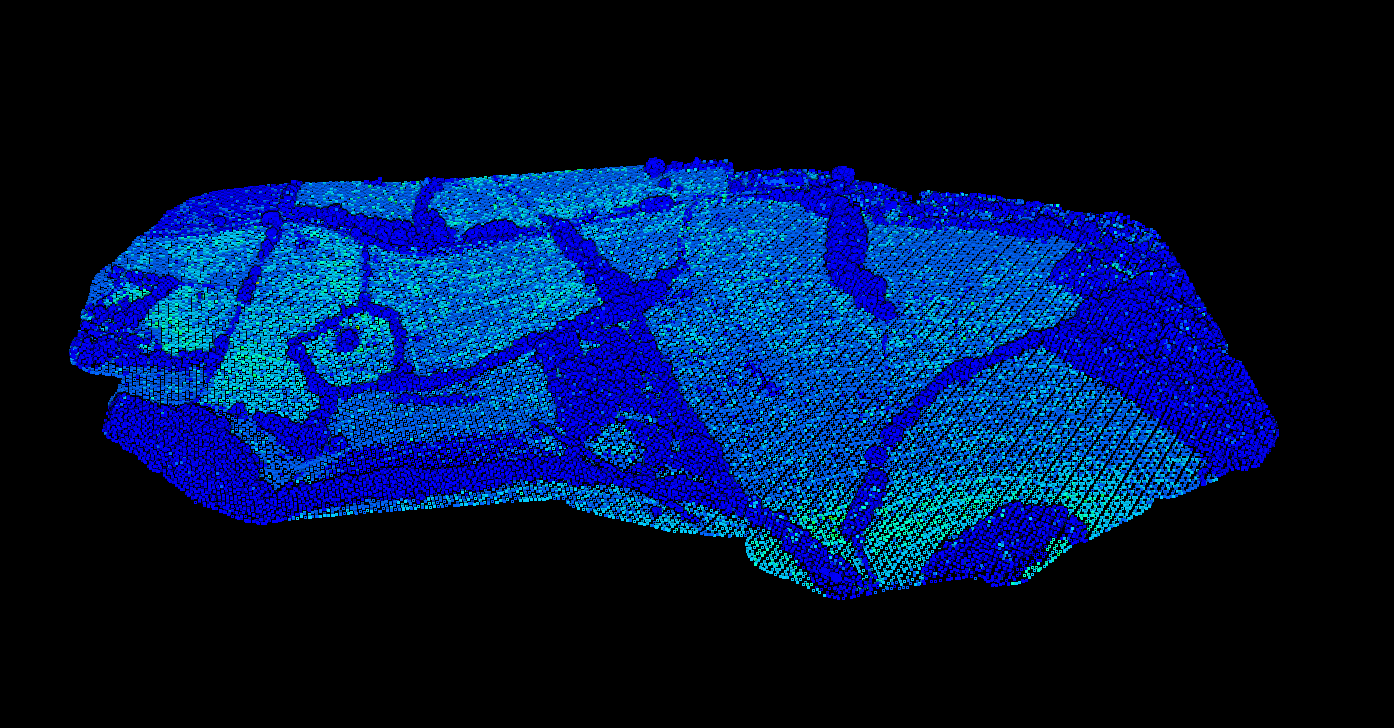
A classified point cloud with ground (brown), vegetation (green), and buildings (red) automatically labeled
LiDAR (Light Detection and Ranging)
LiDAR sensors emit thousands of laser pulses per second. When these pulses hit surfaces like the ground, buildings, or vegetation, they bounce back to the sensor. The scanner measures the time each pulse takes to return, calculating precise distances and creating 3D coordinates for each point.
Airborne LiDAR, mounted on aircraft or drones, can capture millions of points per second, covering large areas with centimeter-level accuracy. This makes it ideal for terrain mapping, forestry, and utility corridor surveys.
Photogrammetry
Photogrammetry creates point clouds by analyzing overlapping photographs. Software identifies matching features across multiple images and uses triangulation to calculate 3D coordinates.
While less accurate than LiDAR for terrain mapping, photogrammetry is cost-effective and captures color (RGB) data directly.
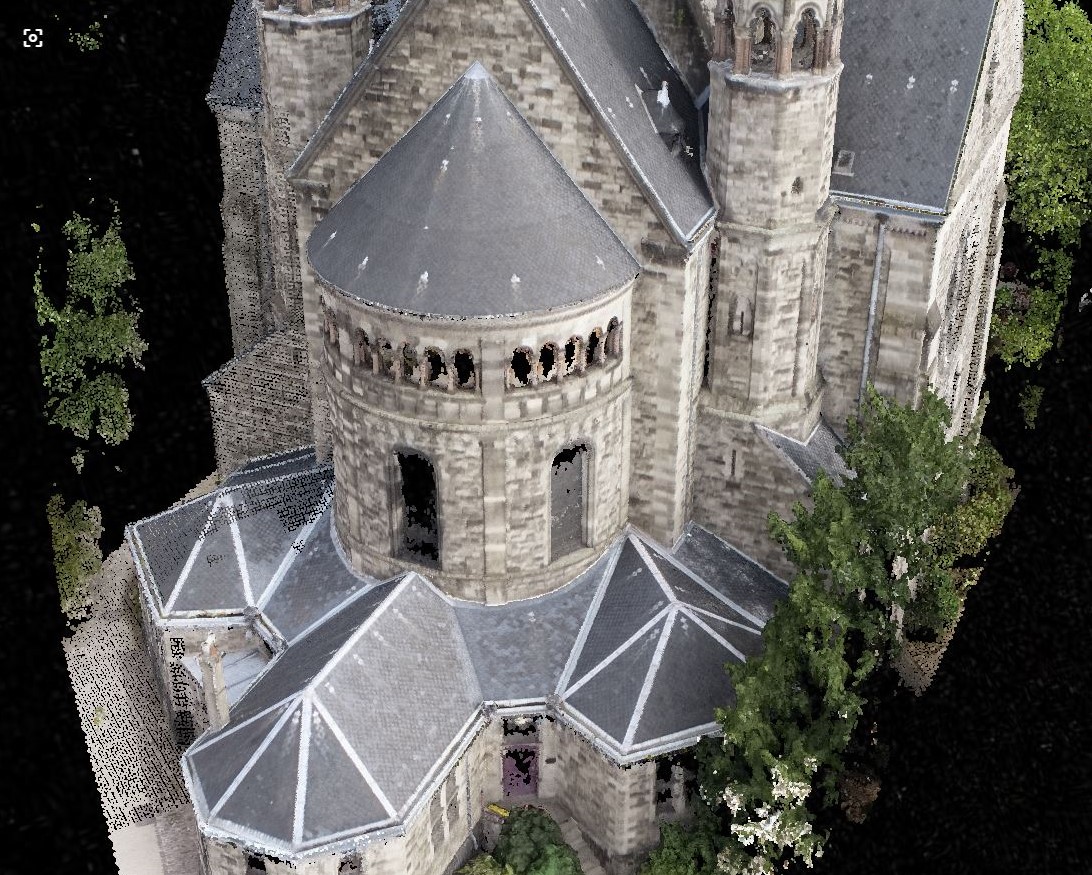
Point cloud colored by RGB values, showing natural terrain colors captured by the sensor
What Information Does a Point Cloud Contain?
Point Cloud File Formats
LAS (LASer)
The industry-standard format for LiDAR data. LAS files store point coordinates, intensity, classification, and other attributes in a structured binary format. The format is maintained by the American Society for Photogrammetry and Remote Sensing (ASPRS).
LAZ (Compressed)
A compressed version of LAS that reduces file sizes by 70-90% without losing data. LAZ uses lossless compression, meaning you get identical data when decompressing. Essential for storing and transferring large datasets.
What Can You Do With Point Clouds?
01
Classification
Separating points into categories like ground, vegetation, buildings, and water. Classification is essential for creating accurate terrain models and extracting specific features from the data.
02
Digital Terrain Models (DTM)
By filtering out vegetation and buildings, you can create a DTM showing only the bare ground surface. DTMs are fundamental for topographic mapping, drainage analysis, and flood modeling.
03
Digital Surface Models (DSM)
A DSM includes all features on the surface, including buildings and vegetation. Subtracting the DTM from the DSM reveals building heights or tree canopy heights.
04
Contour Lines & Features
Generating contour lines from point cloud data produces accurate topographic maps. Feature extraction produces building footprints, tree locations, and power lines for GIS and CAD applications.
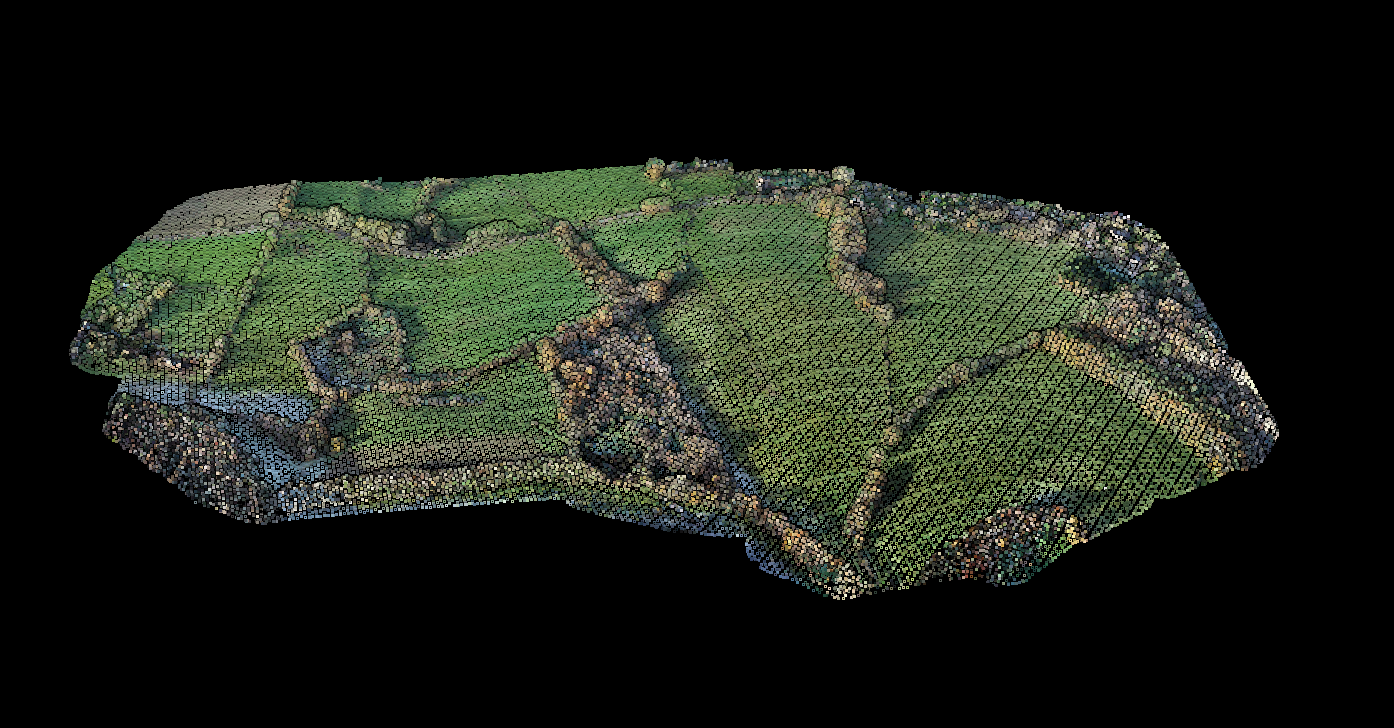
Point cloud colored by elevation, clearly showing terrain variations in mountainous areas
Industries Using Point Clouds
✦ Land Surveying — Creating accurate topographic surveys and property maps
✦ Forestry — Measuring tree heights, canopy cover, and timber volumes
✦ Utilities — Mapping power line corridors and detecting vegetation encroachment
✦ Construction — Site surveys, earthwork calculations, and as-built documentation
✦ Mining — Stockpile volumes, pit surveys, and terrain monitoring
✦ Flood Modeling — Creating accurate terrain models for hydrological analysis
Processing Point Clouds with Lidarvisor
01
Upload
Your LAS or LAZ file to our cloud platform
02
Automatic Processing
AI separates ground, vegetation, buildings, and 10+ other classes automatically
03
Download
DTM, DSM, contour lines, and vectorized features ready for CAD and GIS
What traditionally took hours of manual work now happens automatically, with results typically ready in minutes. No expensive software to install, no steep learning curve.