

Create Accurate Surface Models in Minutes
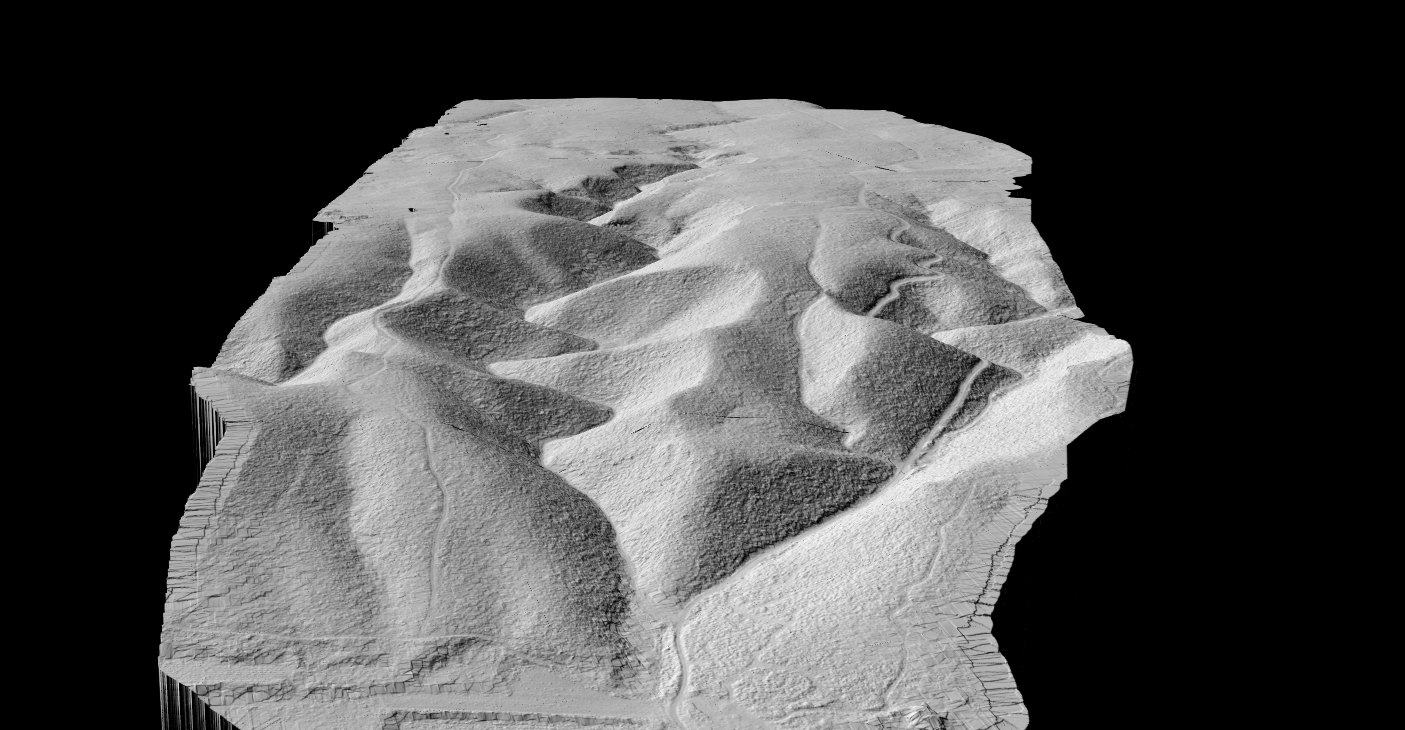
Hillshade terrain visualization from LiDAR-derived DTM
What is LiDAR Terrain Mapping?
LiDAR terrain mapping uses laser pulses to measure ground elevation across a landscape. Airborne sensors emit thousands of pulses per second, recording the precise location and elevation of each return.
The key advantage: LiDAR pulses can penetrate gaps in tree canopy, allowing multiple returns from a single pulse. This enables terrain mapping even in densely forested areas where photogrammetry cannot see the ground.
How LiDAR Captures Terrain Data
Terrain Mapping Outputs
LiDAR terrain mapping produces several key deliverables, each serving different analysis needs.
BARE EARTH
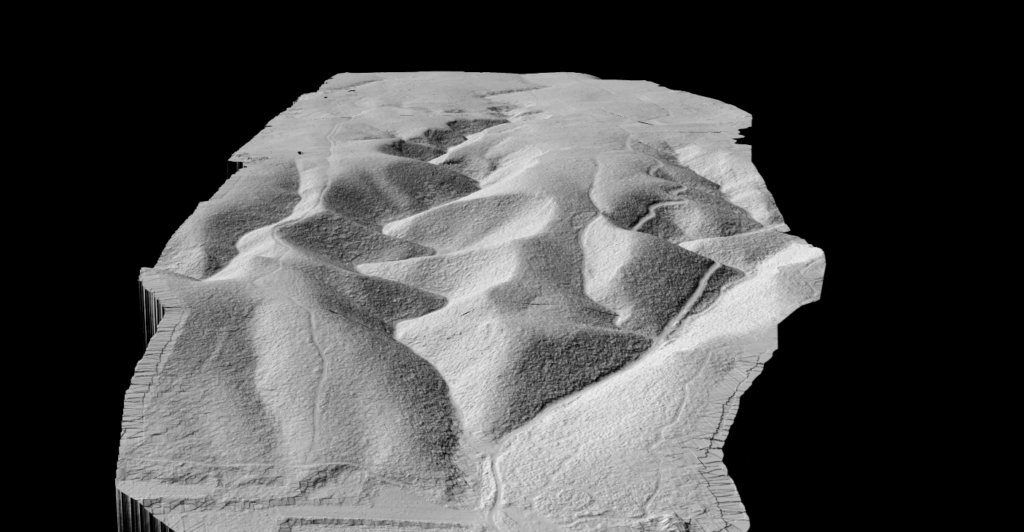
Digital Terrain Model (DTM)
Ground surface with vegetation and buildings removed
✦ Flood modeling and drainage analysis
✦ Cut/fill volume calculations
✦ Foundation planning
✦ Archaeological feature detection
SURFACE FEATURES
Digital Surface Model (DSM)
Top of all features including buildings and trees
✦ Building height extraction
✦ Canopy height modeling
✦ Line-of-sight analysis
✦ Solar potential assessment
Additional Terrain Products
Applications of LiDAR Terrain Mapping
🌊
Hydrology & Flood Modeling
Watershed delineation, flood prediction, and drainage infrastructure design
🏗️
Construction & Civil Engineering
Site grading, earthwork calculations, and foundation design
📐
Land Surveying
Topographic maps, boundary calculations, CAD deliverables
⛏️
Mining & Extraction
Pit location, haul road planning, terrain change monitoring
🌾
Agriculture
Drainage planning, field grading, water collection analysis
🏛️
Archaeology
Hidden features revealed beneath forest canopy via hillshade
LiDAR Terrain Mapping Accuracy
Accuracy depends on equipment quality, flight parameters, and processing methods. Here are USGS 3DEP Quality Level specifications:
| Quality Level | Vertical Accuracy (RMSE) | Point Density | Common Use |
|---|---|---|---|
| QL0 | 5 cm | ≥8 pts/m² | Engineering surveys |
| QL1 | 10 cm | ≥8 pts/m² | Detailed mapping |
| QL2 | 10 cm | ≥2 pts/m² | General mapping |
| QL3 | 20 cm | ≥0.5 pts/m² | Regional coverage |
Processing LiDAR for Terrain
Converting raw point clouds into terrain products requires several steps:
Ground Classification — Separating ground points from vegetation, buildings, and other features. Traditional software requires hours of manual tuning. Cloud AI adapts automatically.
Surface Interpolation — Ground points interpolated into continuous surface using TIN, IDW, or kriging methods. Results in a raster grid of elevation values.
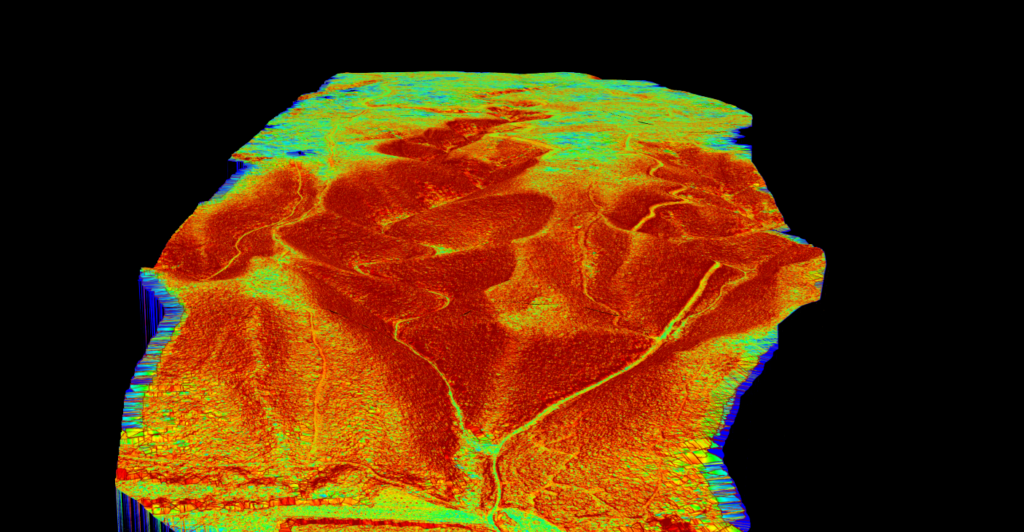
Derivative Products — From the base DTM, additional products are derived: slope maps, aspect maps, hillshade, and contours.
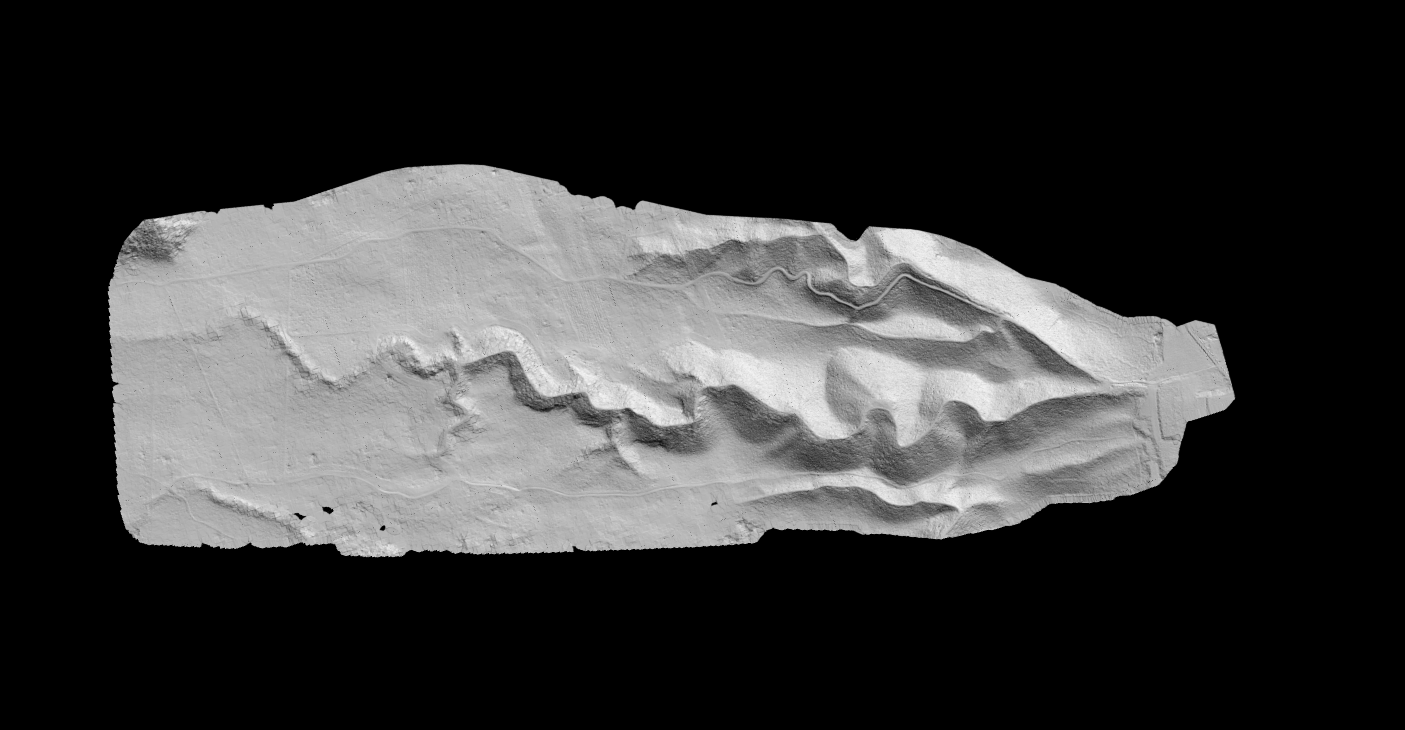
Valley terrain analysis showing drainage patterns
Terrain Mapping with Lidarvisor
Lidarvisor automates the complete terrain mapping workflow. Upload your point cloud and receive production-ready terrain products without manual classification.
Free tier includes 10 hectares of processing. No credit card required.
Frequently Asked Questions
Terrain mapping focuses specifically on ground surface elevation and shape. Topographic mapping includes terrain plus surface features like buildings, vegetation, roads, and water bodies. LiDAR supports both by classifying points into different categories.
Standard near-infrared LiDAR reflects off water surfaces. Bathymetric LiDAR uses green wavelength lasers that can penetrate shallow water to map underwater terrain in clear conditions. See our bathymetric LiDAR guide.
LiDAR penetrates vegetation to reach the ground. Photogrammetry can only see what cameras can see. For bare terrain in open areas, both work well. For forested terrain, LiDAR is essential. See our LiDAR vs photogrammetry comparison.
It depends on the application. Engineering surveys typically need 5-10 cm DTM resolution. Regional flood modeling may use 1-2 m resolution. Higher point density enables finer resolution outputs.
Summary
LiDAR terrain mapping transforms raw elevation data into actionable surface intelligence. From DTMs for flood modeling to slope maps for construction planning, terrain products derived from LiDAR support critical decisions across industries.
Cloud processing eliminates the complexity of traditional terrain analysis workflows. Upload your point cloud, let AI handle classification, and download production-ready terrain products in minutes.
Related guides: DTM Guide • DSM Guide • Hillshade Guide • Slope Map Guide • Contour Lines Guide