

More Comparisons
Quick Comparison
| Feature | Lidarvisor | Global Mapper |
|---|---|---|
| Deployment | Cloud-based (browser) | Desktop software |
| Primary Focus | Automatic LiDAR classification | GIS + LiDAR analysis |
| Classification | AI-powered + manual editing tools | Manual + semi-automatic tools |
| Learning Curve | Minimal (upload and process) | Moderate to steep |
| Pricing | Pay-per-use credits | Annual license ($500+) |
| Best For | Quick deliverables, automation | Complex GIS workflows |
What Is Global Mapper?
Global Mapper is a comprehensive desktop GIS application with robust LiDAR processing capabilities. It handles vector, raster, and 3D data, making it a versatile choice for GIS professionals who work with multiple data types.
Key capabilities:
- Point cloud visualization and analysis
- Manual and semi-automatic classification
- Terrain modeling (DTM/DSM generation)
- Contour extraction and cross-section tools
- Extensive format support
What Is Lidarvisor?
Lidarvisor is a cloud-based platform focused on automatic LiDAR point cloud classification. Upload your data, and AI classifies it into ground, vegetation, buildings, and other classes without manual intervention.
Key capabilities:
- Automatic 12-class point cloud classification
- DTM and DSM generation
- Building footprint and tree crown detection
- Wire and pole extraction
- Contour line generation
Classification Approach
Global Mapper
Global Mapper provides manual classification tools plus automatic ground classification algorithms. Users select points and assign classes, or use built-in algorithms for ground filtering. This approach offers maximum control but requires expertise and time.
Lidarvisor
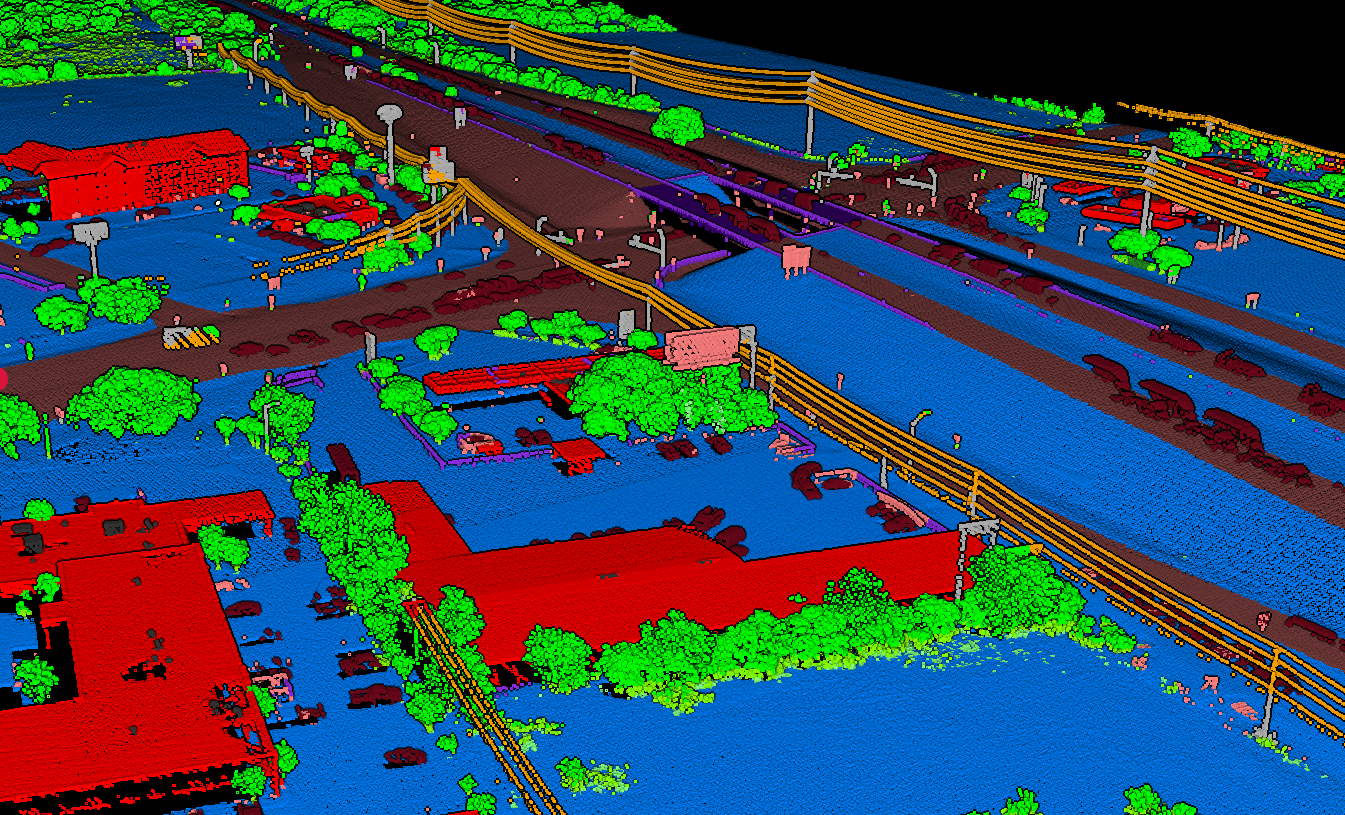
Lidarvisor uses machine learning models trained on diverse LiDAR datasets. Upload your LAZ/LAS file and the system automatically classifies points into 12 classes: ground, low/medium/high vegetation, buildings, water, wires, towers, poles, bridges, vehicles, and roof objects.
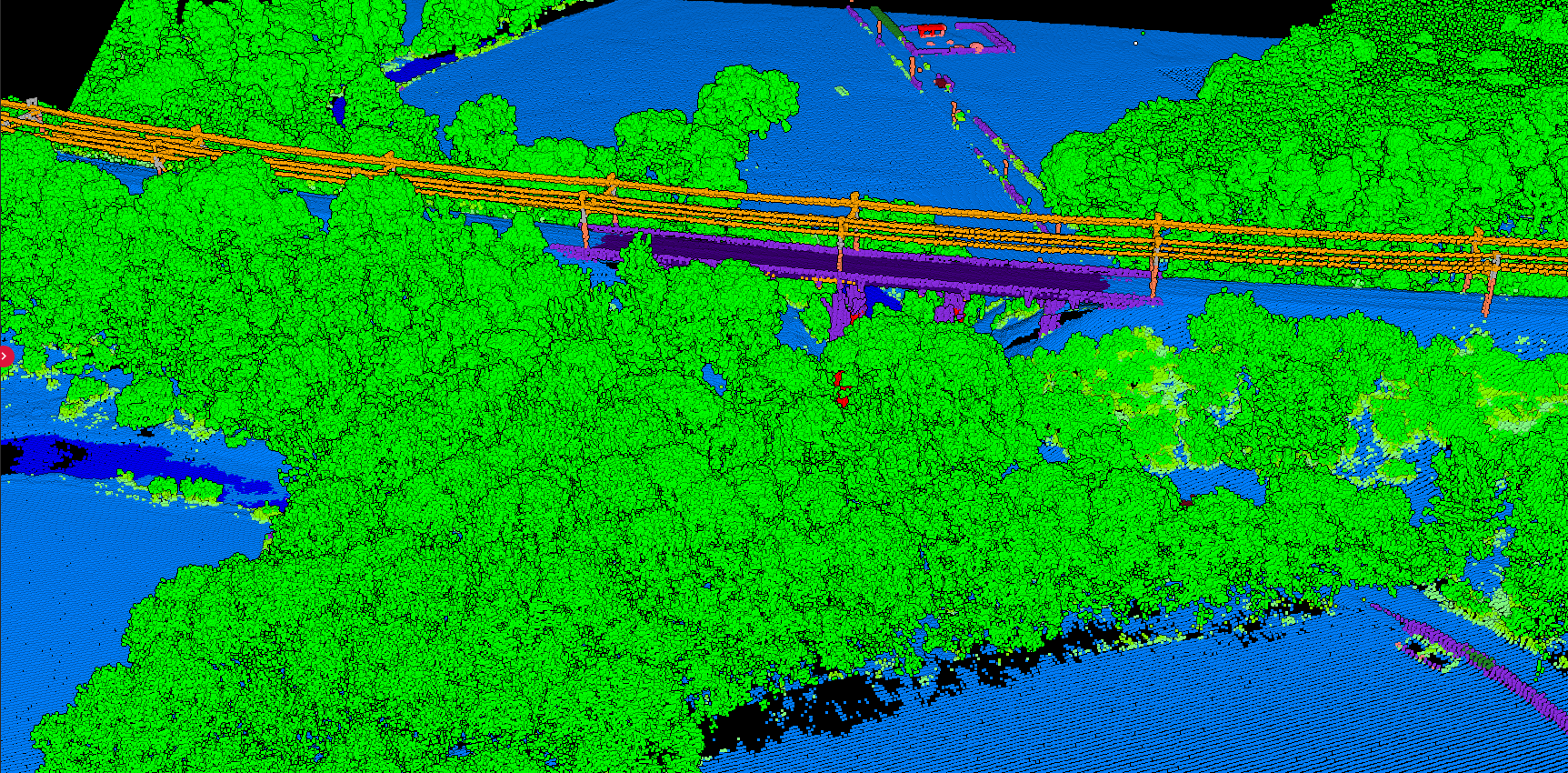
AI-classified point cloud showing ground, vegetation, and buildings
Workflow Comparison
Global Mapper Workflow
- Install desktop software
- Load point cloud file
- Configure display settings
- Run ground classification algorithm
- Manually refine classification
- Generate terrain products
- Export results
Lidarvisor Workflow
- Upload LAZ/LAS file in browser
- Select output products
- Wait for processing (minutes to hours)
- Download classified point cloud + derivatives
Lidarvisor reduces a multi-step desktop process to a simple upload-and-download workflow.
When to Choose Each Tool
Choose Global Mapper when:
- You need a full GIS platform, not just LiDAR tools
- Your workflow requires manual classification refinement
- You process many data types (vectors, imagery, terrain)
- Your organization already uses Global Mapper
Choose Lidarvisor when:
- You need fast, consistent classification results
- Manual classification is too time-consuming
- You want DTM/DSM without learning complex software
- You process LiDAR data occasionally (pay-per-use)
- You need specific extractions: buildings, trees, wires
Using Both Together
Many professionals use Lidarvisor for initial classification, then import results into Global Mapper for further analysis. This combines automated classification speed with Global Mapper’s powerful GIS tools.
01
Upload
Upload raw point cloud to Lidarvisor for automatic classification.
02
Download
Get classified LAS + DTM GeoTIFF deliverables.
03
Import
Import into Global Mapper for visualization and analysis.
04
Deliver
Perform additional analysis and create final deliverables.
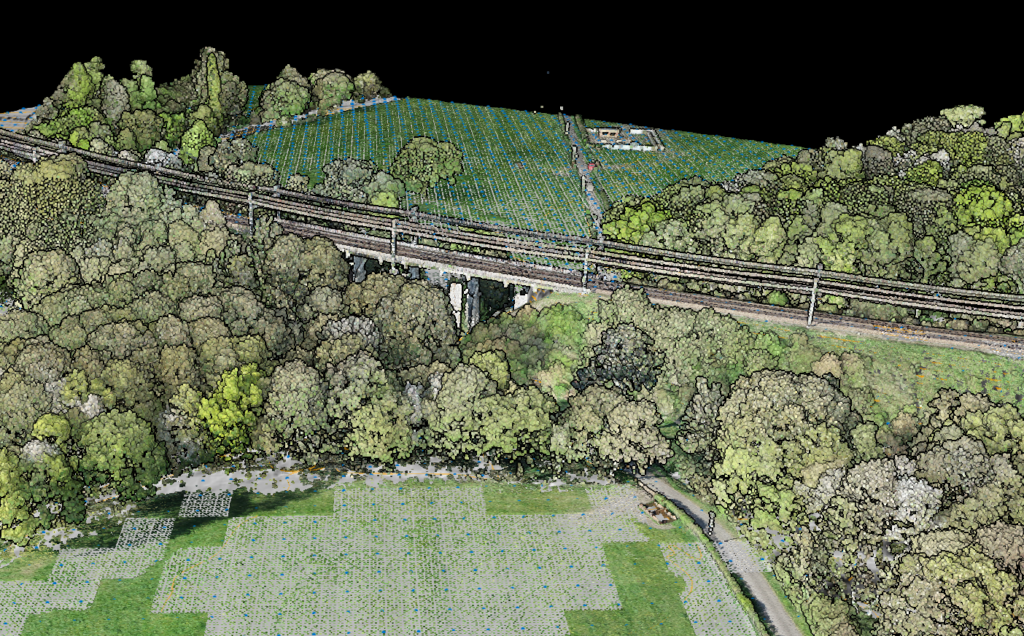
Point cloud processing workflow from raw data to deliverables
Ready to Try Automatic Classification?
Global Mapper is a powerful GIS platform with capable LiDAR tools. Lidarvisor is a specialized, automated classification service. If you want fast, automated point cloud classification without learning complex software, Lidarvisor delivers results in minutes. Built-in manual tools (brush selection, class permutation, filtering) let you refine edge cases without switching applications.
Create a FREE account now and start processing your point cloud
Get 2 GB of storage space and classify up to 10 hectares for free.