

Manual point cloud classification eats hours of your project time. Learn the ASPRS standard codes every LiDAR professional needs to know, then see how to automate the entire process and get classified outputs in minutes.
LiDAR Classification Codes: ASPRS Reference + Automatic Classification
This guide covers the ASPRS classification scheme used in LAS files, what each code means, and how Lidarvisor automates classification using AI.
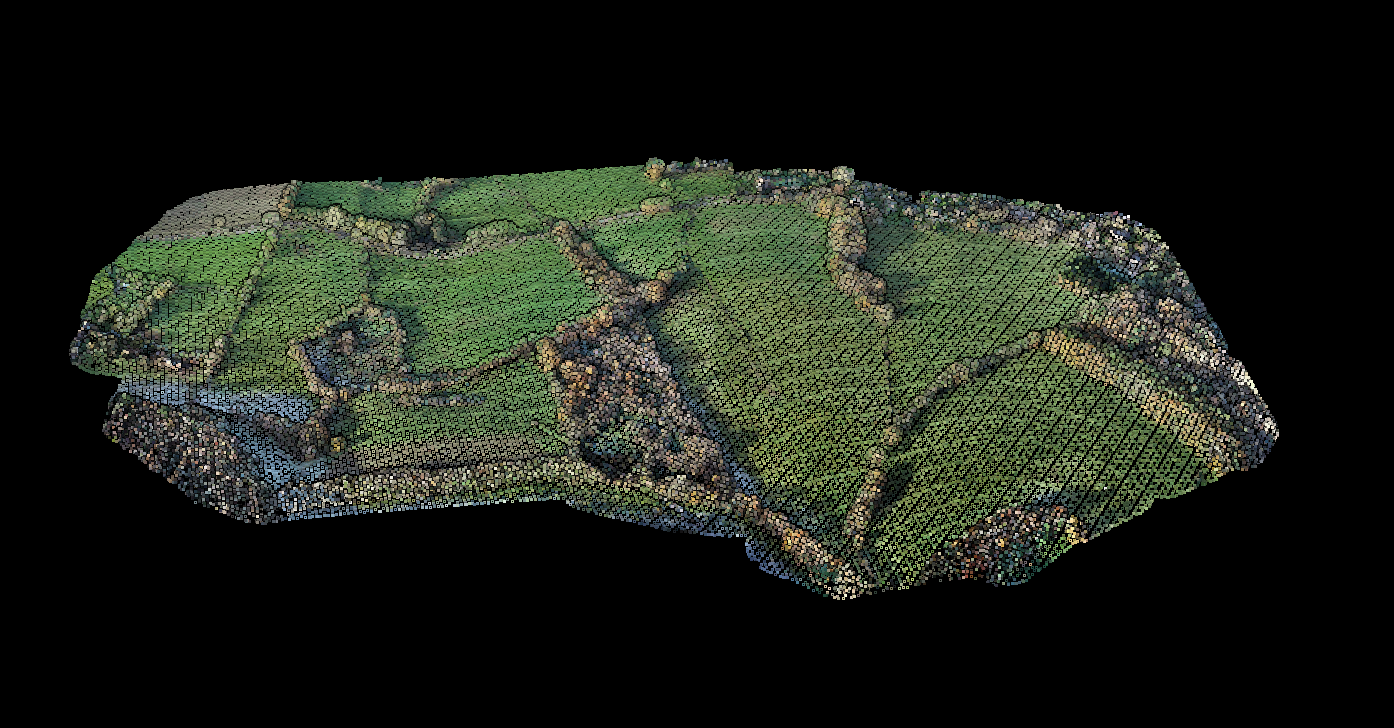
Before: Raw RGB Point Cloud
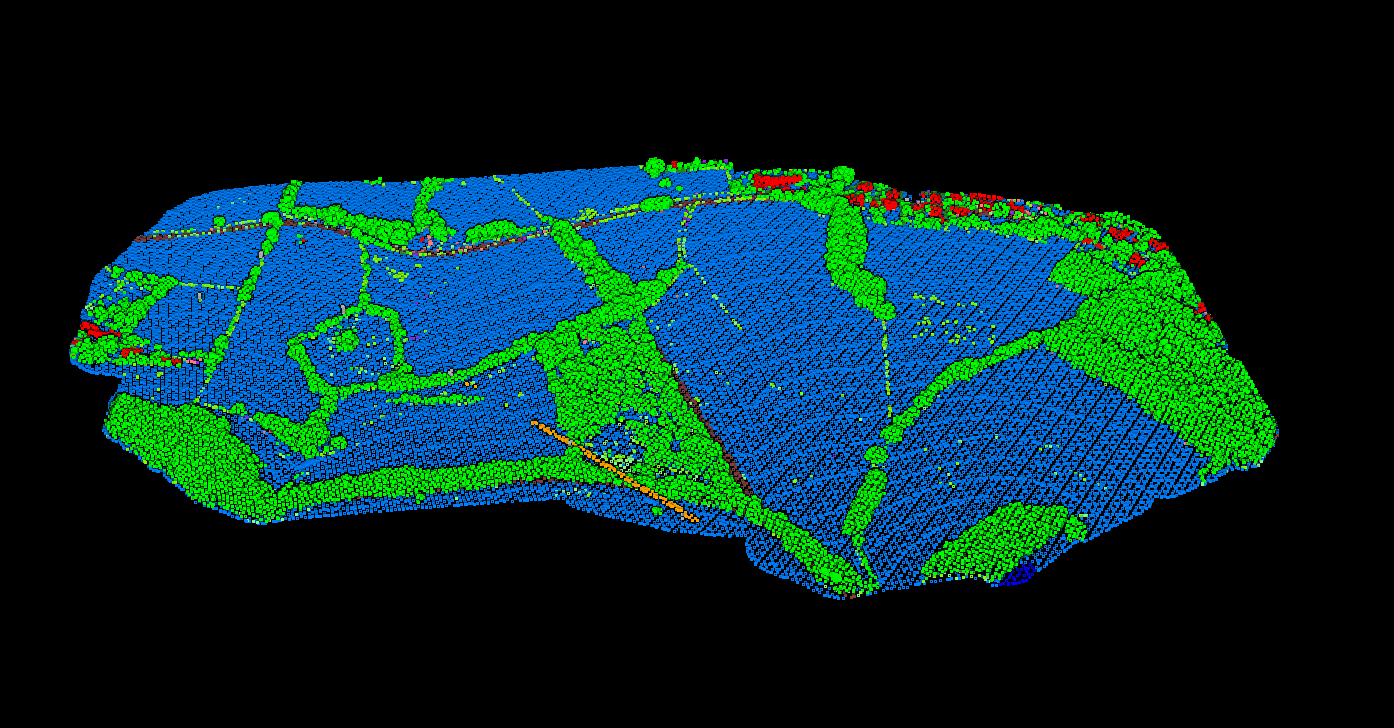
After: AI-Classified Point Cloud
What Are LiDAR Classification Codes?
Every point in a LiDAR point cloud can have a classification code that defines the type of object that reflected the laser. When a LiDAR sensor fires a pulse, it measures the return signal, but it doesn’t inherently know if that return came from the ground, a tree, a building, or a power line.
Classification is the process of assigning meaning to each point. This transforms raw point clouds into actionable geospatial data that can be used to create Digital Terrain Models (DTMs), extract features, and perform analysis.
ASPRS Standard Classification Codes (LAS 1.4)
The ASPRS defines the standard classification scheme used in LAS format files (versions 1.1 through 1.4). LAS 1.4 is the current standard and supports classification values from 0 to 255.
Core Classification Codes (0-18)
Extended and User-Defined Codes (19-255)
LAS 1.4 reserves codes 19-63 for future ASPRS definitions and allows codes 64-255 for user-defined classifications. Common extended classifications include:
- 19: Conveyor / Overhead Machinery – Elevated industrial equipment (mining sites)
- 20: Ignored Ground – Ground points near breaklines (USGS specification)
- 21: Snow – Snow-covered surfaces
- 22: Temporal Exclusion – Points to exclude from temporal analysis
Classification Flags
Beyond numeric codes, LAS files (version 1.1+) support classification flags that provide additional metadata for each point:
- Synthetic – Point created from other sources (e.g., photogrammetry), not from LiDAR collection
- Key-point – Important point that should not be removed during thinning
- Withheld – Point should be excluded from processing
- Overlap – Point within overlapping flight lines (LAS 1.4 only)
These flags can be combined with classification codes. For example, a water point (code 9) can also be flagged as withheld to exclude it from terrain modeling while keeping it in the dataset.
How Automated Classification Works
Modern LiDAR processing software uses algorithms to automatically classify point clouds. The general workflow follows these steps:
Skip the Manual Work
Lidarvisor automates point cloud classification using AI. Upload your data, get ASPRS-compliant classified outputs in minutes. No software to install, no parameters to tune.
✦ Lidarvisor AI Output
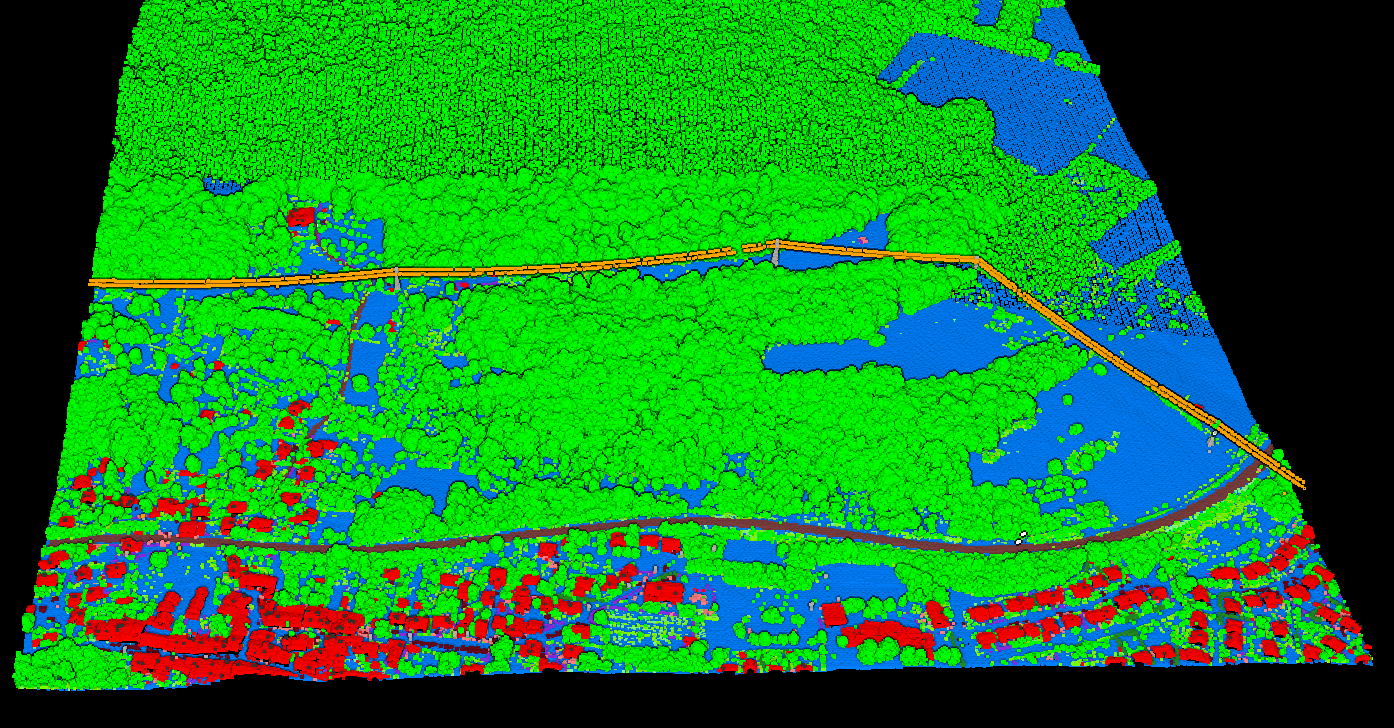
Lidarvisor Classification Output
Lidarvisor’s AI-powered classification automatically identifies 12 classes from aerial LiDAR data:
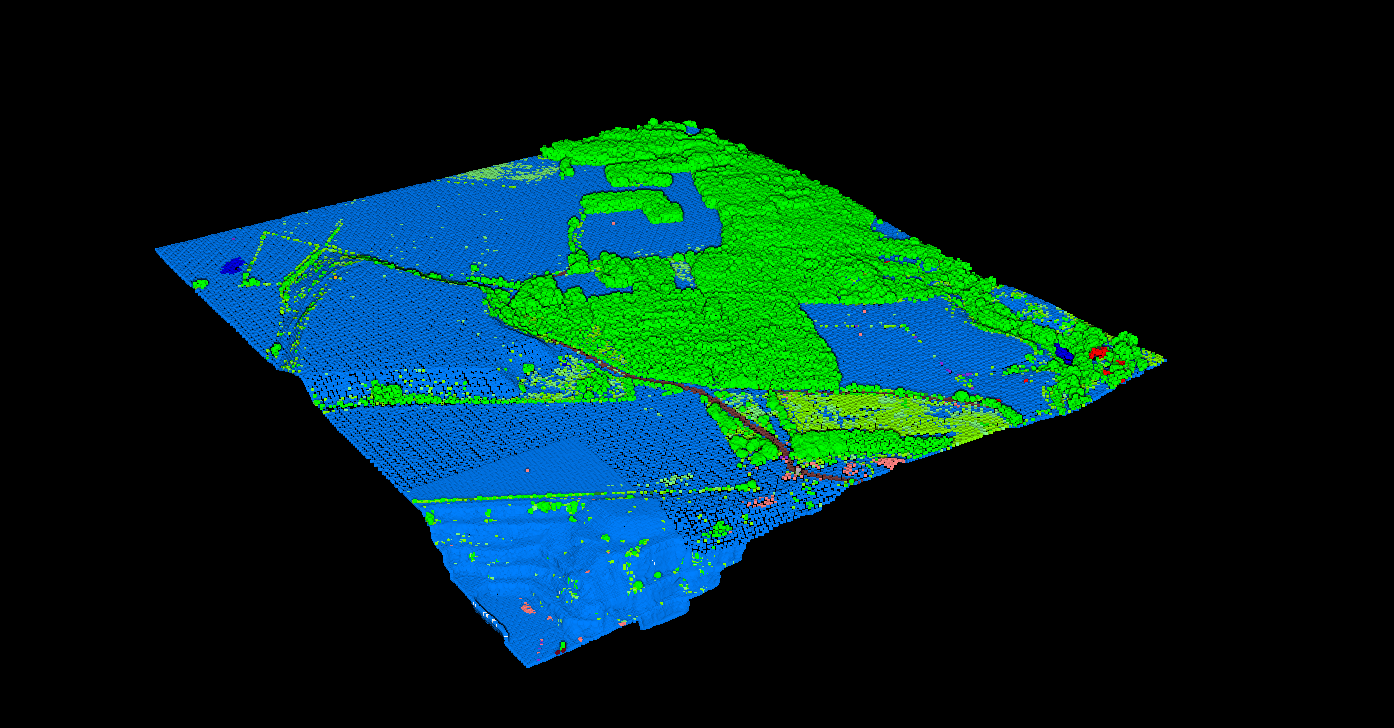
The classified point cloud can be exported as a LAS file with standard ASPRS codes, ensuring compatibility with any GIS or CAD software.
Why Classification Matters
Proper classification transforms raw point clouds into usable geospatial products:
Common Classification Challenges
Dense Urban Areas
Buildings close together, narrow streets, and complex rooftop structures can confuse classification algorithms. Multi-level parking structures and elevated roads add complexity.
Steep Terrain
On hillsides and cliffs, the geometric assumptions used for ground classification may fail, sometimes classifying exposed rock faces as buildings.
Mixed Vegetation
Orchards, vineyards, and manicured landscapes blur the boundaries between vegetation height classes, requiring careful parameter tuning.