

Step-by-Step Tutorial
What is Dataforsyningen?
Dataforsyningen (also known as Datafordeler) is Denmark’s national open data portal, operated by Klimadatastyrelsen. It provides free access to authoritative geographic data including the comprehensive Danmarks Højdemodel (DHM) — a detailed elevation model covering all of Denmark with ~5cm vertical accuracy.
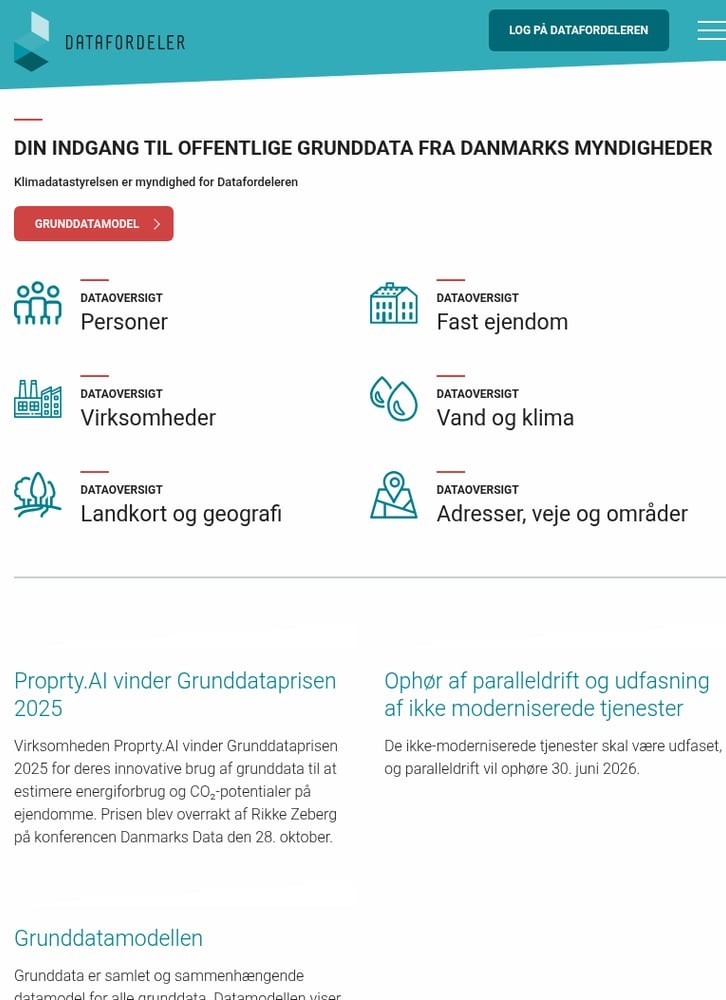
Datafordeler homepage — Denmark’s official open data portal
01
Go to Datafordeler.dk
Navigate to datafordeler.dk — Denmark’s official geographic data portal. The site is available in Danish, but the interface is straightforward to navigate.
From the homepage, you’ll see data categories including:
- Landkort og geografi — Maps and Geography (where LiDAR data lives)
- Vand og klima — Water and Climate data
- Fast ejendom — Real Estate data
Click on “Landkort og geografi” to access elevation data.
02
Find Danmarks Højdemodel (DHM)
In the data overview, look for “Danmarks Højdemodel (DHM)” — this is Denmark’s national elevation model containing all LiDAR products.
The DHM includes 50+ data services:
- DHM Fildownload (Punktsky) — LAZ point cloud tiles
- DHM Fildownload (Raster) — GeoTIFF terrain/surface models
- DHM Højdekurver — Contour line data
- DHM WMS/WMTS — Web map services for visualization
Click on the DHM category to expand and see all available download options.
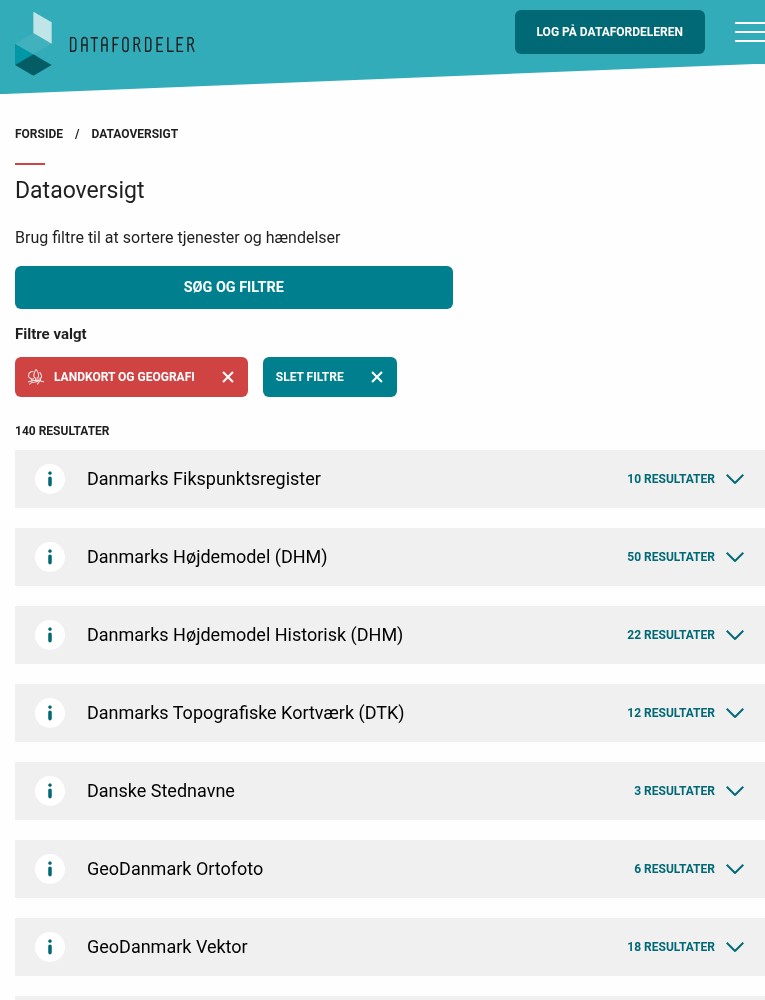
Data categories showing “Landkort og geografi” with the DHM
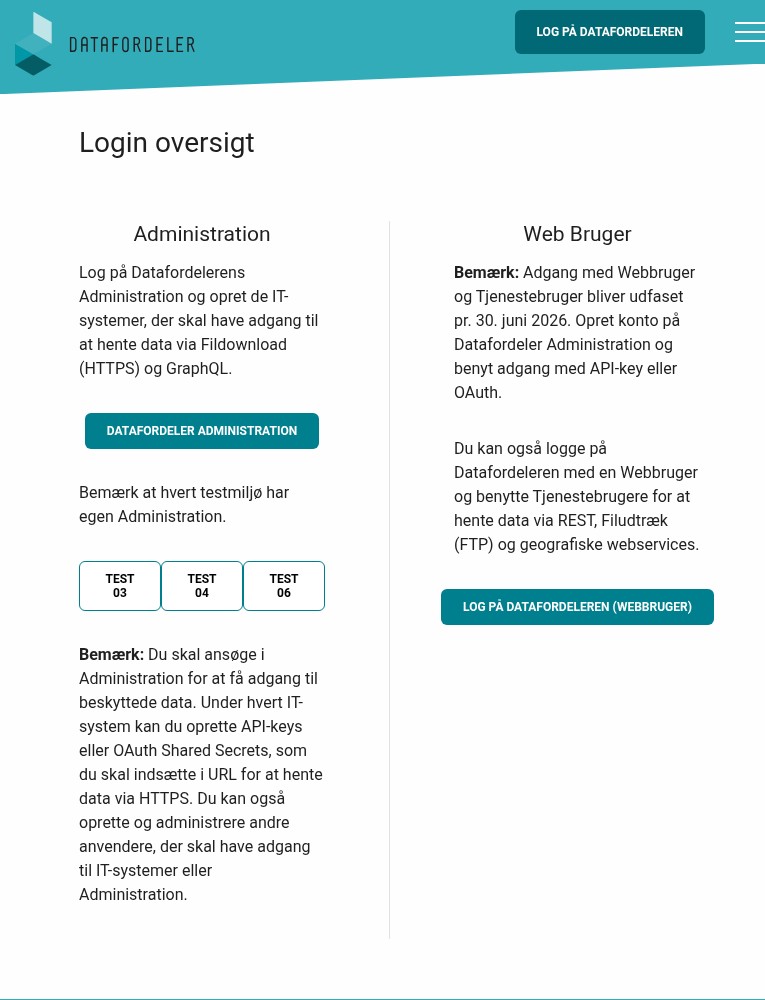
Account options: Administration for API access or Web user login
03
Create a Free Account
While some data is openly accessible, bulk downloads require a free account. Click “Log på Datafordeleren” in the top right corner.
Choose your account type:
- Datafordeler Administration — Create an IT system with API keys for programmatic access (recommended for developers)
- Web Bruger — Simple web login for interactive downloads
Note: Web user accounts will be phased out by June 2026. For long-term access, set up an Administration account with API keys or OAuth authentication.
04
Choose Your Download Method
Datafordeler offers multiple ways to access DHM data:
Map-based Selection:
Use the Kortvisning (Map View) to visually select an area and download tiles. Hold Shift and drag to create a bounding box — maximum 10 km² per request.
REST API:
For larger areas, use the REST API with your API key. Data is organized in 1×1 km LAZ tiles grouped into 10×10 km ZIP files following the Danish Square Grid (DDKN).
Pre-generated Files:
Download complete national datasets directly from FTP or via the web interface after logging in.
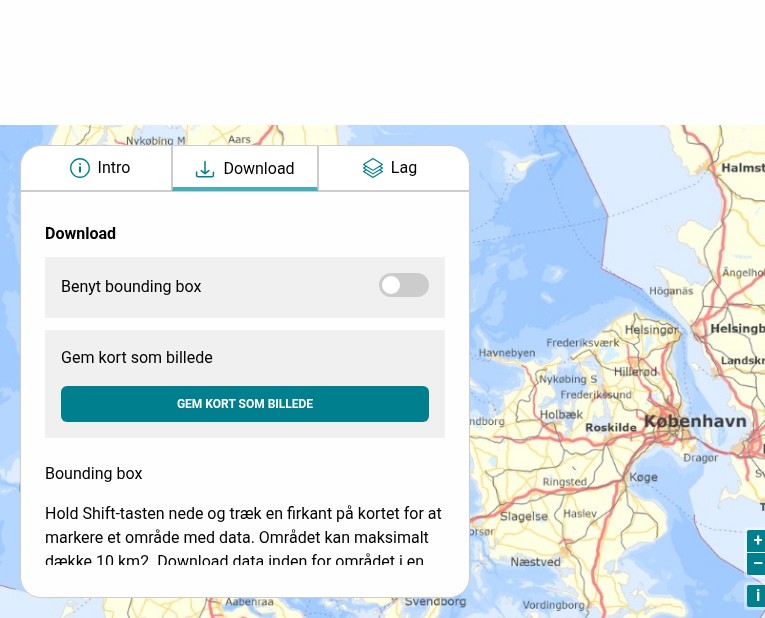
Map download interface with bounding box selection
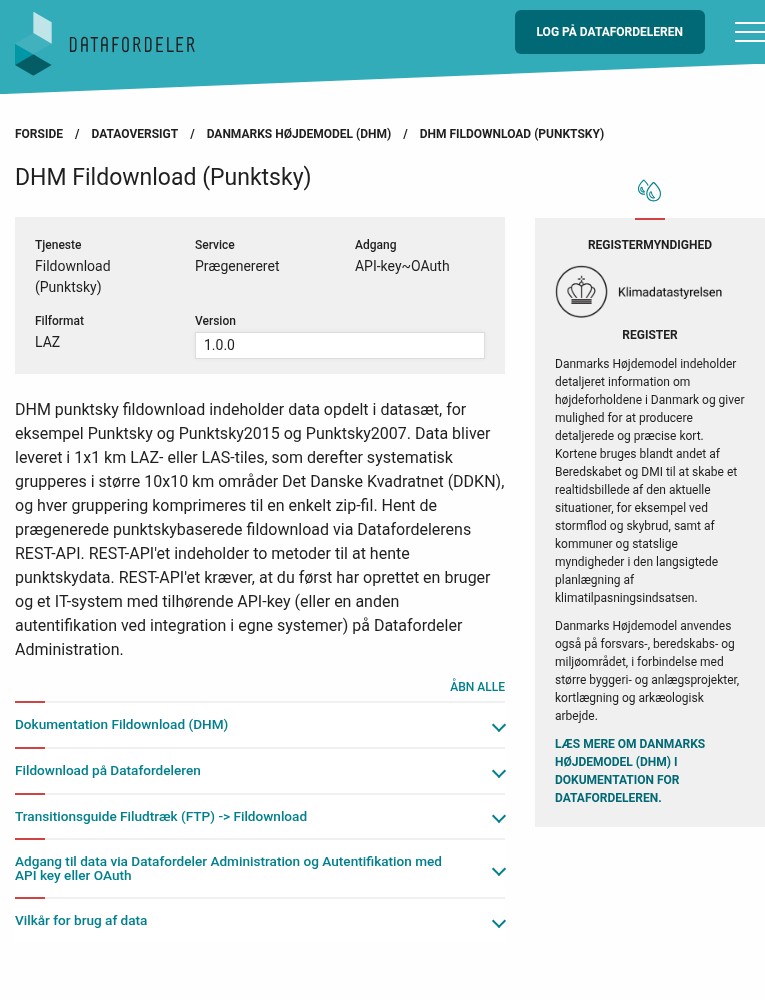
Point cloud download page showing LAZ format specifications
05
Download Point Cloud Data
Navigate to DHM Fildownload (Punktsky) to access point cloud data.
Available datasets include:
- Punktsky — Current nationwide point cloud (~4.5 pts/m²)
- Punktsky2015 — Historic 2015 dataset
- Punktsky2007 — Historic 2007 dataset
Data is delivered as 1×1 km LAZ tiles grouped into 10×10 km ZIP files. Each file follows the Danish Square Grid naming convention (DDKN).
API Example:
https://api.datafordeler.dk/rest/dhm/punktsky/{dataset}?bbox=...
Available File Formats
Danmarks Højdemodel offers multiple formats optimized for different workflows.
| Format | Type | Best For |
|---|---|---|
| LAZ | Point Cloud | Full LiDAR analysis, custom processing, vegetation studies |
| GeoTIFF | Raster DEM | Terrain/surface models, flood analysis, slope calculations |
| GeoPackage | Vector | Contour lines for GIS analysis and cartography |
| GML | Vector | Interoperable exchange format, contour lines |
| WMS/WMTS | Web Service | Real-time visualization in GIS applications |
Tips for Downloading Danish LiDAR
🗺️ Use DDKN Grid Names
Data follows the Danish Square Grid (DDKN). Tiles are named like “10km_623_56” — the first number is cell size, followed by easting and northing. Use the grid index to locate your area.
🔑 Set Up API Access
Web user access ends June 2026. Set up an IT system with API keys through Datafordeler Administration for long-term programmatic access to all datasets.
📐 EPSG:25832 Coordinate System
All Danish data uses ETRS89 / UTM zone 32N (EPSG:25832). Heights are referenced to DVR90 (Danish Vertical Reference 1990). Transform coordinates before analysis if needed.
📦 Large File Sizes
Nationwide datasets are massive — the 0.25m contour file alone is ~400 GB. Plan storage accordingly and consider using the REST API to download specific tiles rather than full datasets.
Process Your Danish LiDAR Data in Lidarvisor
Downloaded your LAZ files from Datafordeler? Upload them to Lidarvisor for instant cloud processing.
With Lidarvisor, you can:
✦ Upload LAZ/LAS files directly to the cloud
✦ Automatically classify ground, vegetation, buildings, and water
✦ Generate DTMs, DSMs, and contour lines
✦ Export to CAD-ready formats (DXF, SHP)
✦ Process large datasets without hardware limitations
Frequently Asked Questions
Yes! All data from Datafordeler is freely available under Denmark’s open data license. You can use Danmarks Højdemodel data for commercial and non-commercial projects without cost. Attribution is appreciated but not required.
Danmarks Højdemodel has excellent accuracy: approximately 5cm vertical RMSE and 15cm horizontal RMSE. Point density averages 4.5 points per square meter. The data is collected using aerial LiDAR scanning and is continuously updated.
For small areas using the map viewer, no account is needed. For bulk downloads via REST API or FTP, you’ll need a free Datafordeler account. You can create either a web user account (simple login) or an Administration account with API keys for programmatic access.
All Danish geographic data uses ETRS89 / UTM zone 32N (EPSG:25832) for horizontal coordinates. Elevation values reference DVR90 (Danish Vertical Reference 1990). When working with the data in other systems, ensure you transform coordinates appropriately.
Danish point clouds are classified into 13 categories following LAS standards: ground, low/medium/high vegetation, buildings, water, bridges, noise, and more. This classification enables direct extraction of terrain models, building footprints, and vegetation analysis without additional processing.
More Free LiDAR Data Tutorials
Explore our complete collection of free LiDAR data download tutorials: