

Protect Your Utility Corridors With AI-Powered Analysis
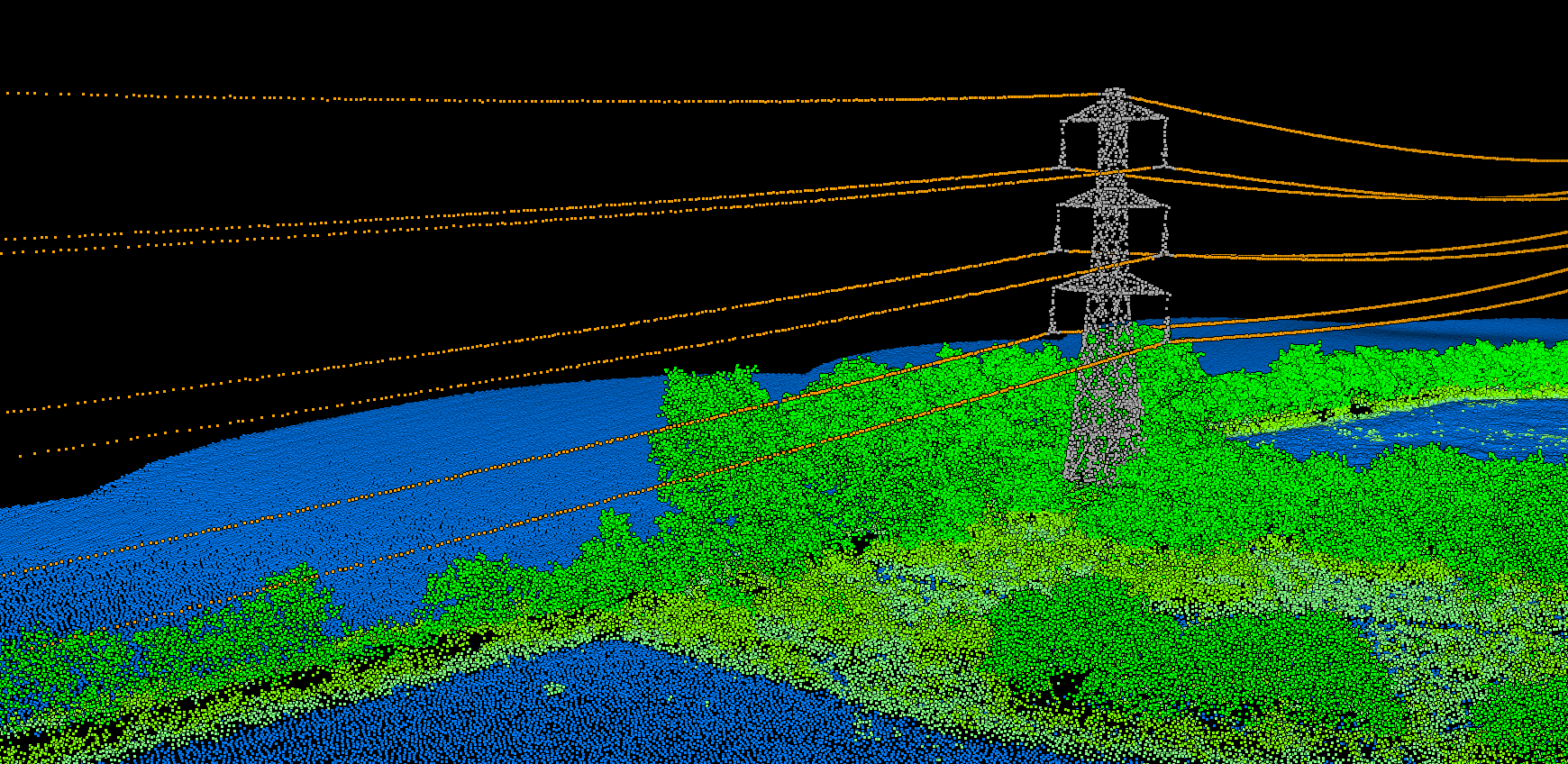
Vegetation encroachment analysis in Lidarvisor
Why Traditional Inspection Methods Fall Short
Most utilities still rely on visual inspections from trucks or helicopters. Inspectors estimate clearances, mark approximate locations, and move to the next span. This approach has fundamental limitations:
- Subjective measurements — Clearance estimates vary between inspectors
- Incomplete coverage — Dense vegetation hides hazard trees from view
- No fall-in analysis — A tall tree 50 feet from the line looks safe until it falls
- Poor documentation — Hand-drawn maps and approximate GPS coordinates
LiDAR surveys capture precise 3D data of entire corridors, but raw point clouds require specialized software to extract actionable intelligence.
Key Features for Utility Vegetation Software
When evaluating vegetation management software, utility managers should prioritize these capabilities:
5. CAD and GIS Integration
Your vegetation management data needs to flow into existing workflows. Essential export options include:
📐
DXF Files
For CAD software and engineering analysis
🗺️
SHP Files
For GIS mapping and asset management
📊
CSV Reports
For spreadsheet analysis and work order generation
Regulatory Compliance (NERC FAC-003)
Transmission utilities must comply with NERC FAC-003 vegetation management standards. Your software should generate documentation that proves clearance compliance:
- Geospatially-referenced clearance measurements
- Date-stamped survey data
- Documented remediation history
- Auditable risk reports
This documentation protects against regulatory penalties and demonstrates due diligence in vegetation management programs.
Traditional Software vs. Cloud Processing
Traditional Desktop Software
Requires specialized workstations, expert GIS training, and manual parameter tuning for each project. Processing large corridor datasets can take weeks. Licenses often cost thousands of dollars per seat.
Cloud-Based Platforms
Handle processing automatically. Upload LiDAR data, receive classified results with encroachment analysis. No software installation, no parameter adjustment, no specialized training required.
LIDARVISOR PLATFORM
How Lidarvisor Handles Utility Corridors
Cloud-based LiDAR processing built for utility vegetation management
Upload your corridor data and get results in minutes, not weeks. Our AI handles the complexity so your team can focus on remediation priorities.
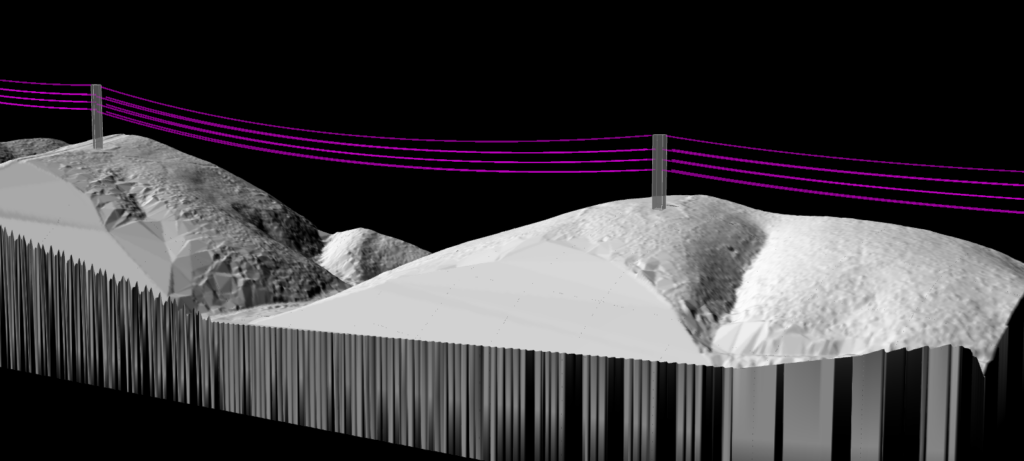
✦ Automatic wire detection — AI identifies conductors, poles, and towers
✦ Custom clearance zones — Configure buffer zones per voltage class
✦ Fall-in risk analysis — Identify trees that could strike infrastructure
✦ GPS-ready reports — Export coordinates crews can navigate directly
✦ CAD integration — Export as DXF or SHP
✦ Browser-based viewer — Share interactive views via link
Related Resources
Learn more about LiDAR for utility vegetation management: