
Learn LiDAR
3D LiDAR Mapping Software: Survey Terrain, Topography, and Point Cloud Workflows
Aerial, mobile, and terrestrial 3D LiDAR mapping workflows
No credit card required • 50 hectares included
3D LiDAR mapping turns raw point clouds into terrain models, contours, and survey-ready deliverables. This guide shows how aerial, mobile, and terrestrial LiDAR mapping workflows move from capture to classified point clouds, DTMs, DSMs, and export-ready files.
What is LiDAR Mapping?
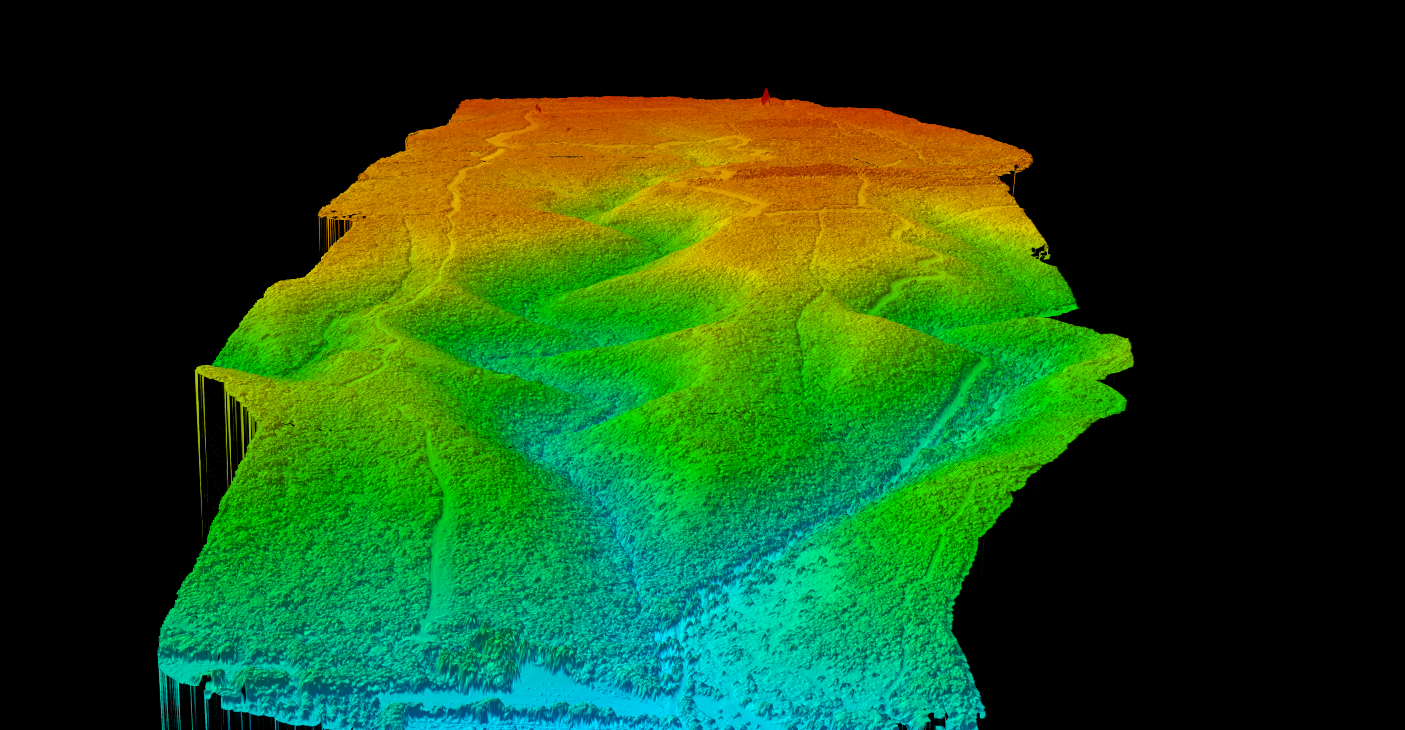
LiDAR mapping uses laser pulses to measure distances and create detailed 3D representations of the Earth’s surface and features. A LiDAR sensor emits thousands to millions of laser pulses per second, measuring the time each pulse takes to return after hitting a surface. This creates a dense “point cloud” containing millions of precise 3D coordinates.
Unlike photogrammetry, which relies on visible light and image interpretation, LiDAR mapping works through vegetation and in low-light conditions. The technology captures bare-earth elevation under forest canopy, something optical sensors cannot achieve.
Types of LiDAR Mapping
Different LiDAR mapping platforms serve different purposes, from large-area terrain mapping to detailed indoor scanning
Airborne LiDAR
Fixed-wing aircraft cover hundreds of square kilometers per day. Best for national mapping programs, flood plains, forestry inventory, and large infrastructure projects. Specs: 2-20 pts/m², ±5-15 cm accuracy, 50-500 km²/day
Drone (UAV) LiDAR
Modern UAV LiDAR systems achieve 100+ points per square meter. Best for construction sites, mining operations, archaeological surveys, and corridor mapping. Specs: 50-500+ pts/m², ±2-5 cm accuracy, 2-20 km²/day
Mobile LiDAR
Systems mount on vehicles, boats, or rail cars to capture data while moving. Best for road surveys, asset inventory, urban mapping, and railway corridors.
Terrestrial (Static) LiDAR
Extremely detailed point clouds from fixed positions. Best for building documentation, heritage preservation, forensic analysis, and industrial facility mapping.
Bathymetric LiDAR
Green wavelength lasers penetrate water to map underwater terrain. Best for coastal mapping, harbor surveys, coral reef monitoring, and nearshore infrastructure.
LiDAR Mapping Workflow
A structured approach from mission planning to final deliverables
- Mission Planning: Define accuracy, point density, coverage area, and coordinate system requirements
- Ground Control: Survey GCPs and establish GNSS base stations for precise georeferencing
- Data Collection: Record XYZ coordinates, intensity, return numbers, and GPS timestamps
- Point Cloud Processing: Trajectory adjustment, strip alignment, noise filtering, and classification
- Product Generation: Create DTMs, DSMs, contours, hillshades, and vector extractions
LiDAR Mapping Outputs
LiDAR mapping produces both raster and vector deliverables, each serving specific purposes
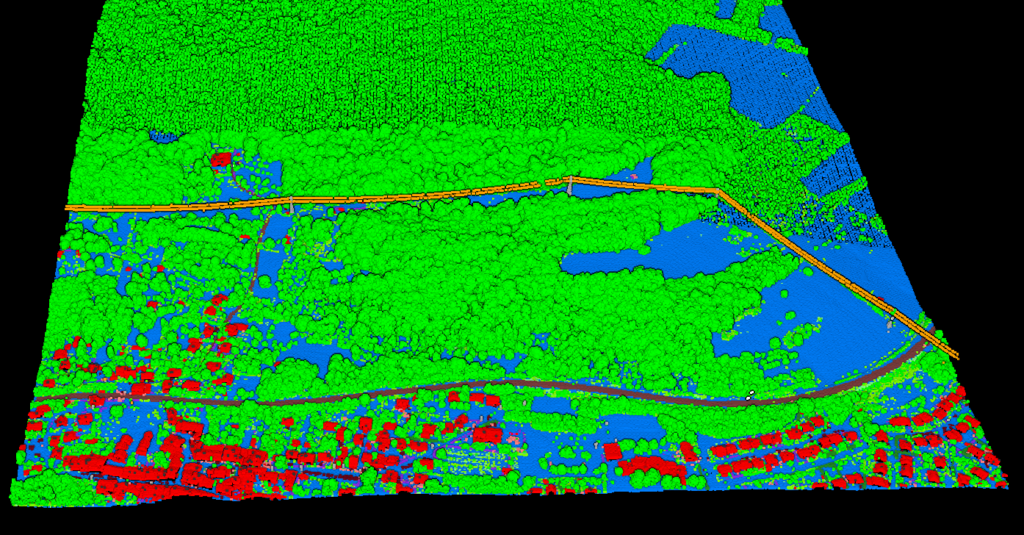
DTM
Bare-earth terrain model for flood modeling, earthwork calculations, and archaeology
DSM
Surface model including buildings and trees for urban planning and solar analysis
Contours
Precise elevation lines for topographic maps and CAD deliverables
Vectors
Building footprints, tree locations, power lines, and road edges
LiDAR Mapping Applications by Industry
Land Surveying: LiDAR mapping has revolutionized topographic surveying. What once required weeks of ground surveying can now be completed in days with higher point density and accuracy.
Forestry & Environmental: Forest inventory captures individual tree metrics. Multi-return LiDAR measures tree heights, crown dimensions, stem density, canopy cover, and biomass estimates.
Utilities & Vegetation Management: Electric utilities identify vegetation encroachment, measure conductor clearances, and document pole and tower positions.
Flood Modeling & Hydrology: High-resolution terrain models enable precise flood simulation, watershed delineation, and stormwater infrastructure design.
Construction & Mining: Regular LiDAR surveys track progress, calculate stockpile volumes, and monitor pit progression.
LiDAR Mapping vs Photogrammetry
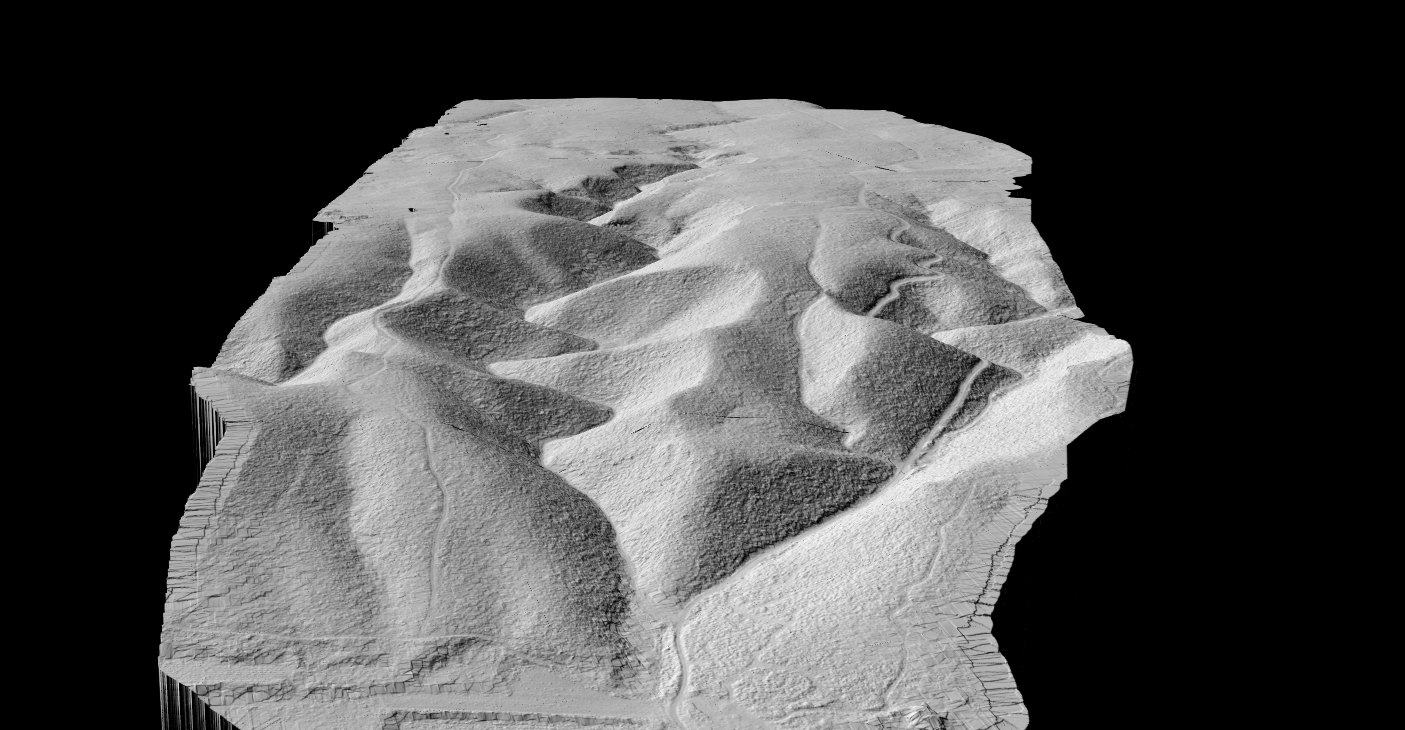
Photogrammetry
Many projects combine both technologies, using LiDAR for terrain and photogrammetry for visual documentation.
LiDAR Mapping
- Works day or night, penetrates vegetation
- ±2–15 cm accuracy in good conditions
- Best for terrain, forestry, and utility corridors
- Higher equipment cost, no RGB by default
Photogrammetry
- Lower equipment cost
- Full color imagery and textures
- ±3–10 cm accuracy in good conditions
- Daylight only, cannot see through vegetation
PROCESSING
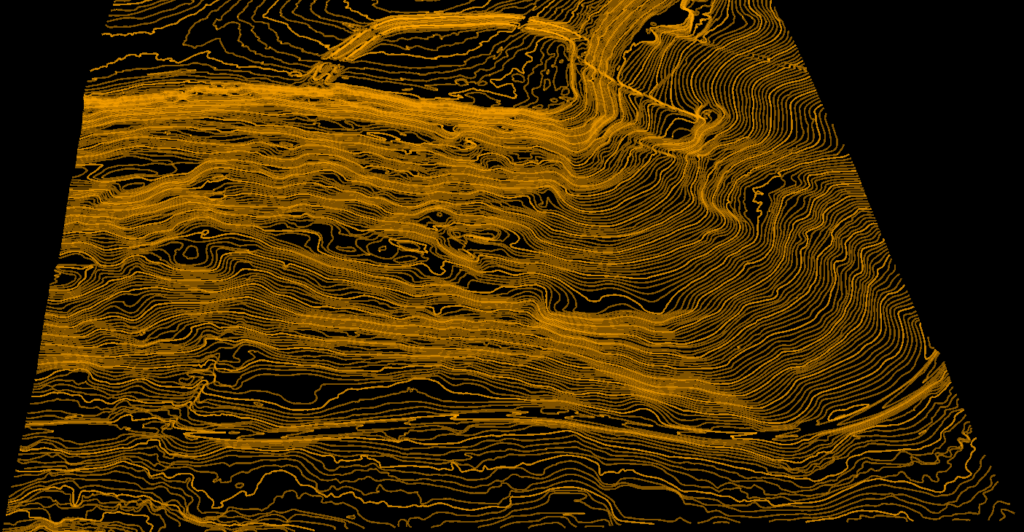
Processing LiDAR Mapping Data
Raw point clouds require processing to extract value
- Point Cloud Classification: Assigns points to ASPRS categories (ground, vegetation, buildings, water)
- AI Classification: Machine learning automatically classifies millions of points, reducing manual work dramatically
- Raster Generation: DTM/DSM in GeoTIFF, hillshades, slope maps
- Vector Extraction: Contours, building footprints, tree locations in DXF, SHP, GeoJSON
Process Your LiDAR Mapping Data
Skip the expensive software and steep learning curve. Lidarvisor processes your LiDAR point clouds in the cloud, delivering survey-grade results without desktop installations
AI Classification
Automatic ground, vegetation, and building classification using machine learning
Raster Outputs
DTM, DSM, hillshade, and slope maps in standard formats
Vector Extraction
Contours, building footprints, tree locations in DXF, SHP, GeoJSON
Related Guides
Complete guide to terrain modeling
Everything about Digital Terrain Models
ASPRS classes and AI classification
Ready to Process Your LiDAR Mapping Data?
Upload your point cloud and get survey-grade DTMs, contours, and classified data in minutes. Start with 50 Hectares of free processing.
Create free account50 hectares free. No credit card. No software to install.