

Complete Step-by-Step Tutorial
What is LINZ?
Toitū Te Whenua Land Information New Zealand (LINZ) is New Zealand’s government agency responsible for land information and geospatial data. Through the National Elevation Programme, LINZ coordinates LiDAR acquisition across the country, making high-resolution elevation data freely available for everyone.
🏔️
1m DEMs
Bare-earth terrain models
🌲
1m DSMs
With vegetation & buildings
🇳🇿
NZ Coverage
Most of New Zealand
🔓
CC-BY-4.0
Free for any use
Step-by-Step Download Guide
Navigate the LINZ Data Service
Follow these steps to download elevation data from New Zealand’s national LINZ Data Service. You’ll need a free Koordinates account to export data.
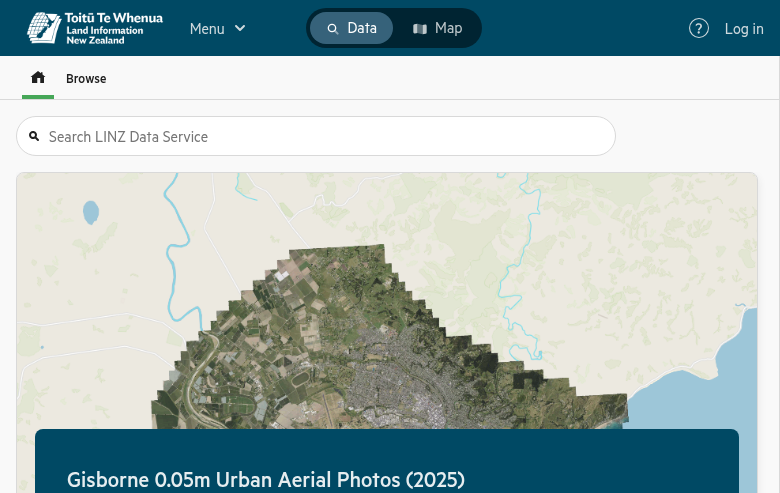
LINZ Data Service main portal interface
01
Access the LINZ Data Service
Navigate to data.linz.govt.nz to access the LINZ Data Service. You can browse without registering, but you’ll need a free Koordinates account to download data.
Getting started:
- Data tab: Browse available datasets by category
- Search bar: Find “LiDAR” or “DEM” datasets directly
- Elevation category: Contains all terrain products
02
Find Your Dataset
Use the search bar to find specific LiDAR datasets. Key national products include:
Available datasets:
- NZ LiDAR 1m DEM — Merged national bare-earth model
- NZ LiDAR 1m DSM — Merged national surface model
- NZ DEM Hillshade — Pre-rendered 3D visualization
Click on a dataset to view its details, metadata, and coverage area. The map interface shows the geographic extent.
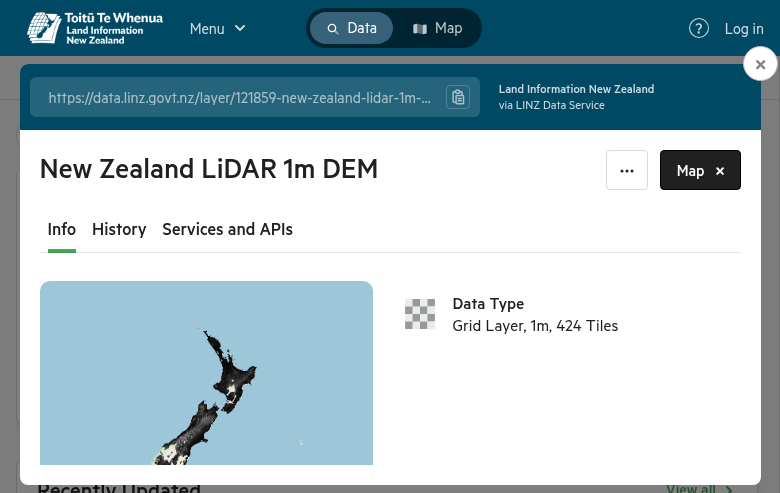
NZ LiDAR 1m DEM dataset page
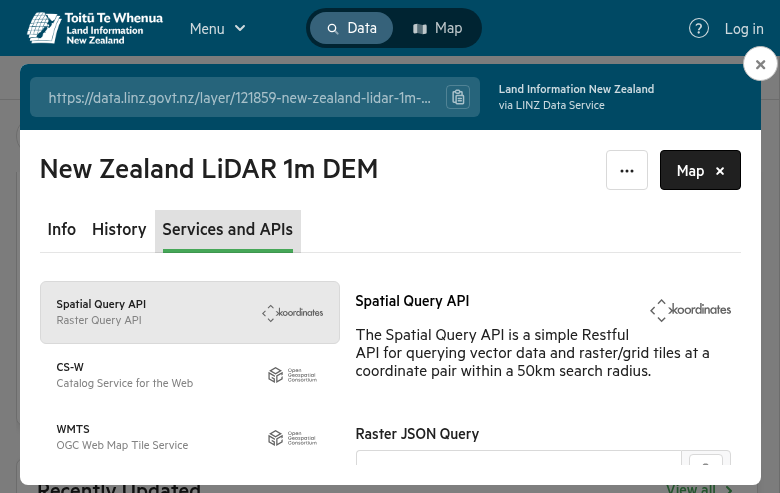
Export options showing format and projection settings
03
Define Your Area & Export
Click the Crop button above the map to limit your download area:
Cropping options:
- Rectangle: Draw a box around your area of interest
- Region: Select predefined areas (Topo50 sheets, territorial authorities)
Then click Export to configure:
- File Format: GeoTIFF (recommended), ESRI File GDB, GeoPackage
- Projection: NZTM2000 (default), NZGD2000, or WGS84
04
Create Export & Download
Click Create Export to start processing. You’ll need to agree to the CC-BY-4.0 license terms.
Processing times:
- Small areas: Immediate to a few minutes
- Large areas: Up to several hours
- Full datasets: Consider AWS bulk downloads
When ready, click Download to save the ZIP file containing your data plus metadata and licensing information.
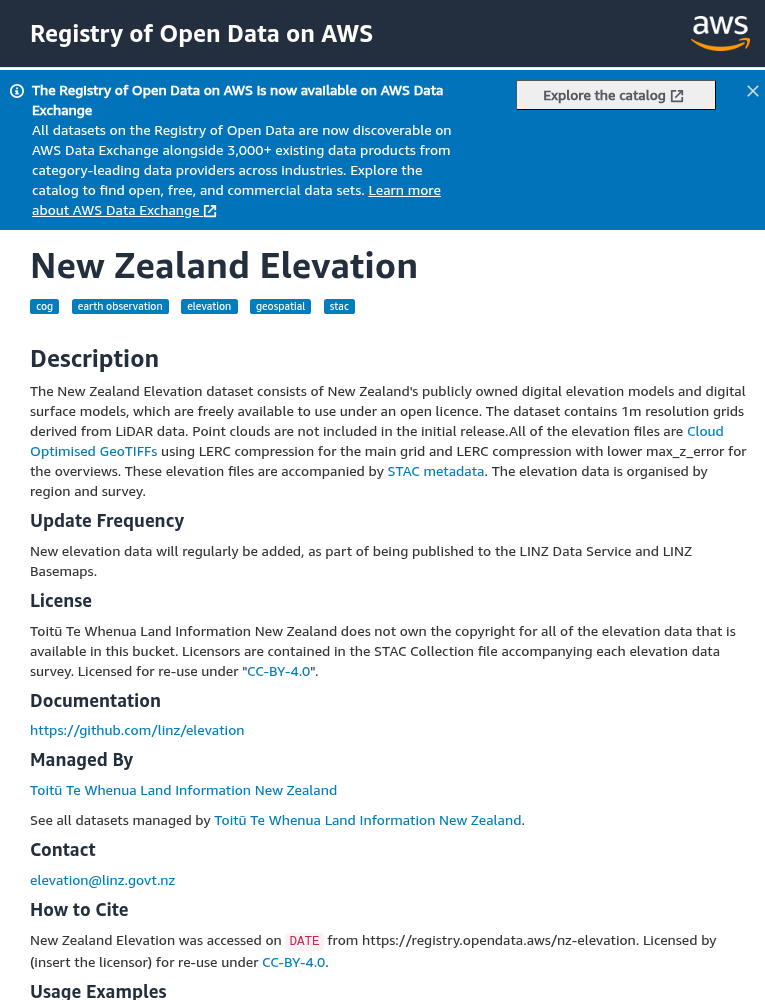
AWS Registry of Open Data for bulk downloads
Alternative Download Methods
Point Clouds & Bulk Downloads
For raw point cloud data or large-scale downloads, use these additional resources:
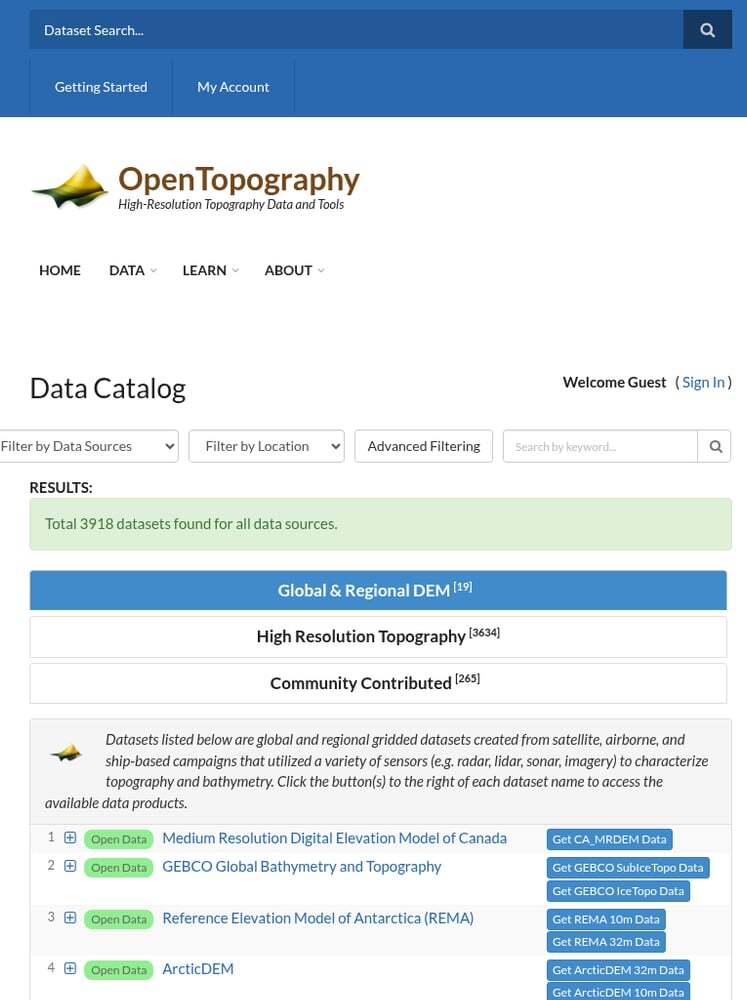
📍 OpenTopography Point Clouds
Full-resolution LAZ point clouds are available through OpenTopography. Use their tools for:
✦ Point cloud visualization
✦ On-demand DEM generation
✦ Direct LAZ file downloads
☁️ AWS Registry of Open Data
For entire datasets, use the NZ Elevation dataset on AWS:
✦ Cloud Optimized GeoTIFFs (COGs)
✦ Stream data without full downloads
✦ STAC catalog access
✦ No login required
Technical Specifications
📡 Data Specifications
Resolution: 1 metre (DEM/DSM)
Point Density: 2-8 points/m²
Products: DEM, DSM, Hillshade
License: CC-BY-4.0 (free for any use)
🗺️ Coordinate Systems
Default CRS: NZTM2000 (EPSG:2193)
Alternative: NZGD2000 (EPSG:4167)
Global: WGS84 (EPSG:4326)
Vertical Datum: NZVD2016
Available File Formats
LINZ Data Service supports multiple export formats for different use cases:
| Format | Type | Best For |
|---|---|---|
| GeoTIFF | Raster | DEMs and DSMs – universal GIS compatibility |
| LAZ | Point Cloud | Compressed LiDAR data via OpenTopography |
| ESRI File GDB | Vector/Raster | ArcGIS Pro workflows |
| GeoPackage | Vector/Raster | Open format for QGIS and other GIS software |
| COG (AWS) | Cloud Raster | Cloud streaming, no full download needed |
Tips for Downloading LINZ Data
Processing Your Downloaded Data
Once you have downloaded your LINZ LiDAR data, you’ll need to process it to extract useful products. Lidarvisor offers a streamlined workflow for processing point clouds.
Frequently Asked Questions
Yes! All LiDAR data from LINZ is released under the Creative Commons Attribution 4.0 (CC-BY-4.0) license. You can use it for commercial or non-commercial purposes as long as you attribute LINZ as the source.
As of 2024, most of New Zealand has LiDAR coverage through the National Elevation Programme. Check the NZ Elevation Survey Index for current coverage maps. Priority areas include urban centers, flood-prone regions, and coastal zones.
The national DEM and DSM products are provided at 1-metre resolution. Individual survey datasets may have different specifications depending on the acquisition parameters. Point density typically ranges from 2-8 points per square metre.
Full-resolution point cloud data is available through OpenTopography rather than the LINZ Data Service directly. LINZ provides the derived products (DEMs, DSMs, hillshades) while OpenTopography hosts the raw LAZ files.
For most New Zealand applications, use NZTM2000 (EPSG:2193) – New Zealand Transverse Mercator. This is the official projection for New Zealand and ensures accurate measurements. If you need global compatibility, you can convert to WGS84 (EPSG:4326).
GeoTIFF files from LINZ can be opened with any GIS software including QGIS, ArcGIS Pro, Global Mapper, and Google Earth Pro. LAZ files can be opened with CloudCompare, QGIS (with LAStools plugin), and Fugro Viewer. For cloud-based processing without software installation, upload directly to Lidarvisor.
More Free LiDAR Data Tutorials
Explore our complete collection of free LiDAR data download tutorials: