
Learn LiDAR
Digital Terrain Model Software: Best LiDAR DTM Tools for Bare-Earth Mapping
Fast DTM production for survey, civil, utility, and drainage teams
No credit card required • 50 hectares included
If your team still spends hours cleaning vegetation and objects out of a terrain surface before you can generate contours or hand a file to CAD, you do not just have a DTM problem. You have a workflow problem.
The best digital terrain model software shortens the path from raw LiDAR to a clean bare-earth model you can actually use.
For survey, civil, utility, and drainage teams, the real bottlenecks are ground classification, QA, and export. That is why software choice matters less on flashy 3D graphics and more on how reliably it can classify ground points, build a usable DTM, and deliver terrain outputs in the formats your team already works with.
What the best digital terrain model software should do
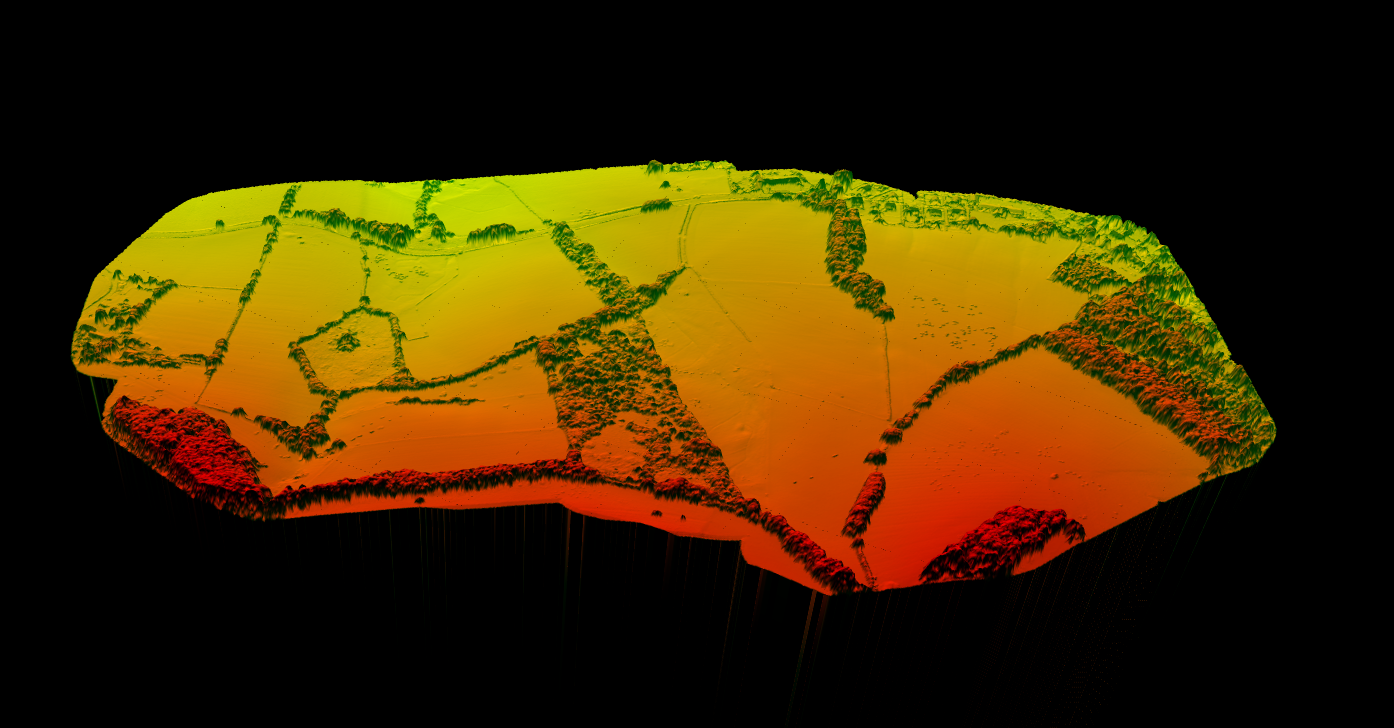
A strong DTM platform should create a terrain surface from ground-only elevations, not from buildings, tree canopy, or temporary objects. In practice, that means the software needs to handle five core jobs well:
- Import LiDAR point clouds such as LAS or LAZ
- Classify ground points reliably in mixed terrain
- Generate DTM rasters and terrain derivatives
- Export deliverables for GIS and CAD workflows
- Make QA fast enough that analysts are not stuck in desktop cleanup for hours
Many teams already have software that can display a terrain model. Far fewer have software that can turn raw point clouds into a clean, survey-usable DTM without a long manual cleanup loop.
Which teams benefit most from DTM software
Land Surveyors
Need bare-earth surfaces for topographic mapping, contour generation, and DXF handoff.
Civil Engineers
Need terrain inputs for grading, drainage, and corridor planning.
Hydrology Teams
Need DTMs for runoff, watershed, and flood models.
Construction & Utility Teams
Need existing-ground surfaces for cut-and-fill analysis and terrain context beneath wires, poles, and vegetation.
Best digital terrain model software options
The right tool depends on whether your priority is faster production, deeper GIS analysis, or downstream CAD delivery. Here is the practical split most teams care about
| Software type | Best fit | Strength | Tradeoff |
|---|---|---|---|
| Cloud LiDAR processing software | Fast DTM production from raw point clouds | Automatic classification, browser access, easy sharing | Less custom scripting than heavyweight desktop stacks |
| Desktop GIS software | Terrain analysis after DTM creation | Strong raster tools and map workflows | Often slower for initial LiDAR cleanup |
| CAD-integrated terrain tools | Engineering and drafting teams | Good downstream design handoff | Not always ideal for upstream classification |
| Point cloud specialist suites | Power users with complex LiDAR QA needs | Deep control over filtering and classification | Higher training burden and longer manual workflows |
FAST DTM PRODUCTION
Why Lidarvisor fits fast DTM production
From point cloud to terrain outputs your team can use right away
Lidarvisor is a strong fit when the job starts with a point cloud and ends with terrain outputs your team can use right away. Upload LAS or LAZ data, classify ground, generate the DTM, and export deliverables without forcing analysts through a long manual terrain-cleanup workflow.
If your team starts with raw airborne or drone LiDAR, the highest-leverage move is usually choosing software that can classify ground automatically and export GeoTIFF, contours, and vector deliverables without bouncing between multiple desktop tools.
- Ground classification for bare-earth extraction
- DTM generation for terrain modeling
- Derived hillshade and slope outputs
- Contour-line generation for mapping and drafting
- Browser-based review and sharing
- Exports aligned with GIS and CAD workflows, including GeoTIFF, DXF, SHP, GeoJSON, LAS, and LAZ
A practical LiDAR-to-DTM workflow
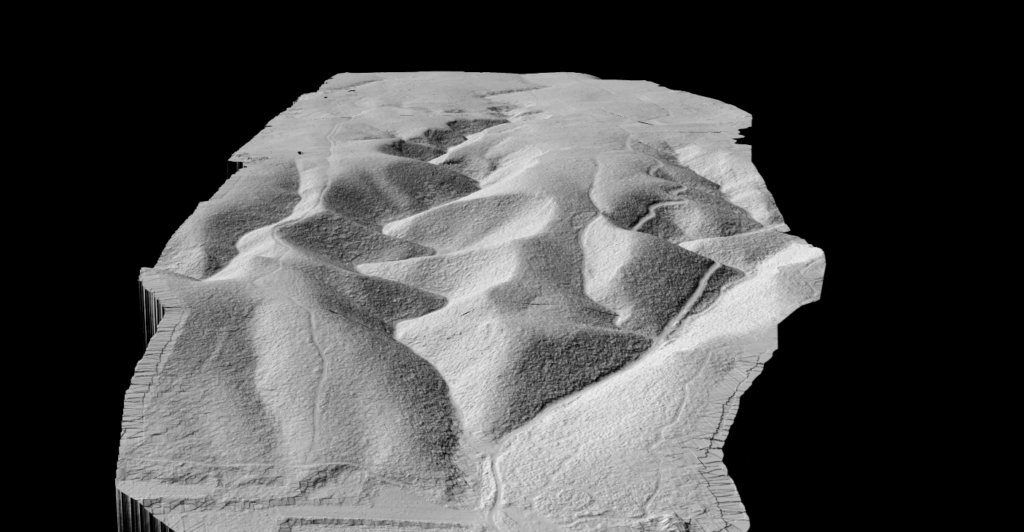
Import data
Load LAS or LAZ point clouds so the original elevation and classification context stays intact.
Ground classification
Separate ground from vegetation, buildings, and noise. This step decides whether the DTM is usable.
Surface generation + QA
Interpolate ground points into a raster or TIN terrain surface, then check steep slopes, drainage breaks, roads, and embankments.
Export
Deliver GeoTIFF, contours, slopes, or vectors so the model moves directly into CAD, GIS, and modeling workflows.
DTM outputs worth paying for
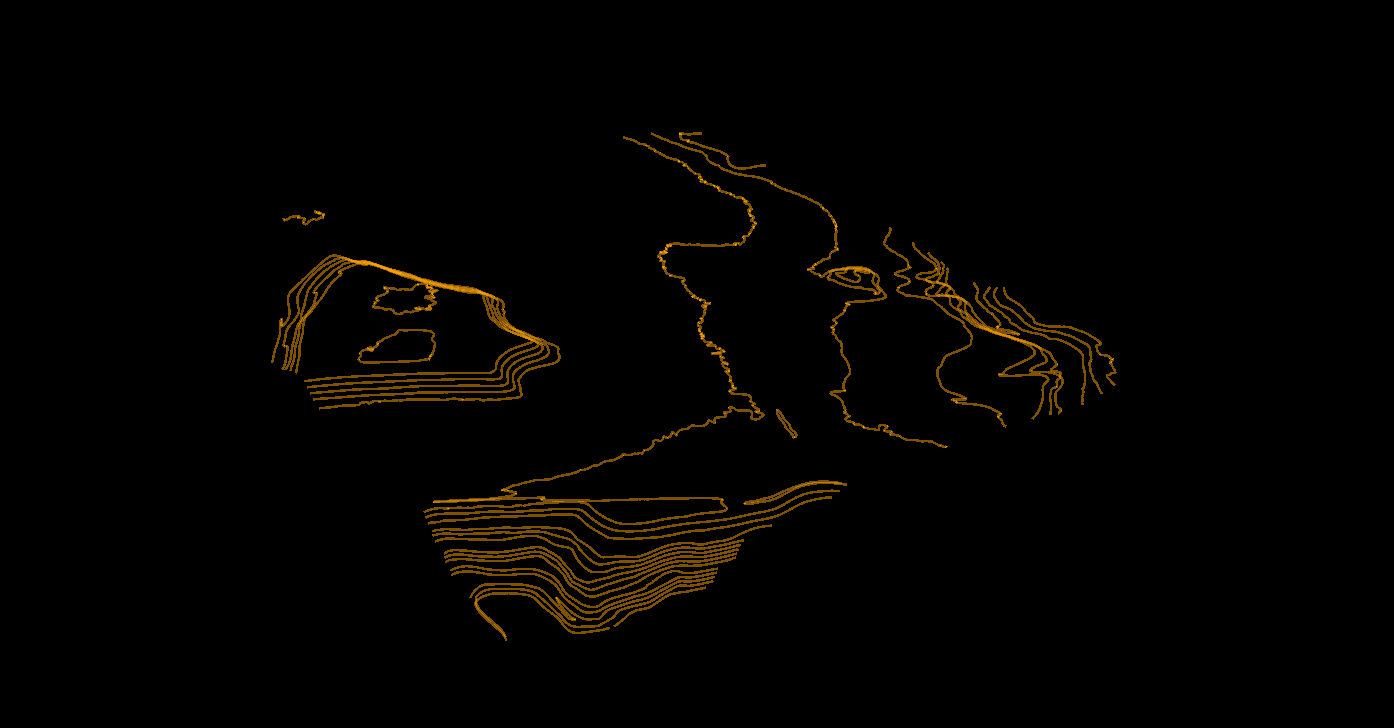
- GeoTIFF DTM for GIS and hydrology workflows
- Contour lines for topographic mapping and CAD
- Slope maps for grading, drainage, and site screening
- Hillshade for terrain interpretation and reporting
- Classified LAS or LAZ when downstream teams still need point-level review
Those outputs matter because they shorten the distance between terrain processing and the real job: drainage design, topo delivery, corridor review, or construction planning.
How to compare DTM software before you buy
- Ground accuracy: Can it keep roads, berms, and drainage edges clean?
- Vegetation handling: Does it work in brush and forest, not only open ground?
- Speed: Can one analyst finish a site quickly without hours of manual correction?
- Exports: Does it fit your GeoTIFF, DXF, SHP, and GeoJSON handoff requirements?
- Review workflow: Can teammates or clients check outputs without opening heavy desktop software?
- Scalability: Will the workflow still hold up across larger corridors or repeated site jobs?
Quick buyer checklist for digital terrain model software
Before you commit to a DTM platform, pressure-test it against the job your team runs most often. A polished terrain renderer is not enough if analysts still spend hours fixing bare-earth mistakes before export.
- Ground separation: Can it strip trees, buildings, vehicles, and small clutter without damaging berms, ditches, and road edges?
- Low-relief confidence: Can it preserve subtle grade changes that matter in drainage, floodplain, and roadway work?
- QA speed: Can one analyst review the terrain quickly without a long desktop cleanup loop?
- Deliverable fit: Will it hand off GeoTIFF, DXF, SHP, GeoJSON, and classified LAS or LAZ in the formats downstream teams already expect?
- Sharing: Can PMs, clients, or subcontractors review terrain outputs without installing another heavyweight tool?
Which DTM workflow matters most?
Choose software based on the terrain workflow that creates the most risk for your team, not on the longest feature list
| Primary workflow | What matters most | Output priority | Common failure to avoid |
|---|---|---|---|
| Topographic survey delivery | Clean breaklines, fast ground QA, contour-ready terrain | DTM, contours, DXF, classified LAS or LAZ | Ground models that still carry buildings, vehicles, or edge noise into CAD |
| Drainage and flood-prep terrain | Confidence in subtle grade changes and low-relief bare earth | DTM, slope map, GeoTIFF, QA surfaces | Smoothing away shallow channels, berms, or curb transitions |
| Corridor and utility terrain review | Reliable ground under vegetation plus team-friendly review | DTM, hillshade, slope, vectors, shareable review outputs | Heavy desktop-only review that slows PM and subcontractor feedback |
| Construction site grading | Fast turnaround from raw LiDAR to existing-ground surface | DTM, contours, DXF, GeoTIFF | Export friction that delays design teams after terrain processing is done |
Best-fit use cases for DTM software
Topographic Surveys
Prioritize contour output, CAD handoff, and fast QA on breaklines and ground edges.
Flood & Drainage Work
Prioritize clean bare-earth surfaces, slope derivatives, and confidence in low-relief terrain.
Construction Earthworks
Prioritize cut-and-fill readiness, existing-ground validation, and repeatable export formats.
Utility Corridors
Prioritize terrain context beneath vegetation and infrastructure, especially when downstream teams also need poles, wires, and slope context.
FAQ
What is the difference between DTM software and DSM software?
DTM software focuses on the bare-earth surface. DSM software retains buildings, trees, and other above-ground features. Many platforms can generate both, but the intended output is different.
Can I create a DTM from photogrammetry software?
Sometimes, but photogrammetry struggles in vegetated areas because it cannot see through canopy the way LiDAR can. If terrain under trees matters, LiDAR workflows are usually more reliable.
What file format should DTM software export?
GeoTIFF is the standard terrain raster output. Many teams also need contour DXF, SHP or GeoJSON vectors, plus classified LAS or LAZ for QA and downstream work.
Is cloud-based DTM software good enough for survey work?
It can be, if classification quality, output fidelity, and export formats match your workflow requirements. The main advantage is faster production and easier review across teams.
What should I compare first when choosing DTM software?
Start with ground classification quality, then look at export formats and review speed. A polished interface does not help if the terrain surface is wrong or hard to deliver.
Ready to turn LiDAR into a usable bare-earth model?
Start with a free account to classify ground points, generate a DTM, and export terrain outputs without building a long desktop workflow first.
Create free account50 hectares free. No credit card. No software to install.