

Terrain Steepness Visualization from LiDAR
How Does It Work?
Slope maps are created by analyzing Digital Terrain Models (DTM), precise 3D representations of the ground surface. The system calculates the rate of change in elevation between neighboring points and expresses this as either:
- Degrees (0° = flat, 90° = vertical cliff)
- Percentage (0% = flat, 100% = 45° angle)
The result is typically displayed using a gradient color scale: green for flat areas, yellow for moderate slopes, and red or purple for steep terrain.
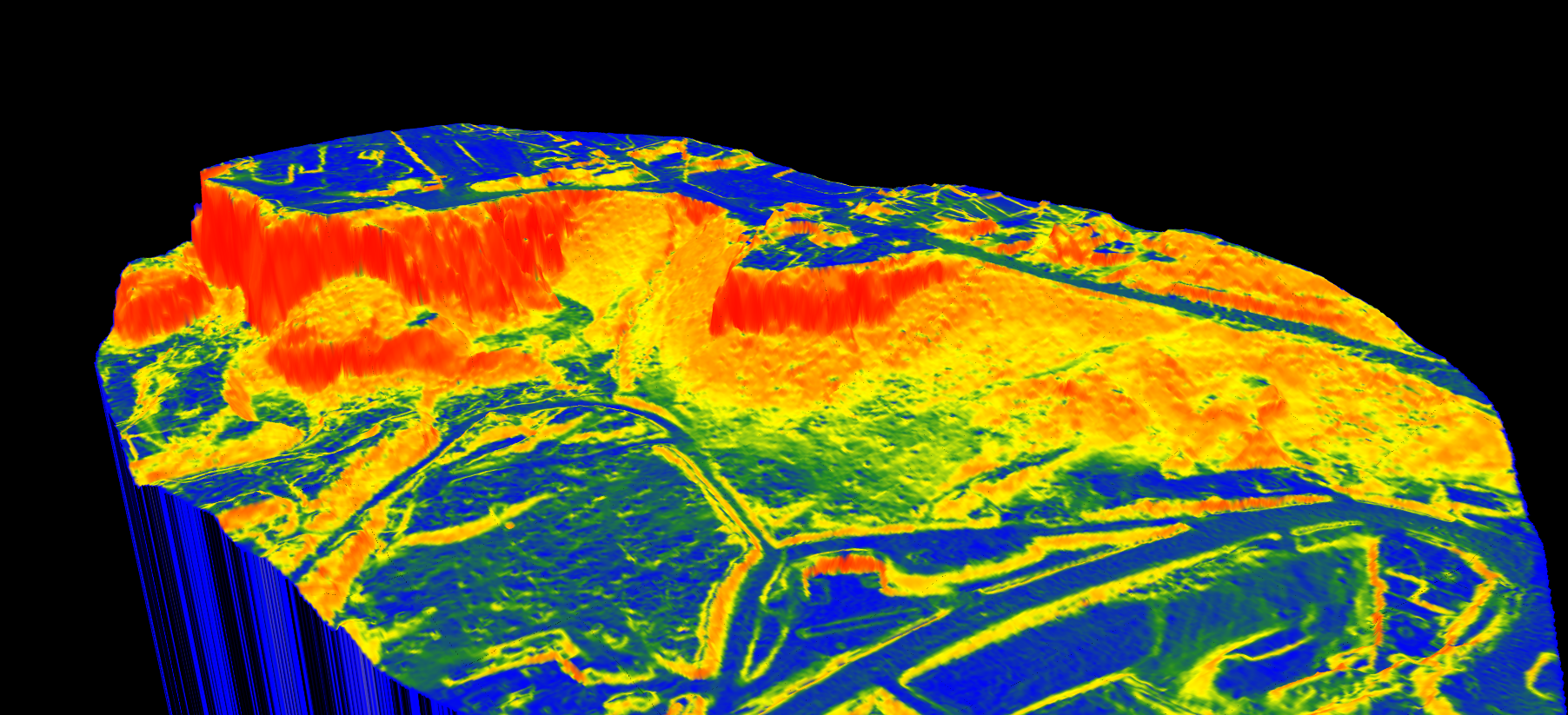
A slope map generated from LiDAR data showing terrain steepness with color-coded visualization.
Why Are Slope Maps Useful?
Slope maps are invaluable across many industries, providing critical terrain information for planning and analysis.
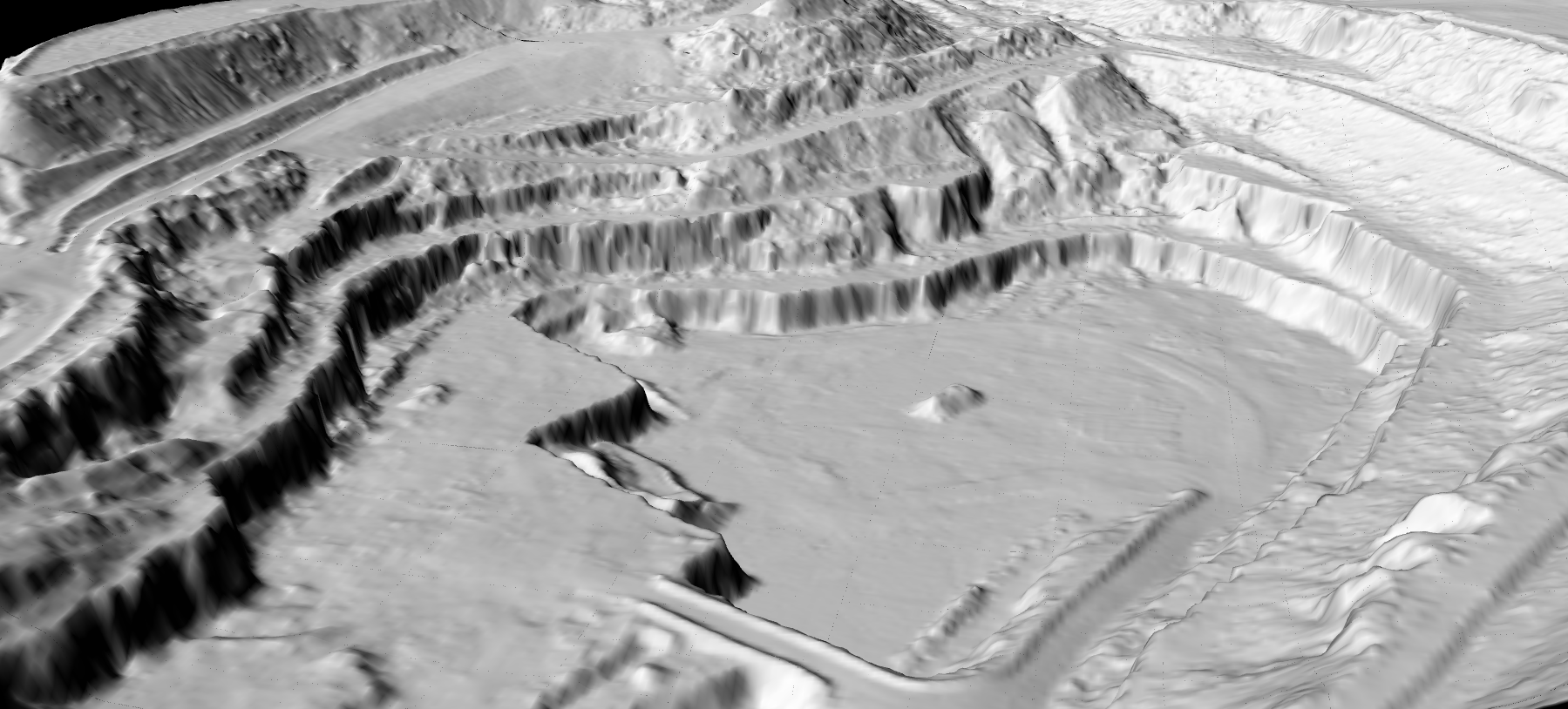
A DTM generated from classified LiDAR data forms the foundation for slope analysis.
How LidarVisor Generates Slope Maps
LidarVisor creates slope maps from LiDAR point cloud data with precision. The platform first classifies ground points to build an accurate DTM, then automatically calculates slope values across the entire surveyed area.
The result is an interactive layer you can overlay on your 3D visualization, helping you quickly identify terrain challenges and make informed decisions, all without needing specialized GIS software.
Key Benefits
- Instant terrain assessment: Visualize slope conditions across entire survey areas in seconds
- Risk identification: Quickly spot areas prone to erosion, landslides, or drainage issues
- Planning optimization: Make informed decisions about construction sites, road alignments, and infrastructure placement
- Multi-industry value: Applicable to construction, forestry, environmental management, and utility corridors
Ready to Analyze Terrain Slope?
Upload your LiDAR data and generate slope maps automatically. Start with 10 hectares of free processing.