

Convert LiDAR Data to DXF Drawings
Point Cloud to CAD
Transform raw LiDAR point clouds into structured vector geometry: contour lines, building footprints, and other features that CAD software can use for design work.
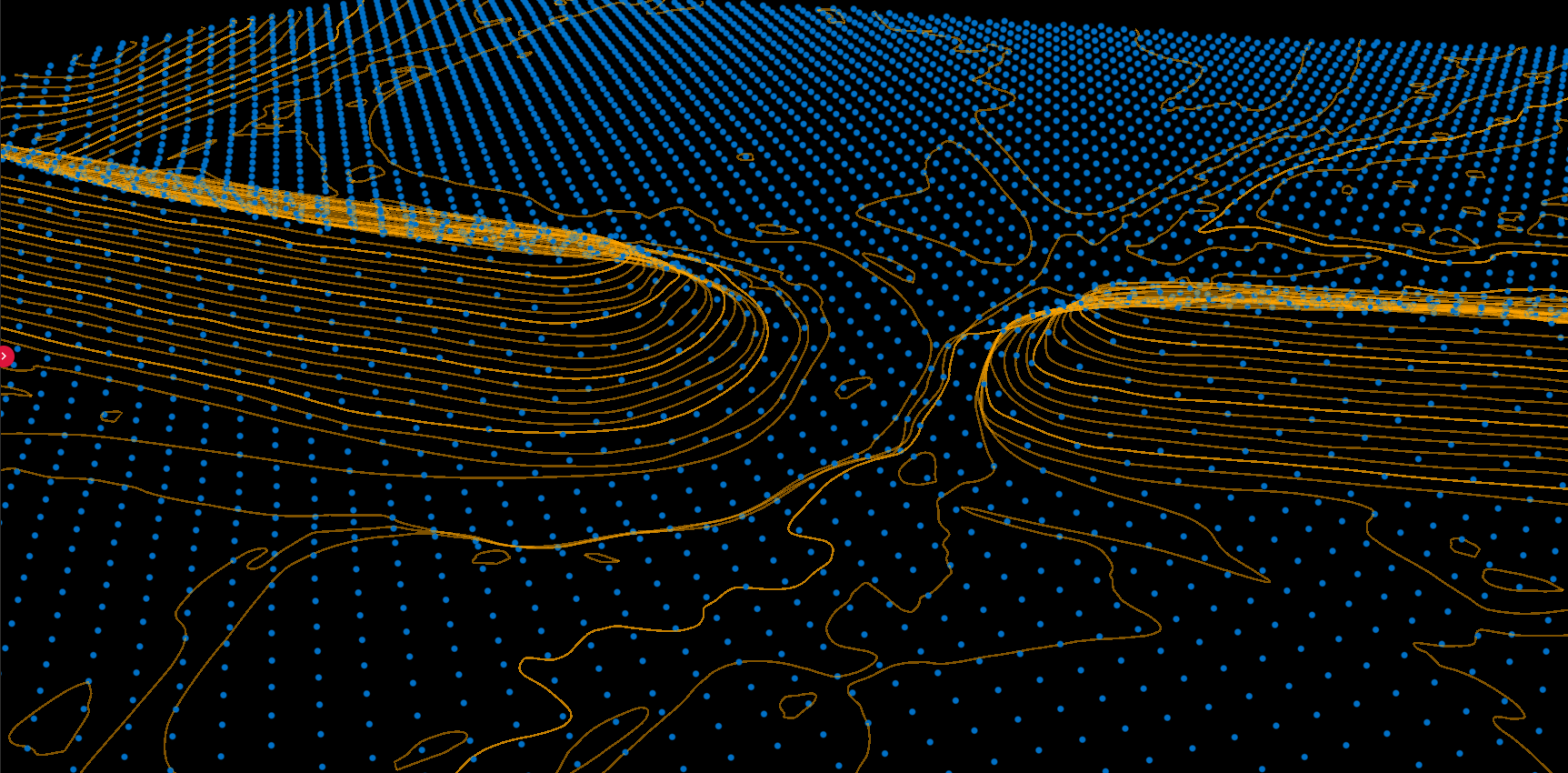
Point Cloud Data
- • Millions of discrete points
- • Unstructured geometry
- • Large file sizes (GB)
- • Analysis-focused format
CAD Requirements
- ✅ Clean lines and shapes
- ✅ Layer-organized features
- ✅ Manageable drawings (MB)
- ✅ Production-focused format
Conversion Workflow with Lidarvisor
01
Upload
Upload your LAS or LAZ file from aerial LiDAR surveys
02
Classify
AI classifies ground, vegetation, buildings, water, and wires
03
Vectorize
Extract contour lines, building footprints, and tree features
04
Download
Export DXF files for AutoCAD, Civil 3D, MicroStation, QGIS
CAD-Ready Deliverables
| Product | Format | Use Case |
|---|---|---|
| Contour lines | DXF polylines | Topographic maps, grading plans |
| Building footprints | DXF polygons | Site plans, urban mapping |
| Tree crowns | DXF polygons | Forestry, landscape design |
| DTM/DSM | GeoTIFF raster | Terrain analysis, visualization |
Frequently Asked Questions
Lidarvisor accepts LAS (all versions) and LAZ (compressed) point cloud files from aerial LiDAR surveys.
Vector products export as DXF files, compatible with AutoCAD, Civil 3D, MicroStation, QGIS, and other CAD/GIS software.
Accuracy depends on your source data. Lidarvisor preserves the precision of your input point cloud. If your LiDAR achieves 5cm vertical accuracy, your contours and vectors will reflect that same precision.
Create a FREE account now and start processing your point cloud
Get 2 GB of storage space and classify up to 10 hectares for free.