

POINT CLOUD PREPROCESSING
The Problem with Raw Point Cloud Data
Every LiDAR dataset arrives with challenges that slow down your workflow
⚠️
Noise & Outliers
Low points, atmospheric interference, and sensor artifacts contaminate your data
📊
Excessive Density
Modern sensors capture millions of points per second, creating files too large to process efficiently
🔲
No Color Information
Monochrome point clouds are hard to interpret and present to clients
📐
Surface Irregularities
Minor variations create rough terrain models that don’t reflect reality
Traditional software requires hours of manual cleanup and parameter tweaking.
Lidarvisor automates the entire preprocessing workflow.
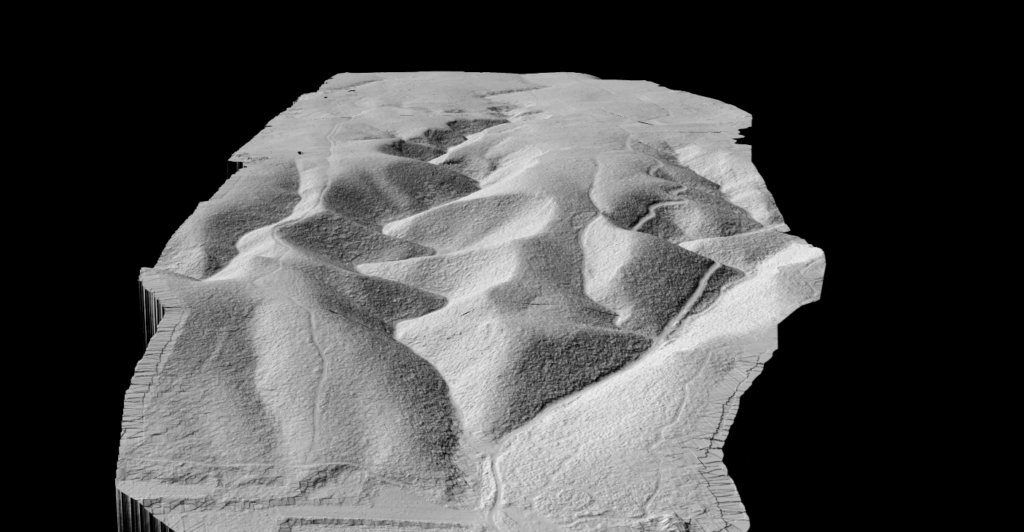
SURFACE SMOOTHING
Point Cloud Smoothing
Reduce noise while preserving real terrain features.
Lidarvisor uses surface-aware smoothing with quadratic surface fitting to intelligently smooth your point cloud without destroying important details.
✦ Three smoothing levels: Soft, Medium, or Strong
✦ Terrain-preserving: adapts to local surface geometry
✦ Cleaner DTMs from smoothed ground points
DENSITY OPTIMIZATION
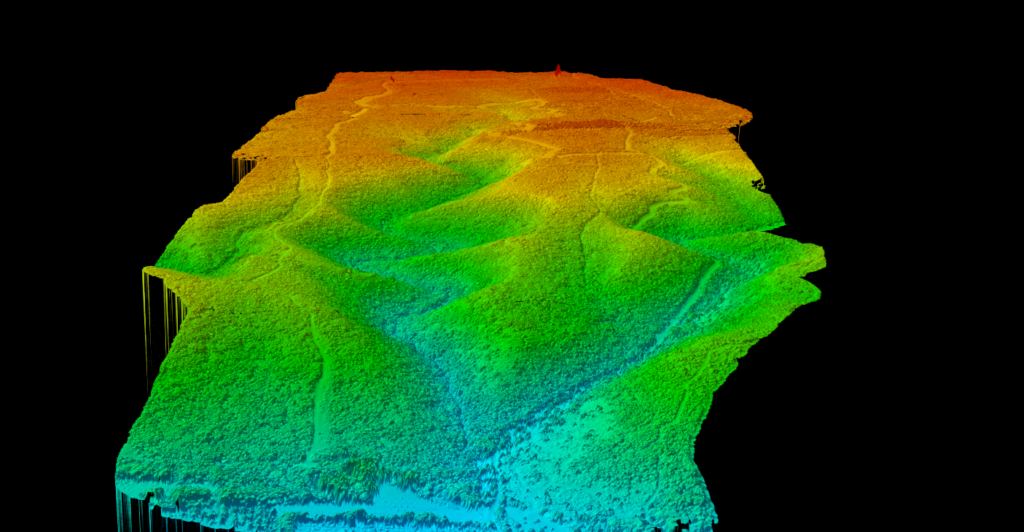
Point Cloud Thinning
Reduce file size without losing data quality.
Grid-based subsampling removes redundant points while maintaining the structure and accuracy of your point cloud. Perfect for dense UAV and terrestrial scans.
✦ Configurable grid size in centimeters
✦ Faster processing with smaller files
✦ Maintained accuracy through strategic point selection
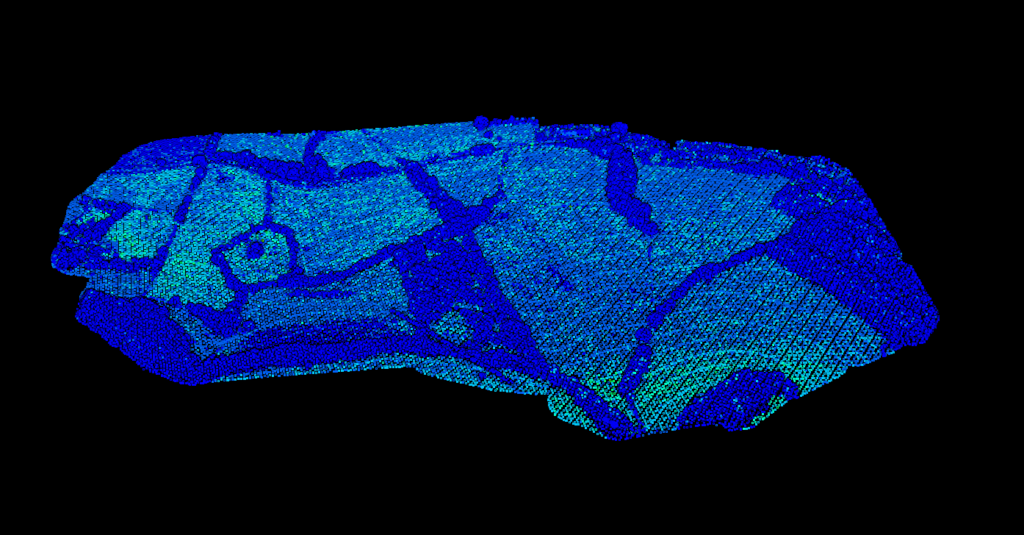
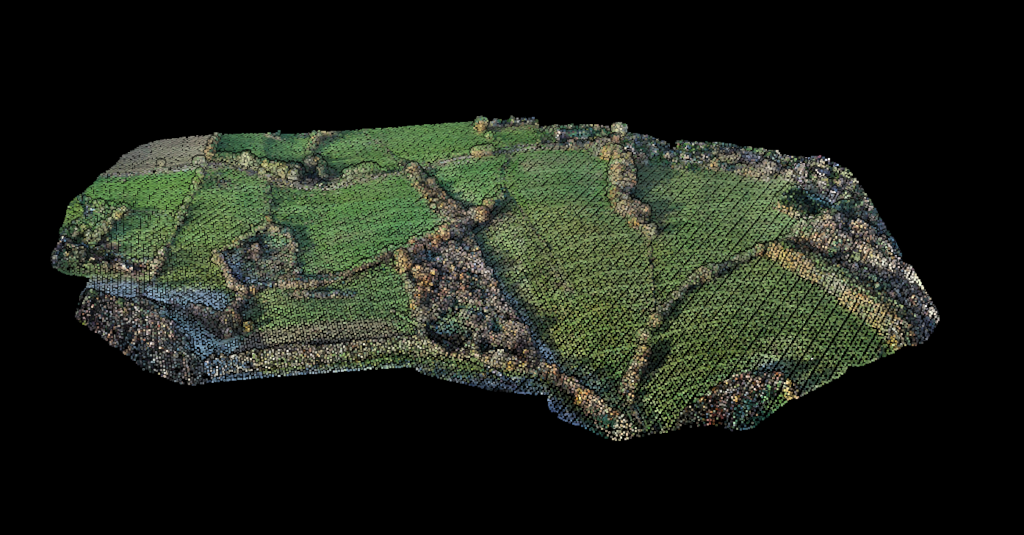
SATELLITE IMAGERY
Automatic Colorization
Transform monochrome point clouds into full-color 3D scenes.
Lidarvisor automatically applies RGB colors from satellite imagery, making your data easier to interpret and present. No manual alignment required.
✦ Colors sourced from Azure Maps satellite imagery
✦ Automatic georeferencing—no manual alignment
✦ Colors preserved in LAZ, LAS, and other exports
OUTLIER DETECTION
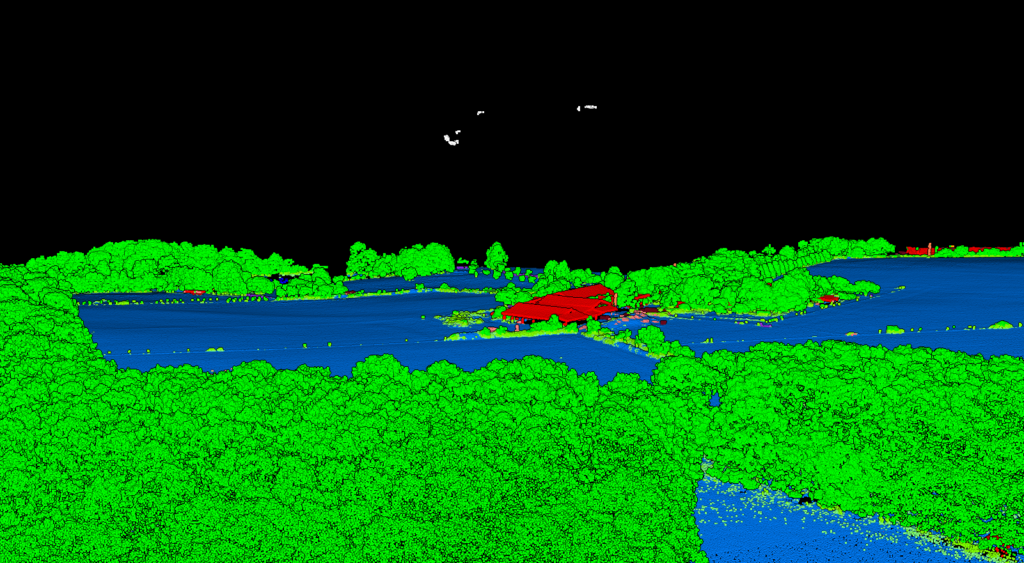
Noise Classification
Automatically identify and separate noise from valid data.
Lidarvisor detects low points and high noise, classifying them separately so your analysis uses only clean data. Ready for accurate classification and terrain modeling.
✦ Low point detection: identifies points below ground
✦ High noise separation: isolates atmospheric artifacts
✦ Download data with noise filtered or classified
How It Works
Preprocessing runs automatically as part of your workflow
01
Upload
Upload your LAS, LAZ, or other supported formats
02
Configure
Select smoothing level, thinning grid, and colorization
03
Process
Lidarvisor processes automatically—no parameters to tune
04
Download
Export clean, optimized data ready for analysis
Built for Your Workflow
📐
Surveyors
Smooth ground points for accurate terrain models
🛩️
UAV Operators
Thin dense scans for faster processing
🎨
Client Deliverables
Colorized point clouds clients can understand
✅
Quality Assurance
Remove noise before analysis for accurate results
Ready to Clean Up Your Point Clouds?
Every Lidarvisor account includes full access to preprocessing tools. Start with 10 Ha of free processing.
Questions? Contact our team or check our pricing plans
Frequently Asked Questions
No. Lidarvisor always preserves your original point cloud. Preprocessing creates a new, optimized version while keeping the original intact. You can download either version at any time.
Lidarvisor uses quadratic surface fitting that adapts to local geometry. The algorithm smooths noise while respecting terrain breaks, edges, and real surface variations. Displacement limits prevent over-smoothing.
You can configure the thinning grid size in centimeters. Common values range from 5-50 cm depending on your accuracy requirements and desired file size. Smaller grids retain more detail, larger grids create smaller files.
Colorization uses satellite imagery from Azure Maps. The system automatically georeferences your point cloud coordinates to the imagery, applying RGB values to each point. No manual alignment is needed.
Yes. You can combine smoothing, thinning, colorization, and noise removal in a single workflow. Lidarvisor applies them in the optimal order automatically.
Documentation
Learn how to preprocess and clean your point clouds in Lidarvisor.