

View LiDAR Point Clouds in Your Browser
Free LAS File Viewer Online
Need to view a LAS file quickly without installing software? Visualize LiDAR point clouds directly in your web browser—no downloads, no installation, no hassle.
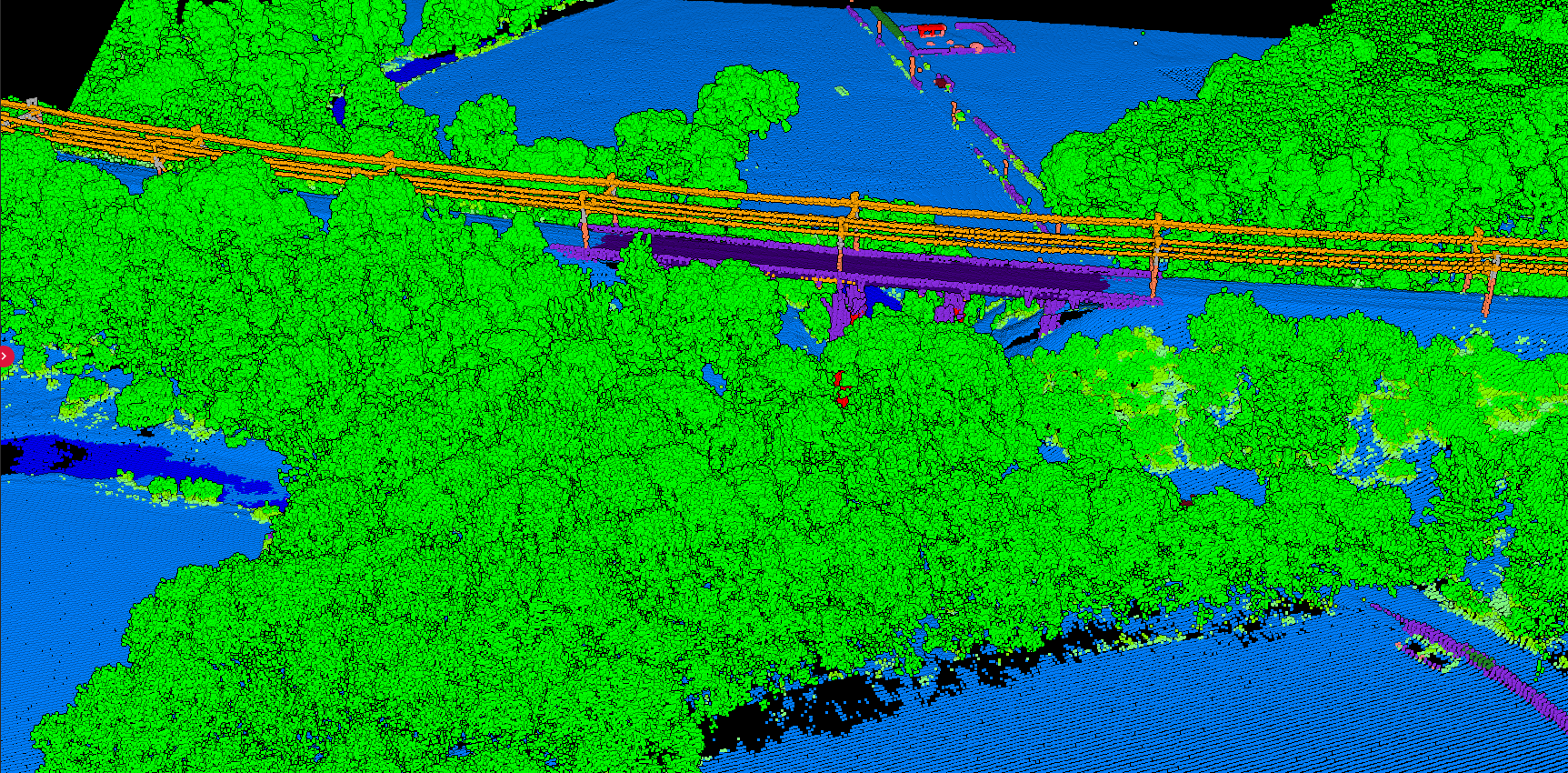
What is a LAS File?
LAS (LASer) is the industry-standard file format for storing LiDAR point cloud data, developed by ASPRS. Files can range from megabytes to gigabytes depending on survey size.
Desktop Software Drawbacks
- ❌ Installation required
- ❌ Complex interfaces with learning curve
- ❌ High RAM and GPU requirements
- ❌ Collaborators need same software
Online Viewer Benefits
- ✅ Instant access—upload and view
- ✅ Works on any device with browser
- ✅ Easy sharing via links
- ✅ Quick preview before processing
How to View LAS Files Online
01
Open Viewer
Go to Lidarvisor Point Cloud Viewer
02
Upload
Drag and drop your LAS or LAZ file (up to 50MB free)
03
Process
Browser renders the point cloud automatically
04
Explore
Rotate, zoom, pan to examine your data
Create a FREE account now and start processing your point cloud
Get 2 GB of storage space and classify up to 10 hectares for free.