

Step-by-Step Tutorial
What is swissSURFACE3D?
swissSURFACE3D models all natural and man-made objects of the surface of Switzerland in the form of a classified point cloud. Collected by airborne LiDAR between 2017–2024, these high-accuracy and high-density data cover the entire country including Liechtenstein.
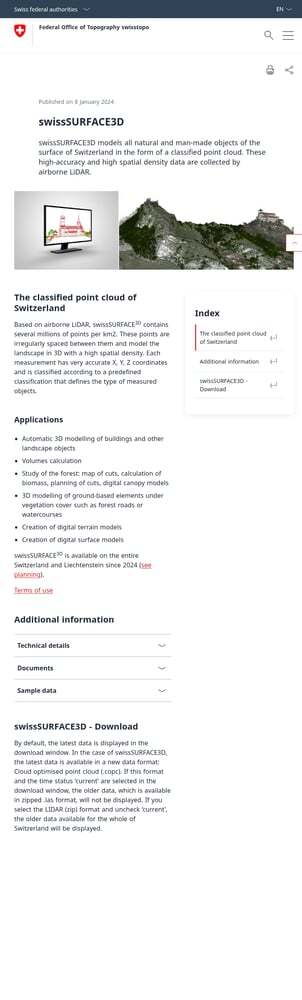
swissSURFACE3D product page with embedded download widget
01
Access the swisstopo Product Page
Navigate to the swissSURFACE3D product page on the swisstopo website:
swisstopo.admin.ch/en/height-model-swisssurface3d
This official page provides complete product documentation and an embedded download widget. No account or registration required — downloads are completely free.
Alternative access:
- Direct STAC browser: data.geo.admin.ch/browser
- Preview on map: map.geo.admin.ch
02
Choose Your Selection Mode
Scroll down to the download widget on the product page. Use the Selection mode dropdown to choose how to select your area:
- Selection by click — Click individual 1 km² tiles on the map
- Selection by rectangle — Draw a box around your area
- Selection by polygon — Draw a custom shape
- Selection by canton — Download an entire Swiss canton
- Selection by municipality — Download a specific commune
- Entire data set — Download all of Switzerland (very large!)
Tip: For small areas, “Selection by click” is quickest. For project sites, use rectangle or polygon.
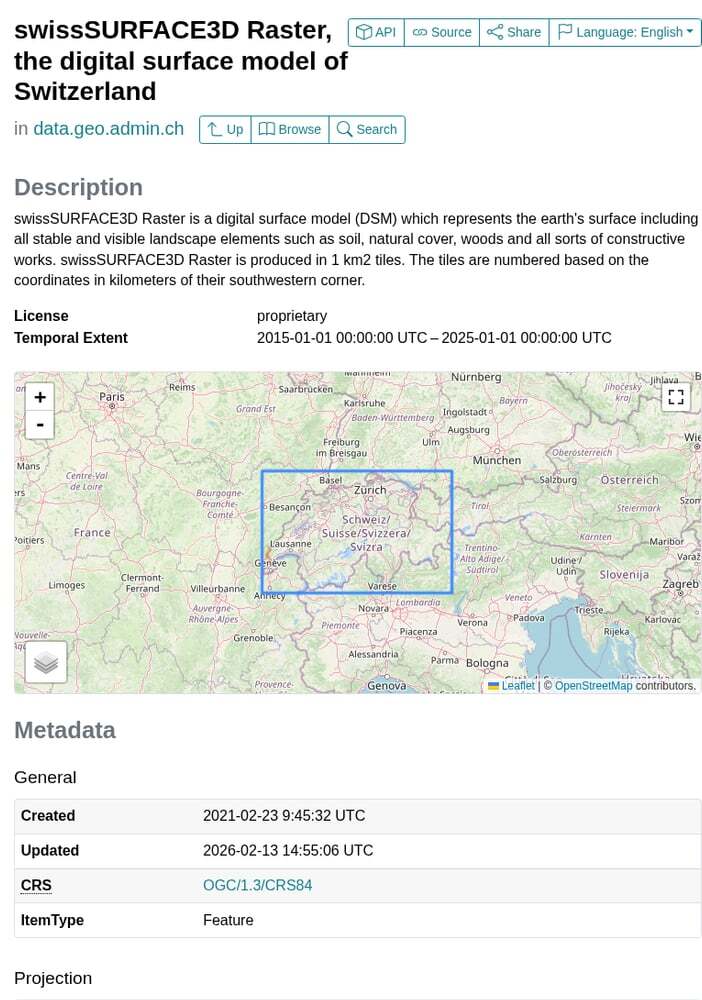
STAC browser showing the swissSURFACE3D collection with tile listings
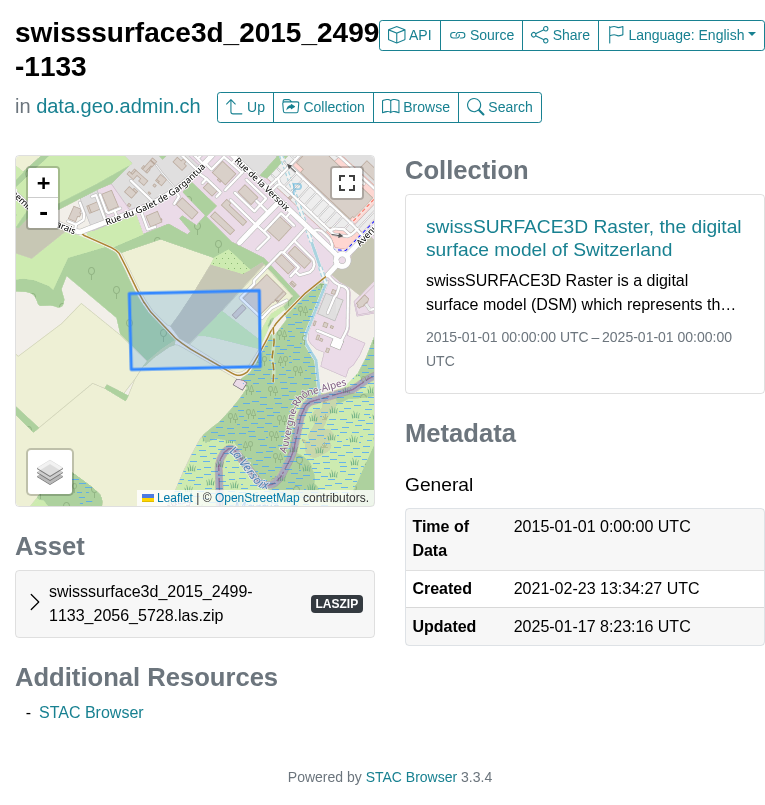
Individual tile page showing asset download link in LAZ format
03
Configure Format and Time Options
Before searching, configure the Options panel:
Format:
- Cloud Optimized Point Cloud (COPC) — Latest format, efficient for streaming/viewing
- LIDAR (ZIP) — Traditional LAZ in ZIP archive, best for processing
Coordinate system: LV95 (Swiss national grid, EPSG:2056)
Time status:
- Check “Current” for the latest data only
- Uncheck to access historical captures (2017–2024)
Important: COPC format with “Current” checked shows only the newest data. To access the full historical archive in LAZ format, select “LIDAR (ZIP)” and uncheck “Current”.
04
Search and Download Your Tiles
After configuring your options:
- Select your area on the map using your chosen selection mode
- Click the “Search” button
- A results list appears with matching tiles
- Click individual download links, or use “Download All” for a link list
File naming convention:
swisssurface3d_2023_2600-1200_2056_5728.las.zip
- 2023 — Capture year
- 2600-1200 — Tile coordinates (km from origin)
- 2056 — EPSG code (LV95)
- 5728 — Height reference (LN02)
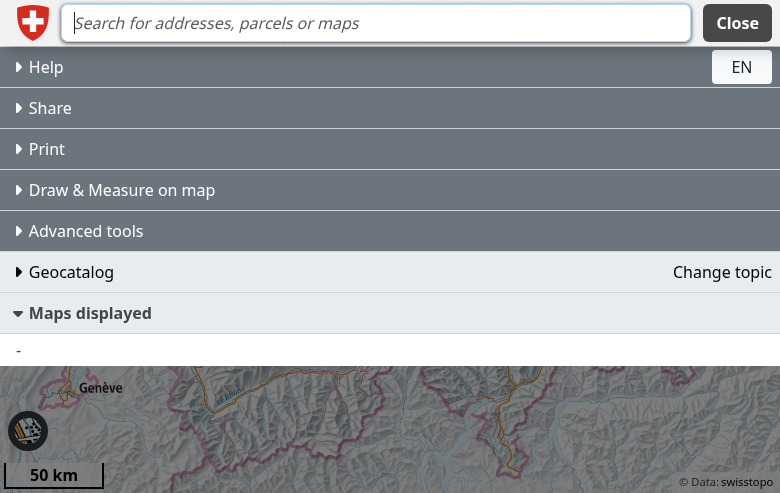
map.geo.admin.ch — preview swissSURFACE3D coverage and layers
Available File Formats
swisstopo LiDAR data is available in modern point cloud formats optimized for different workflows.
| Format | Type | Best For |
|---|---|---|
| COPC | Cloud Optimized Point Cloud | Web streaming, quick visualization, modern workflows |
| LAZ (ZIP) | Compressed LAS | Traditional processing, DEM generation, analysis software |
| swissSURFACE3D Raster | GeoTIFF DSM | Pre-generated 0.5m DSM raster (separate product) |
| swissALTI3D | GeoTIFF DTM | Pre-generated 0.5m DTM (separate product) |
Tips for Downloading Swiss LiDAR
🏔️ Alpine Terrain
Switzerland’s mountainous terrain means highly variable point density. Valleys may have 20+ pts/m² while steep alpine areas may have 5–10 pts/m². Plan processing accordingly.
🗺️ Swiss Coordinate System
All data uses EPSG:2056 (LV95) with heights in LN02 (Landesnivellement 1902). This is the official Swiss reference system. Transform if combining with WGS84 data.
📐 Pre-classified Data
swissSURFACE3D points are pre-classified: Ground (2), Low vegetation (3), Medium vegetation (4), High vegetation (5), Building (6), Water (9), Bridge (17). Extract specific classes directly.
🇨🇭 Related Products
swisstopo also offers swissALTI3D (0.5m DTM) and swissSURFACE3D Raster (0.5m DSM). These pre-generated rasters save processing time if you don’t need point clouds.
Process Your Swiss LiDAR Data in Lidarvisor
Downloaded your LAZ files from swisstopo? Upload them to Lidarvisor for instant cloud processing.
With Lidarvisor, you can:
✦ Upload LAZ/LAS/COPC files directly to the cloud
✦ Visualize in 3D with instant hillshade and coloring
✦ Generate DTMs, DSMs, and contour lines
✦ Export to CAD-ready formats (DXF, SHP, GeoTIFF)
✦ Process large Swiss datasets without hardware limitations
Frequently Asked Questions
Yes! Since 2021, swisstopo geodata including swissSURFACE3D is released as Open Government Data (OGD) under Swiss federal law. This permits both commercial and non-commercial use without cost. Source attribution to swisstopo is appreciated but not legally required.
swissSURFACE3D is the raw classified point cloud from LiDAR surveys — it contains all returns including vegetation, buildings, and ground. swissALTI3D is a pre-generated Digital Terrain Model (DTM) at 0.5m resolution showing only the bare earth surface. Use swissSURFACE3D for custom analysis; use swissALTI3D if you just need elevation rasters quickly.
swissSURFACE3D offers excellent accuracy: ±10 cm vertical (1 sigma) in flat terrain and ±20–30 cm in steep alpine areas. Horizontal accuracy is typically ±20 cm. The data undergoes rigorous quality control by swisstopo before publication. This precision supports cadastral applications, flood modeling, and engineering projects.
Free options:
- CloudCompare — Excellent open-source point cloud viewer and processor
- QGIS + LAStools — Open-source GIS with point cloud plugins
- Potree — Browser-based point cloud viewer
Commercial options:
- Lidarvisor — Cloud-based visualization, classification, and export
- Global Mapper — Comprehensive GIS with strong LiDAR support
- ArcGIS Pro — Industry-standard GIS platform
- Terrasolid — Professional LiDAR processing suite
swisstopo completed the initial nationwide survey (swissSURFACE3D v1) between 2017–2024. Since 2024, they have begun a continuous update program capturing approximately 1/7 of Switzerland each year on a rolling basis. Check the Time status filter in the download widget to see available capture years for your area. The latest data is always marked as “Current”.