

Step-by-Step Tutorial
What is Lantmäteriet?
Lantmäteriet is Sweden’s national mapping, cadastral, and land registration authority. Through their open data initiative, they provide free access to high-quality LiDAR data collected from two major scanning campaigns: Laser data NH (2009-2019, covering the entire country) and Laser data Skog (2018-ongoing, focused on forested areas with higher density).
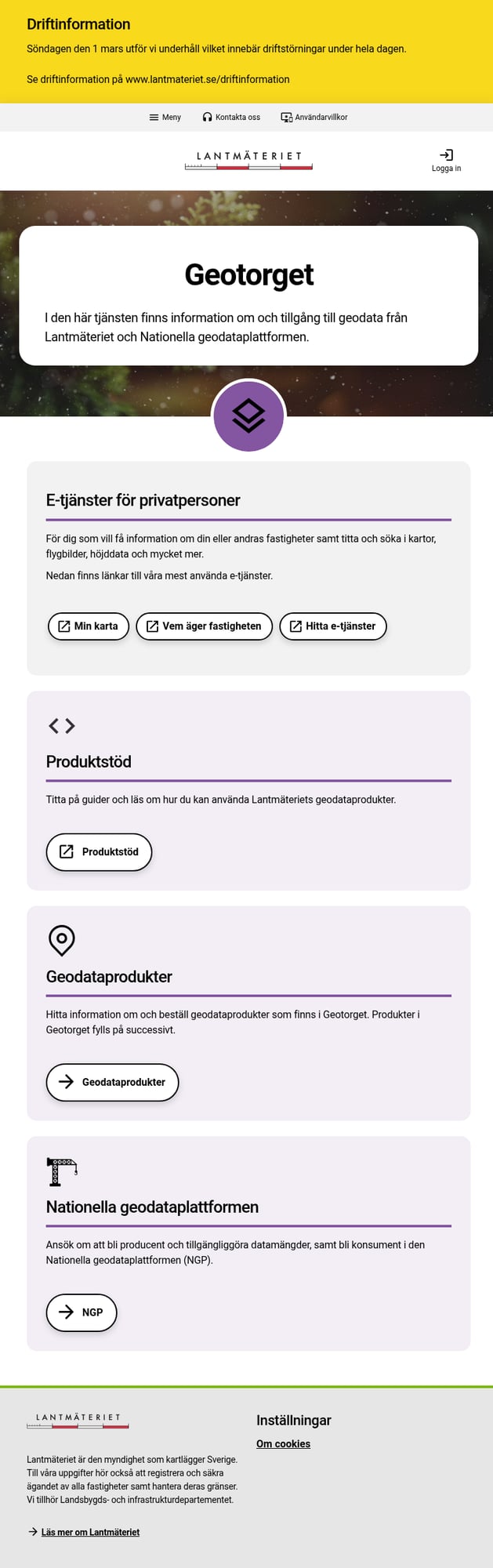
Geotorget login page — create a free account to download data
01
Create a Geotorget Account
Go to geotorget.lantmateriet.se to access the download portal.
To create an account:
- Logga in (Log in) – Click in the top right corner
- Skapa konto (Create account) – Register as Privatperson (Private) or Organisation
- Verify email – Complete the registration process
- Log in – Access your new account
Note: The interface is primarily in Swedish. Use your browser’s translation if needed.
02
Navigate to Laser Data Products
From the Geotorget main page, click Geodataprodukter (Geodata products).
Use the filter Avgiftsfri (Free of charge) to show only open data, then look for:
- Laserdata Nedladdning, NH – Complete national coverage (2009-2019)
- Laserdata Nedladdning, skog – Higher density forest data (2018+)
Which dataset? Use NH for complete coverage (100% of Sweden). Use Skog for higher point density in forested areas (~75% of productive forest land).

Geodata products page showing available LiDAR datasets
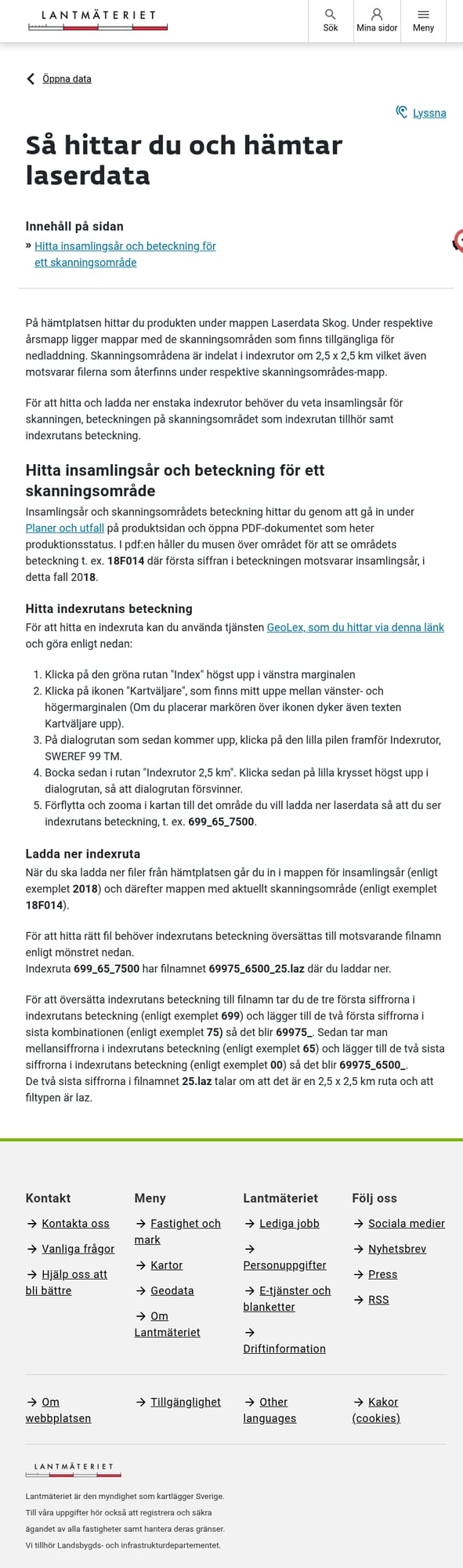
GeoLex showing the 2.5 km index tile grid
03
Find Your Area of Interest
To download specific tiles, identify the tile reference using GeoLex:
- Go to GeoLex
- Click the green Index button (top left)
- Click Kartväljare (Map selector) in the toolbar
- Expand Indexrutor, SWEREF 99 TM
- Check Indexrutor 2,5 km to display the tile grid
- Navigate to your area and note the tile reference (e.g., “699_65_7500”)
04
Create Order & Download
In Geotorget, create a new order for the laser data product.
Area Selection Options:
- Index tiles – Enter specific tile references
- Polygon – Draw an area on the map
- Municipality (kommun) – Select by administrative area
- County (län) – Select entire regions
Submit your order and wait for processing. Download the LAZ files from Mitt konto (My account) → Leveranser (Deliveries).
Order interface with area selection options
Dataset Specifications
Swedish LiDAR data is available in two primary datasets with different specifications:
| Specification | Laser data NH | Laser data Skog (Forest) |
|---|---|---|
| Collection Period | 2009–2019 (complete) | 2018–ongoing |
| Coverage | 100% of Sweden | ~75% of productive forest |
| Point Density | 0.5–1 pts/m² | 1–2 pts/m² |
| Tile Size | 2.5 × 2.5 km | 2.5 × 2.5 km |
| Coordinate System | SWEREF 99 TM (EPSG:3006) | SWEREF 99 TM (EPSG:3006) |
Tips for Downloading Swedish LiDAR
🎯 Choose the Right Dataset
Use NH for complete national coverage. Use Skog (Forest) for higher density in forested areas — ideal for vegetation analysis and forestry applications.
📦 Plan Your Storage
A single municipality can be several GB. A full county (län) may exceed 50-100 GB. Ensure adequate disk space before ordering.
⏱️ Processing Time
Large orders may take hours to process. You’ll receive an email when your data is ready in “Leveranser” (Deliveries).
🔄 Check Production Status
The Forest dataset is still being collected (~75% complete). Check the production status map to confirm data availability for your area.
Process Your Swedish LiDAR in Lidarvisor
Downloaded your Lantmäteriet files? Process them instantly in the cloud with Lidarvisor.
With Lidarvisor, you can:
✦ Upload LAZ/LAS files directly to the cloud
✦ Automatically classify ground, vegetation, buildings, and water
✦ Generate DTMs, DSMs, and contour lines
✦ Export to CAD-ready formats (DXF, SHP)
✦ Process large datasets without hardware limitations
Frequently Asked Questions
Yes! Lantmäteriet’s laser data is released under the CC0 (Creative Commons Zero) license, which means it’s completely free to use, modify, and redistribute — including for commercial purposes. You don’t even need to provide attribution, though citing Lantmäteriet as the source is appreciated.
Laser data NH (Nationell Höjdmodell) was collected 2009-2019 and provides complete national coverage (100% of Sweden) at 0.5-1 points per square meter. It’s ideal for terrain modeling and general-purpose applications.
Laser data Skog (Forest) started in 2018 and is ongoing, with higher point density (1-2 pts/m²) specifically designed for forestry applications. It covers approximately 75% of Sweden’s productive forest land and is being updated on a ~7-year cycle.
Swedish LiDAR data uses SWEREF 99 TM (EPSG:3006), which is Sweden’s national coordinate reference system based on the Transverse Mercator projection. Most GIS software can automatically transform this to WGS84 (GPS coordinates) or other coordinate systems.
LAZ files can be opened with many free and commercial applications:
Free options:
- Lidarvisor — Browser-based, no installation required
- CloudCompare — Open-source desktop application
- QGIS with LAStools plugin — GIS integration
Commercial options: Global Mapper, ArcGIS Pro, Terrasolid, LP360
Yes! Lantmäteriet also provides derived elevation products through Geotorget:
- Markhöjdmodell (Ground Height Model / DEM) — 1m and 2m resolution
- Höjdmodell (Height Model) — Various resolutions
These are available as GeoTIFF raster files. If you need custom derivatives (hillshade, slope, contours), you can generate them from the point cloud data using Lidarvisor.
Yes, you need to create a free Geotorget account to order and download data. Registration is quick — just provide an email address and choose between a private person (Privatperson) or organization account. No payment or subscription is required for accessing the free LiDAR data.