

Complete Step-by-Step Tutorial
What is AHN?
The AHN (Actueel Hoogtebestand Nederland) is the Dutch national elevation dataset, collected through airborne LiDAR surveys. Currently in its 6th iteration, AHN provides free, unrestricted access to both point clouds and derived elevation models.
📡
Point Clouds
LAZ format, ~10 pts/m²
🏔️
DTM & DSM
0.5m and 5m resolution
🇳🇱
Full Coverage
Entire Netherlands
🔓
CC-0 License
Public domain, free to use
Method 1: Using AHN Viewer
Recommended for Interactive Downloads
The AHN Viewer provides an intuitive map interface for browsing and downloading AHN data tiles.
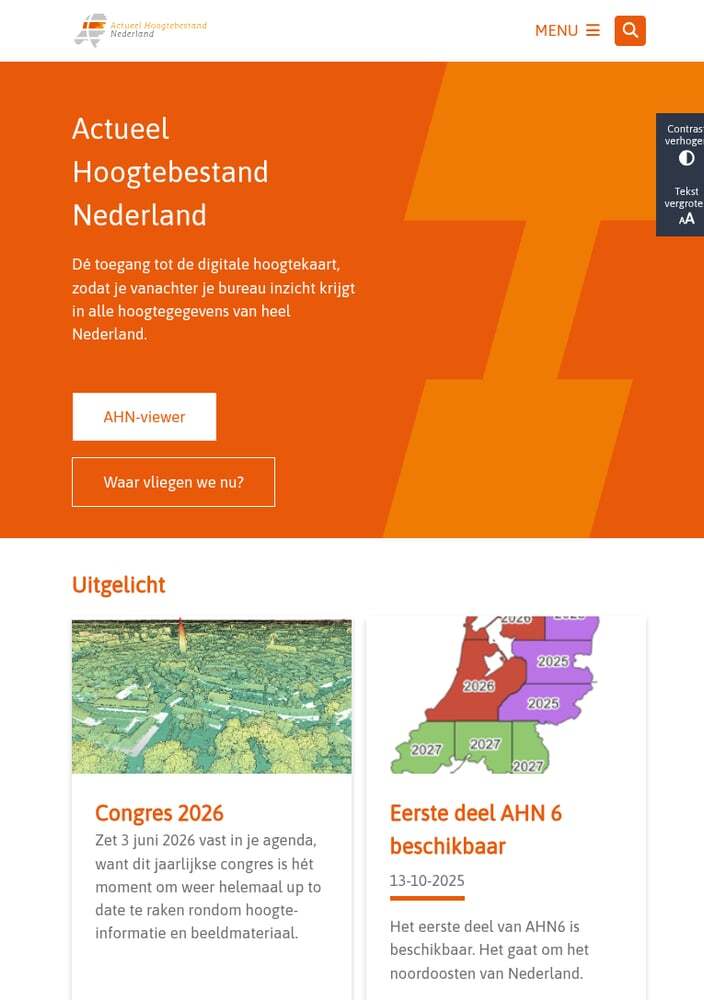
The AHN homepage with links to viewer and documentation
01
Access the AHN Viewer
Navigate to viewer.ahn.nl to access the interactive map. The viewer displays the entire Netherlands with elevation data visualized as a colored hillshade.
Available data layers:
- AHN1: 1996-2003 (5m resolution)
- AHN2: 2007-2012 (0.5m resolution)
- AHN3: 2014-2019 (0.5m resolution)
- AHN4: 2020-2022 (0.5m resolution)
02
Navigate to Your Area
Use the search bar or zoom/pan to find your area of interest. The map shows elevation data with darker colors for lower areas (below sea level) and brighter colors for higher terrain.
Navigation tips:
- Search: Enter a place name, address, or coordinates
- Zoom: Use mouse wheel or +/- buttons
- Click: Click any location to see elevation value
The colour scale ranges from deep blue (below NAP) to white (highest points).
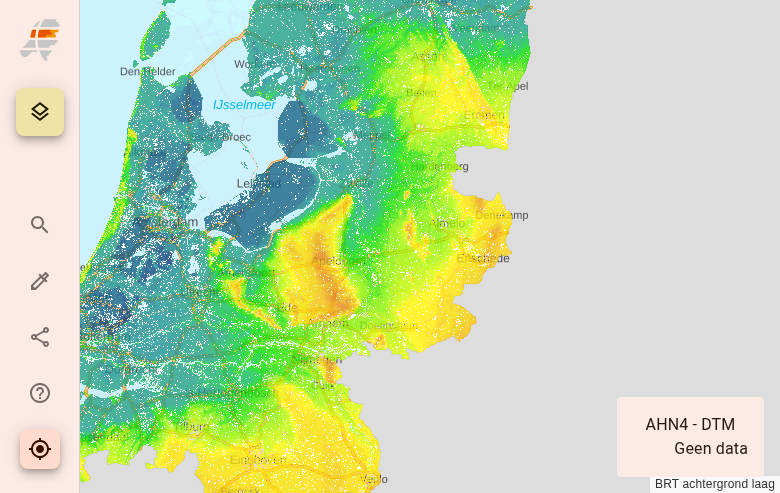
AHN Viewer showing elevation data across the Netherlands
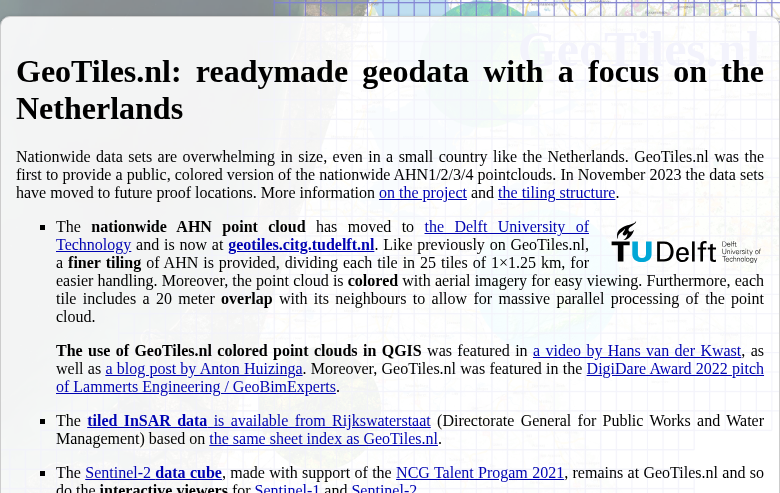
GeoTiles.nl provides direct tile-based access to AHN data
03
Download Data Tiles
AHN data is distributed through multiple channels. For direct tile downloads, use the GeoTiles service from TU Delft.
Available products:
- DTM (maaiveld): Digital Terrain Model – ground surface only
- DSM (ruw): Digital Surface Model – includes buildings & vegetation
- LAZ: Raw point cloud data
Tiles are organized in a regular grid. Click on any tile to download.
Method 2: Using PDOK Services
Best for GIS Integration & Bulk Downloads
The PDOK (Publieke Dienstverlening Op de Kaart) platform provides WMS, WCS, and direct download services for AHN data integration with GIS software.
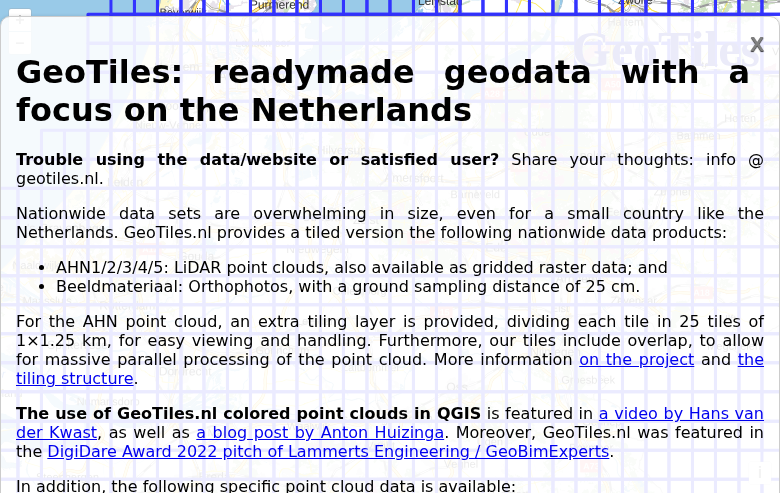
TU Delft GeoTiles interface for bulk downloads
Step 1: Define Your Area
Choose one of these methods:
- PDOK downloads: Browse pre-tiled datasets at downloads.pdok.nl
- WCS service: Request custom extents via OGC Web Coverage Service
- Atom feed: Programmatic access for automation
Step 2: Select Your Product
AHN provides multiple derived products:
- DTM 0.5m: High-resolution terrain model
- DTM 5m: Resampled for larger areas
- DSM 0.5m: Surface model with objects
- Point cloud LAZ: Raw classified points
Step 3: Download
Data is organized in 6.25 × 5 km tiles. Use wget or curl for bulk downloads.
Understanding File Formats
📡 Point Cloud Formats
LAZ — Compressed LAS format used by AHN. Contains classified points (ground, vegetation, buildings, water). Average density ~10 points/m².
COPC — Cloud-Optimized Point Cloud format available for streaming applications.
🏔️ Raster Formats
GeoTIFF — Standard raster format for DTM/DSM at 0.5m and 5m resolutions. 32-bit float values in metres relative to NAP.
ASCII Grid — Text-based format for compatibility with older software.
Tips for Large Downloads
Alternative Access Methods
☁️ Amazon Web Services (AWS)
AHN4 is available as Cloud-Optimized GeoTIFF (COG) on AWS Open Data. Stream elevation data directly without downloading entire files.
🌐 Web Map Services (WMS/WCS)
For visualization or extracting small areas, use PDOK web services directly in GIS software without downloading files.
Perfect for quick previews before committing to full downloads.
Processing Your Downloaded Data
Once you have downloaded your AHN data, you’ll need to process it to extract useful products. Lidarvisor offers a streamlined workflow for processing LAZ point clouds.
Frequently Asked Questions
Yes! All AHN data is released under a CC-0 (public domain) license. You can use it freely for any purpose — personal, commercial, academic — without attribution requirements, though citing the source is appreciated.
AHN4 has a systematic accuracy of ±5cm and stochastic accuracy of ±5cm for the DTM. Point cloud density averages 10 points per square metre. This makes AHN one of the most accurate national elevation datasets in the world.
AHN uses Amersfoort / RD New (EPSG:28992) for horizontal coordinates. Elevations are referenced to NAP (Normaal Amsterdams Peil), the Dutch vertical datum based on mean sea level in Amsterdam. Many areas of the Netherlands are below NAP, so expect negative elevation values.
DTM (Digital Terrain Model) shows the bare ground surface with buildings and vegetation removed. DSM (Digital Surface Model) includes all above-ground objects like buildings, trees, and bridges. For terrain analysis and hydrology, use DTM. For urban planning and visibility analysis, use DSM.
Use the most recent version available for your area (AHN4 or soon AHN5). Older versions are useful for change detection analysis. AHN1 has lower resolution (5m) and is primarily of historical interest. AHN2-4 all provide 0.5m resolution.
For large areas, use the PDOK download service or GeoTiles bulk download. Generate a tile list for your area of interest, then use wget with the –continue flag to handle interrupted downloads. For full Netherlands coverage, consider using AWS S3 with the AWS CLI for faster transfers.