
Learn LiDAR
Lidarvisor vs CloudCompare
Get Production-Ready Results in Minutes, Not Hours
No credit card required • 50 hectares included
Manual point cloud classification takes hours and requires specialized expertise. What if you could get ASPRS-standard results in minutes, with zero parameter tuning? Compare Lidarvisor’s AI automation against CloudCompare’s powerful manual tools.
Quick Comparison
| Feature | Lidarvisor ⭐ | CloudCompare |
|---|---|---|
| Price | Free tier (50 ha) + paid plans | Free (open source, GPL) |
| Platform | Cloud-based (browser) | Desktop (Windows, Mac, Linux) |
| Classification | AI automatic (12+ ASPRS classes) | CSF plugin (ground) + manual |
| DTM/DSM | Automatic from classified points | Rasterize tool (manual workflow) |
| Contours & Hillshade | Automatic | Rasterize tool |
| Vector Extraction | Buildings, trees, wires (automatic) | Manual or plugin-based |
| Manual Editing | Built-in: brush selection, class permutation, filtering | Segment tool, scalar field editing |
| Best For | Production workflows, surveyors | Research, custom analysis |
What is Lidarvisor?
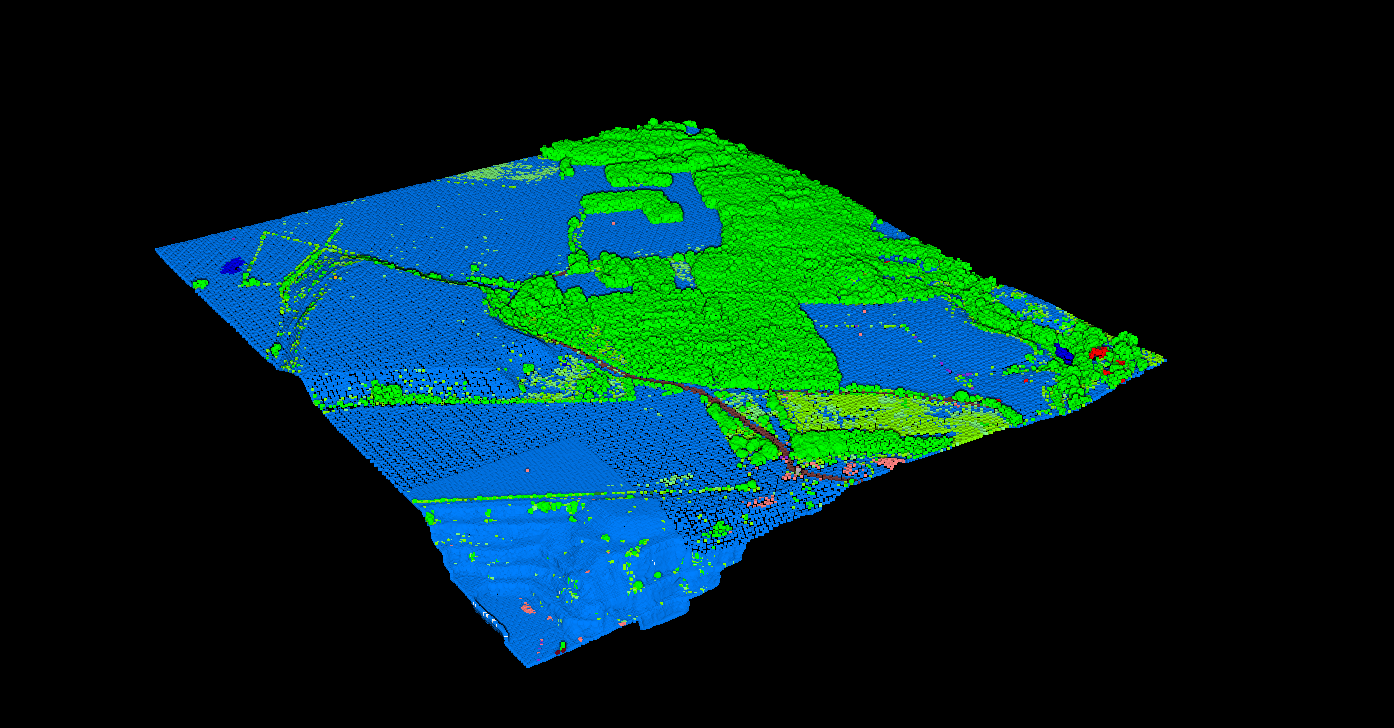
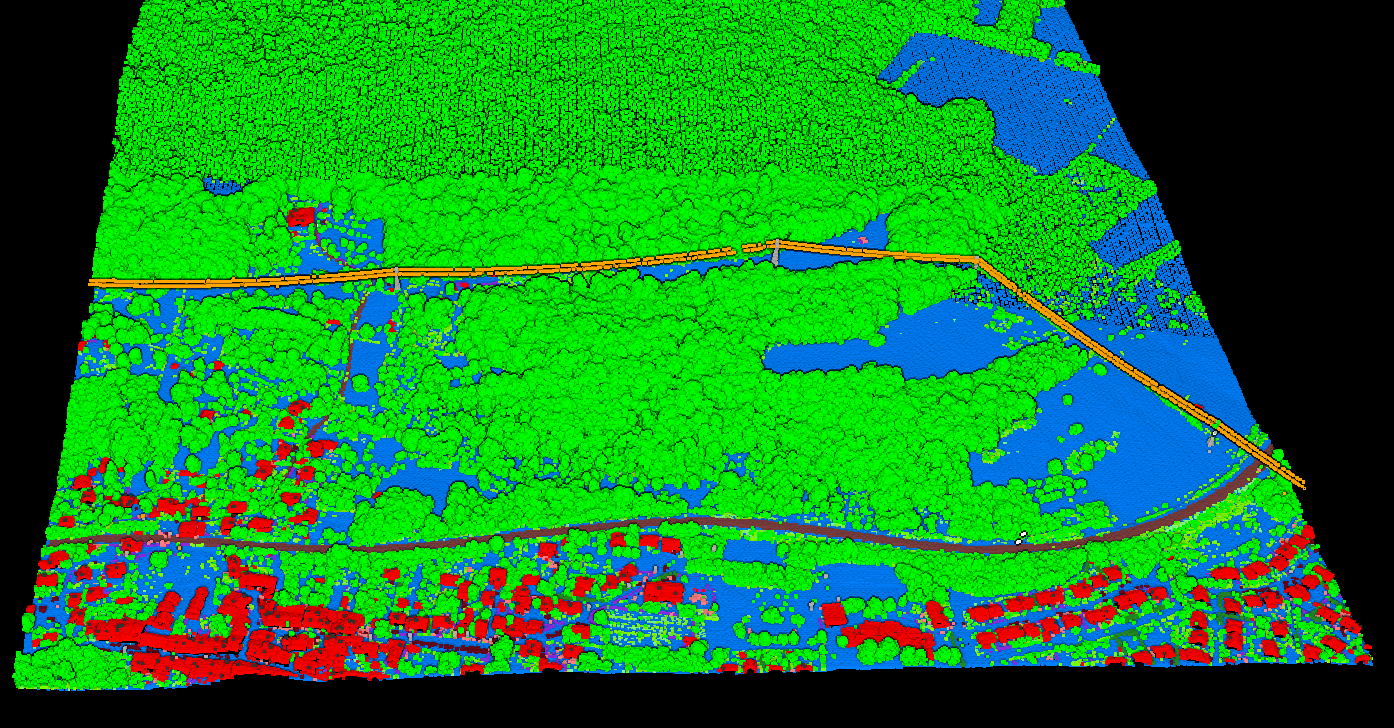
Lidarvisor is a cloud-based LiDAR processing platform designed for production workflows. Upload your LAS or LAZ file, and the AI automatically classifies points into 12+ ASPRS-standard classes, including ground, vegetation (low/medium/high), buildings, water, wires, towers, poles, vehicles, bridge decks, and fences. No parameter tuning required.
What is CloudCompare?
CloudCompare is a free, open-source 3D point cloud processing application. Originally developed at Telecom ParisTech and EDF in 2003 for change detection in industrial facilities, it has evolved into a comprehensive point cloud editing toolkit used by researchers, engineers, and hobbyists worldwide.
Key capabilities:
- Point cloud registration (ICP algorithm)
- Cloud-to-cloud and cloud-to-mesh distance computation
- Rasterize tool for DTM, DSM, hillshade, contours
- CSF plugin for automatic ground classification
- Geometric features (curvature, roughness, density)
- 20+ plugin ecosystem for extended functionality
Strengths:
- Completely free, forever
- Handles E57, PTX, and scanner-specific formats
- Powerful for custom analysis workflows
- Active open-source community
- Full control over every parameter
Why pay for Lidarvisor if CloudCompare is free?
Yes, and it is excellent for what it does. The real question is: what is your time worth?
Manual classification can take hours per dataset, while Lidarvisor delivers results in minutes. If you process multiple datasets or need faster turnaround, the time savings can quickly outweigh the subscription cost.
CloudCompare is a strong choice for research, experimentation, and custom analysis. Lidarvisor is the better fit when you need faster, repeatable deliverables without a manual classification workflow each time.
Free tier: 50 hectares included. No credit card required.
When to Use Each
Choose CloudCompare
- Research and experimentation: Custom analysis, testing algorithms, academic work
- Scan registration: Aligning multiple scans with ICP
- Distance analysis: Cloud-to-cloud or cloud-to-mesh comparison
- Zero budget: When free software is a hard requirement
- Terrestrial LiDAR: TLS or mobile scanning workflows
- Custom formats: E57, PTX, scanner-specific files
Choose Lidarvisor
- Production speed: Fast turnaround on aerial LiDAR classification
- Consistent deliverables: DTM, DSM, contours, footprints every time
- Non-specialist users: Team members who are not point cloud experts
- Client sharing: Browser-based viewer with shareable links
- Forestry and utility work: Pre-built reports for tree inventory and vegetation risk
- CAD deliverables: Direct DXF export with organized layers
- Manual refinement: Built-in brush selection, class permutation, and filtering
Classification: The Key Difference
CloudCompare classification: The CSF plugin (Cloth Simulation Filter) automates ground/non-ground separation for aerial LiDAR. For other classes like buildings, vegetation types, or wires, you use manual segmentation tools or additional plugins. This gives you complete control but requires expertise.
Lidarvisor classification: The AI model segments your point cloud into 12+ ASPRS classes within minutes. Ground, low/medium/high vegetation, buildings, water, wires, towers, poles, vehicles, bridge decks, and fences are all identified automatically.
No parameter tuning required. Plus, built-in manual tools (brush selection, class permutation, and filtering) let you refine edge cases without leaving the platform.
Bottom line: CloudCompare automates ground classification; Lidarvisor automates everything — and now includes manual editing tools for edge cases.
Using Both Together
Many professionals use both tools in their workflow:
1
Pre-process
Merge scans, remove noise in CloudCompare
2
Classify
Upload to Lidarvisor for AI classification
3
Refine
Use Lidarvisor’s manual tools (brush, filtering, class permutation) or CloudCompare
4
Deliver
Generate DTM, contours, reports from Lidarvisor
Ready to Try Automated Classification?
Start with 50 Hectares of free processing. No credit card required. CloudCompare is a free and open-source project developed by Daniel Girardeau-Montaut and contributors. This comparison is based on publicly available documentation.
Create free account50 hectares free. No credit card. No software to install.