
Land Surveyors
Review data, send clients a link limited to the deliverable, export to CAD formats.
Features
Point Cloud Viewer Point Cloud Preprocessing Point Cloud Classification Point Cloud Rasterization Point Cloud Vectorization Processing APIIndustry
Land Surveying Utility Vegetation Management Forestry Hydrology & WaterMore
Pricing Contact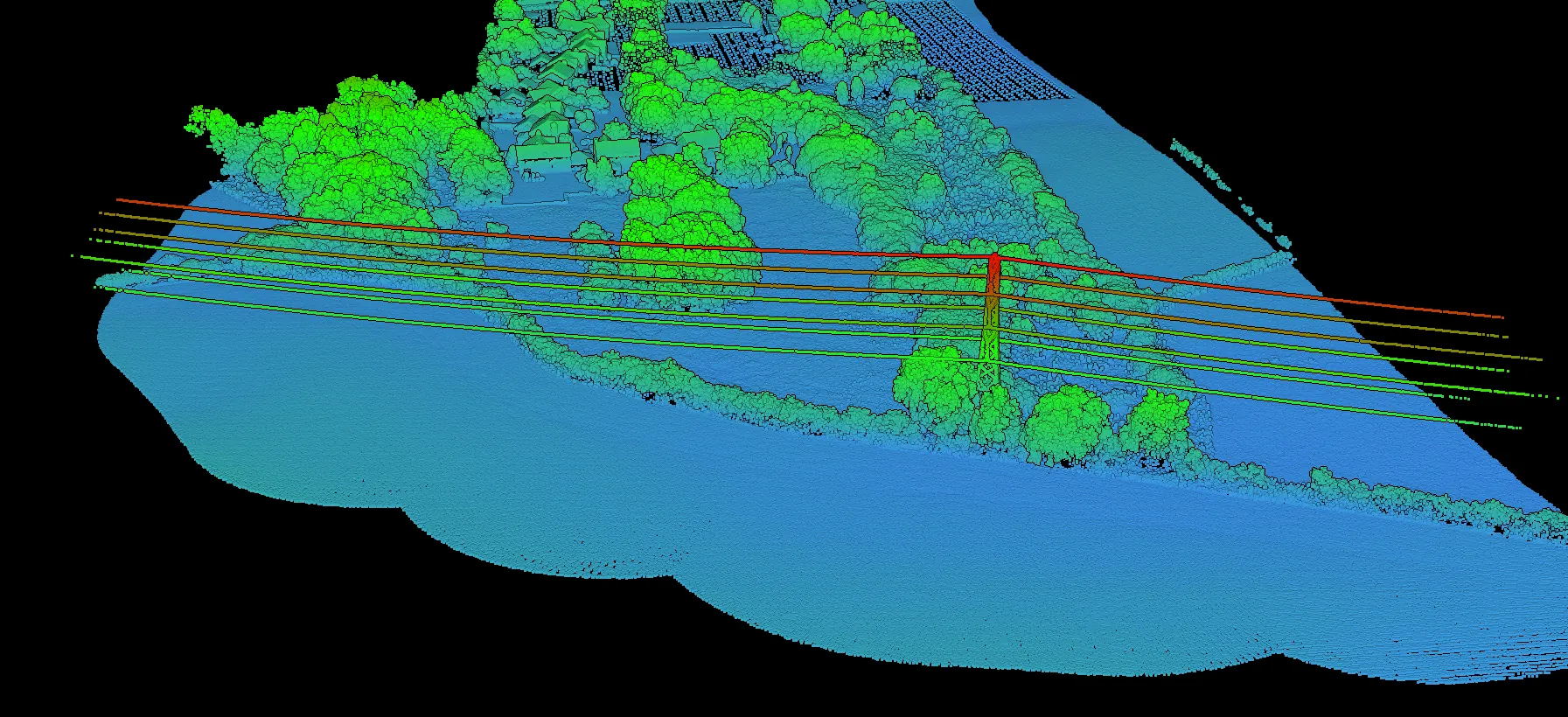
Point cloud visualization
No software to install. Upload your LAS or LAZ files, visualize them instantly in your browser, and send your client a link that opens on the view you chose.
No credit card required • 5 GB included
What it does
Built on WebGL with a streaming architecture, so large datasets start rendering while they are still loading.
WebGL technology
Progressive streaming, automatic level of detail.
Data loads progressively, so you can start exploring a large dataset while the rest arrives in the background. The viewer adapts level-of-detail to your zoom, keeping navigation responsive even on dense clouds.
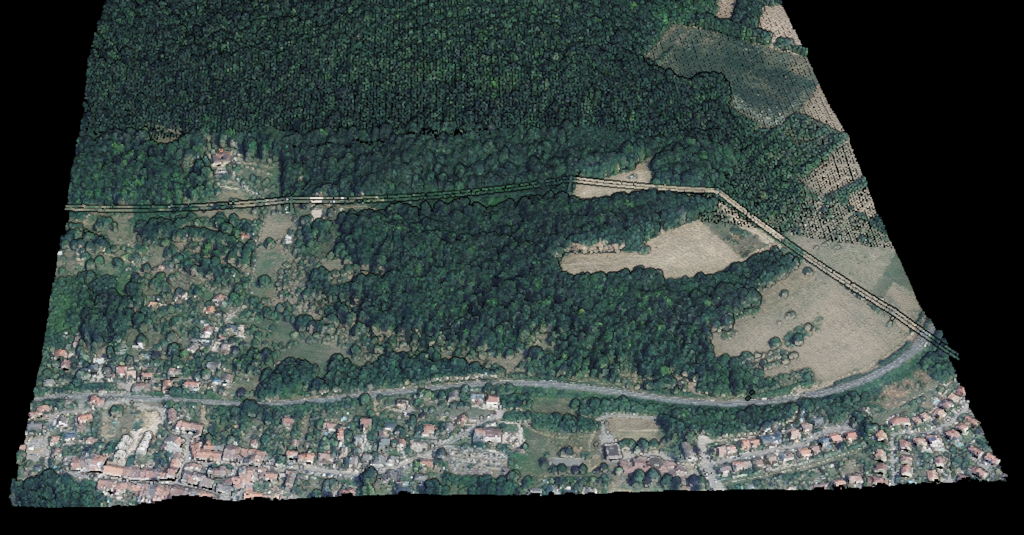
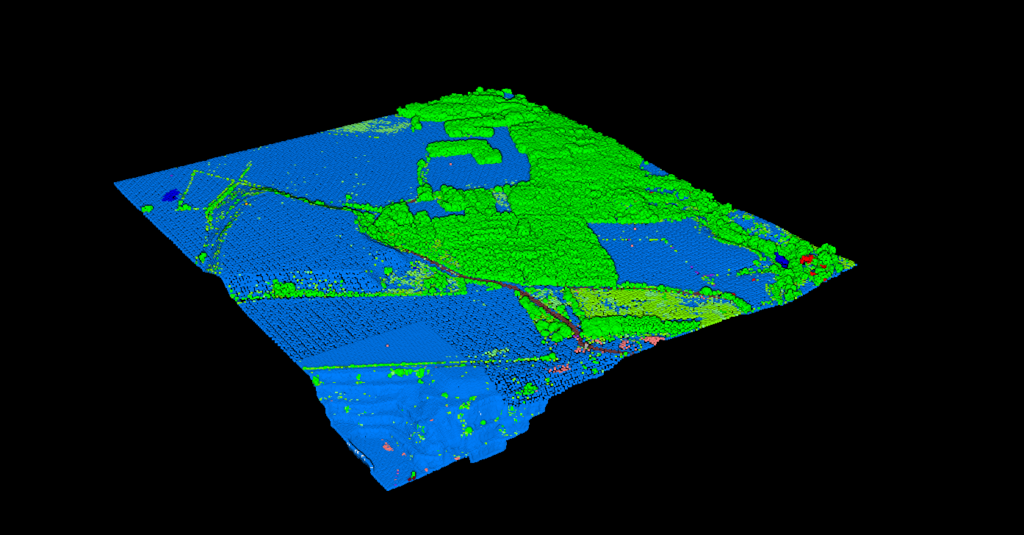
Visualization modes
Switch between display modes instantly.
Each mode reveals a different aspect of the data, whether you are analysing terrain, verifying classification accuracy, or presenting results to a client.
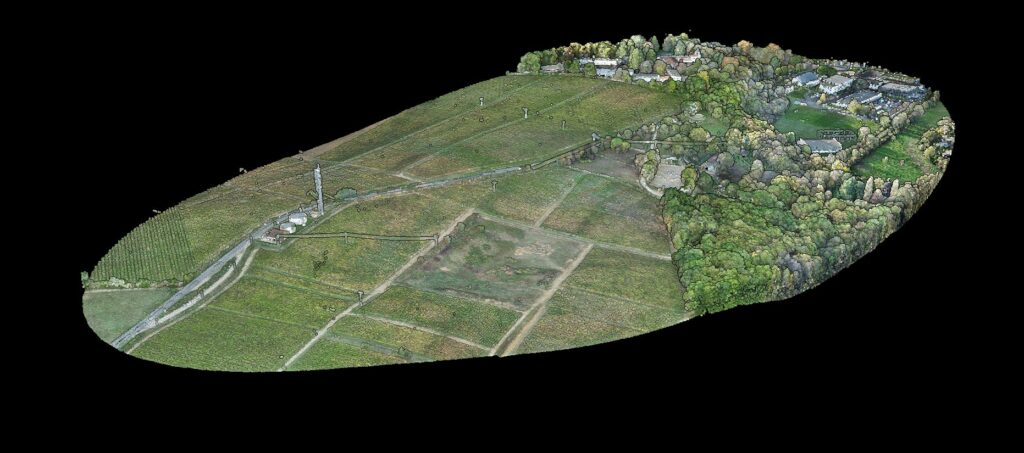
Collaboration
No account required for recipients.
Send a link that opens on the view you set up, showing only the layers you allow. Your client explores the result in full 3D without creating an account or installing anything, and never sees the working layers you left out.
The difference
Desktop software needs installation, licences and powerful hardware. Lidarvisor runs anywhere.
Need the metadata rather than the picture? Read the header, coordinate system, extent and classification breakdown of any LAS or LAZ file straight in your browser, without uploading it.
Beyond viewing
Processing
From raw points to deliverable outputs.
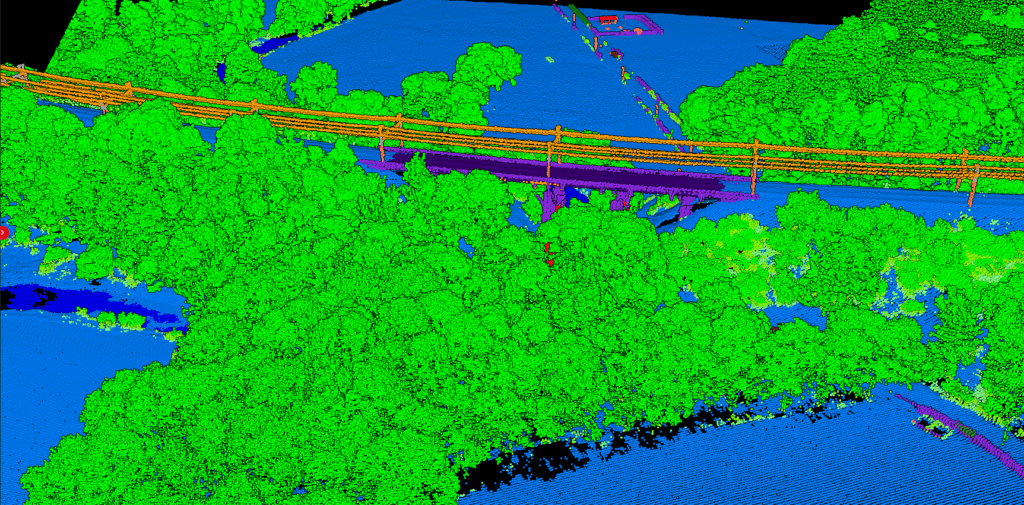
Lidarvisor classifies your point cloud into ground, vegetation, buildings and more, then exports the derived products your GIS or CAD workflow needs.
Use cases
Review data, send clients a link limited to the deliverable, export to CAD formats.
Upload after each flight, check results, deliver a branded link to the client.
View site surveys on any device, share progress without file transfers.
Share datasets with colleagues without IT infrastructure.
Customer stories
The powerful classification is the best feature. It saves a lot of time and money compared to manual classification or expensive solutions.
 Emilio Segovia
We saved a lot of time classifying our point clouds. Not only classified data, but also DEM, DSM, DXF exports we could use directly in our analysis software.
 Marcel Aertssen
Excellent software. Processing is extremely fast and highly accurate. Exemplary DSM and DTM outputs.
 Theoharis Papadiamantis
Lidarvisor has transformed my LiDAR post-processing workflow. The speed of results is impressive, all the useful data is correlated, and what I find exceptional is the DXF export function.
 Carolina Collaro
We used to outsource our LiDAR processing. With Lidarvisor, we brought it in-house and cut our costs significantly while keeping full control over the workflow.
 Bodie Lloyd Kirori
We tested Lidarvisor and achieved excellent results using a single platform. Previously, we needed up to three different programs to get similar results, which took us far more time and effort.
 Eduardo Bonilla
Questions
LAS and LAZ, the industry-standard formats for LiDAR data. LAZ files are compressed versions of LAS that take less storage while keeping full data fidelity. We support LAS versions 1.2 through 1.4.
Free accounts can upload files up to 5 GB (LAS) or 1 GB (LAZ), with 5 GB of total storage. Processing plans support larger files. The streaming architecture handles large files efficiently, loading progressively so you can start viewing immediately.
Yes. You create a link that opens on the view you set up and carries only the layers you tick, and your client views it in full 3D without creating an account or installing anything. You can lock the layer selection so it cannot be changed, add a password or an expiry date, and revoke the link at any time. From the Premium plan the viewer carries your own logo.
No. The viewer runs entirely in your browser using WebGL. Any modern browser (Chrome, Firefox, Safari, Edge) on any device can view point clouds, so you can reach your data from a workstation, a laptop or a tablet.
Beyond viewing, you can export classified point clouds, DTM and DSM rasters, contour lines, building footprints, tree crowns and more, ready for GIS software, CAD applications or further analysis.
Documentation
How to view and work with point clouds in Lidarvisor.
Upload your LAS or LAZ file and view it in 3D within minutes. No software to install.
Create free accountQuestions? Contact our team or check our pricing plans